How to Fix a USB Device Not Recognized in Windows
USB device not recognized in Windows? Swap the port, cable and PC first, then fix the controller, the descriptor error, and USB selective suspend.
USB device not recognized in Windows? Swap the port, cable and PC first, then fix the controller, the descriptor error, and USB selective suspend.
Turn off the touch screen on Windows 11 via Device Manager or PowerShell, re-enable it later, and stop Windows switching it back on after updates.
Brightness slider missing or doing nothing on Windows 11? Fix the monitor device, the display driver, Fn keys, and brightness that changes by itself.
Bluetooth missing from Windows 11 Settings? Check the hardware, restart the Bluetooth Support Service, reinstall the driver, and stop it dropping out.
Update Windows 11 drivers the safe way: Windows Update, Device Manager, and maker tools – plus when to roll back and why to skip driver-updater apps.
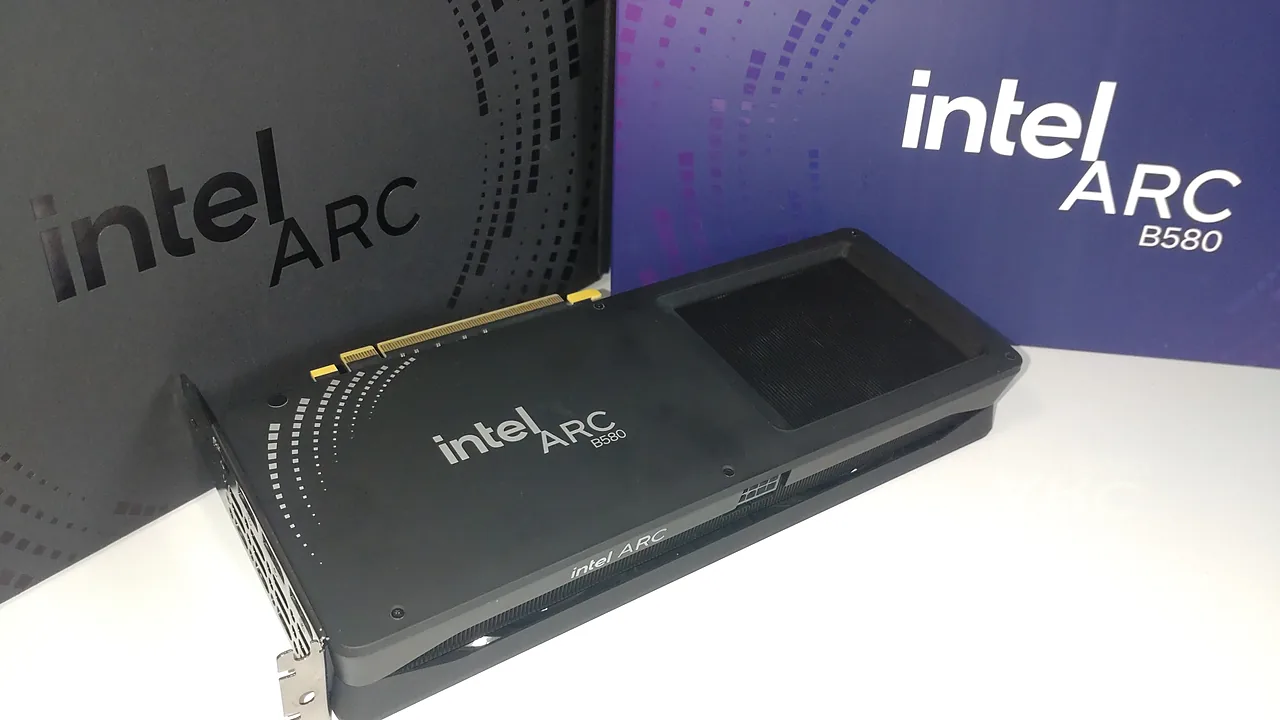
Update Intel graphics drivers safely with Intel Driver & Support Assistant, or install manually. Plus fixes for failed installs and black screens.
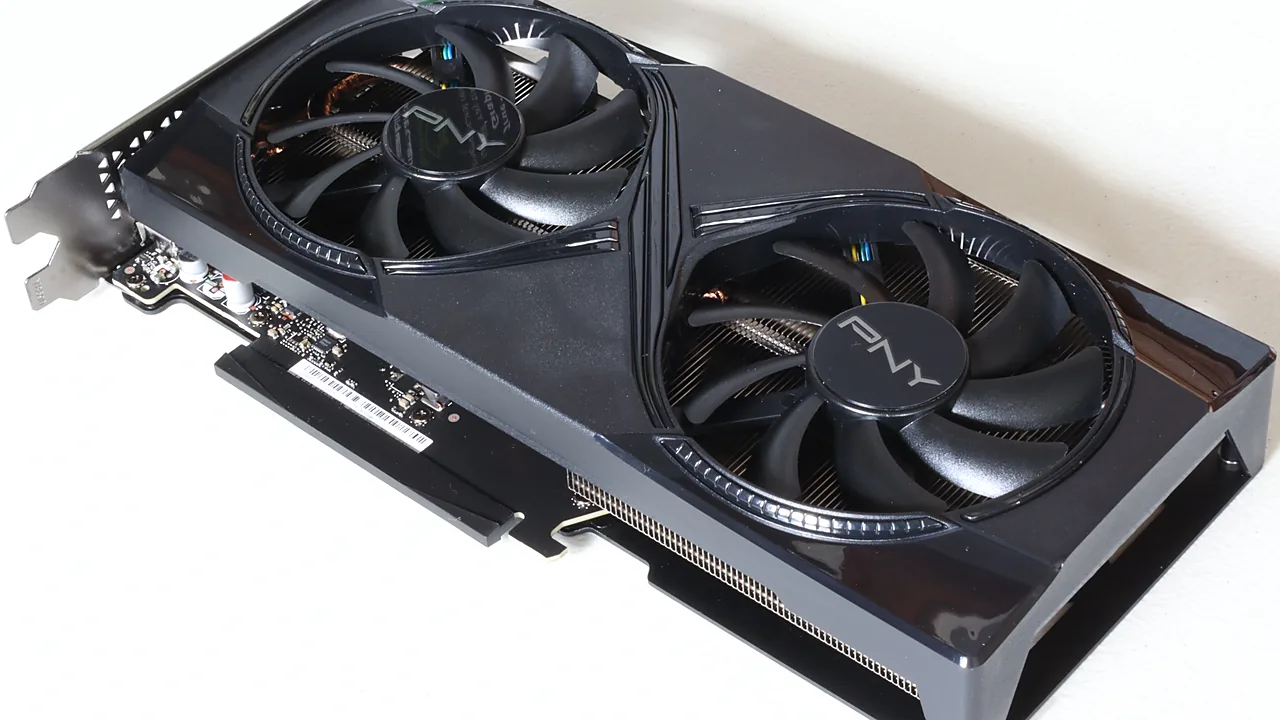
Install or update NVIDIA drivers the clean way: GeForce Experience is gone (NVIDIA App replaced it), plus fixes for black screens and failed installs.
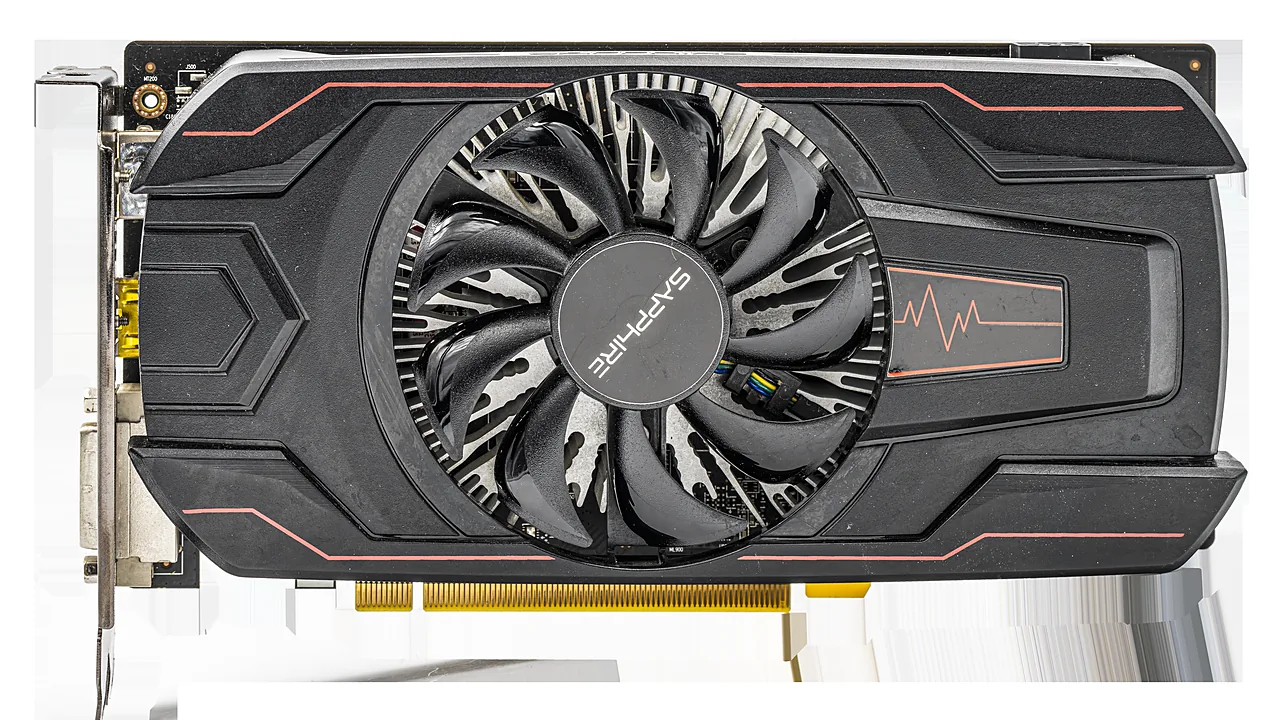
Identify your GPU, download the right Adrenalin driver from AMD, install with Factory Reset, and recover from black screens with DDU in Safe Mode.