Quick summary
- A laptop parked at 60 or 80 per cent is usually obeying a manufacturer setting rather than failing.
- The battery report compares what the cell holds now with what it held when new, which is the only honest measure.
- An underpowered USB-C charger can keep the percentage frozen in place instead of raising it at all.
Short answer: Check the socket, the adapter light and the charging port first — most of these faults never reach Windows. “Plugged in, not charging” usually means a vendor charge limit such as Lenovo Conservation Mode, not a dead battery. If Windows sees no battery at all, reinstall the ACPI battery driver in Device Manager.
Last checked: October 2026. Tested against Windows 11 version 26H2.
Start at the wall, not in Windows
Three physical checks rule out most of these cases before any software is involved.
- The socket. Plug something else into it. Extension leads and switched sockets fail quietly and often.
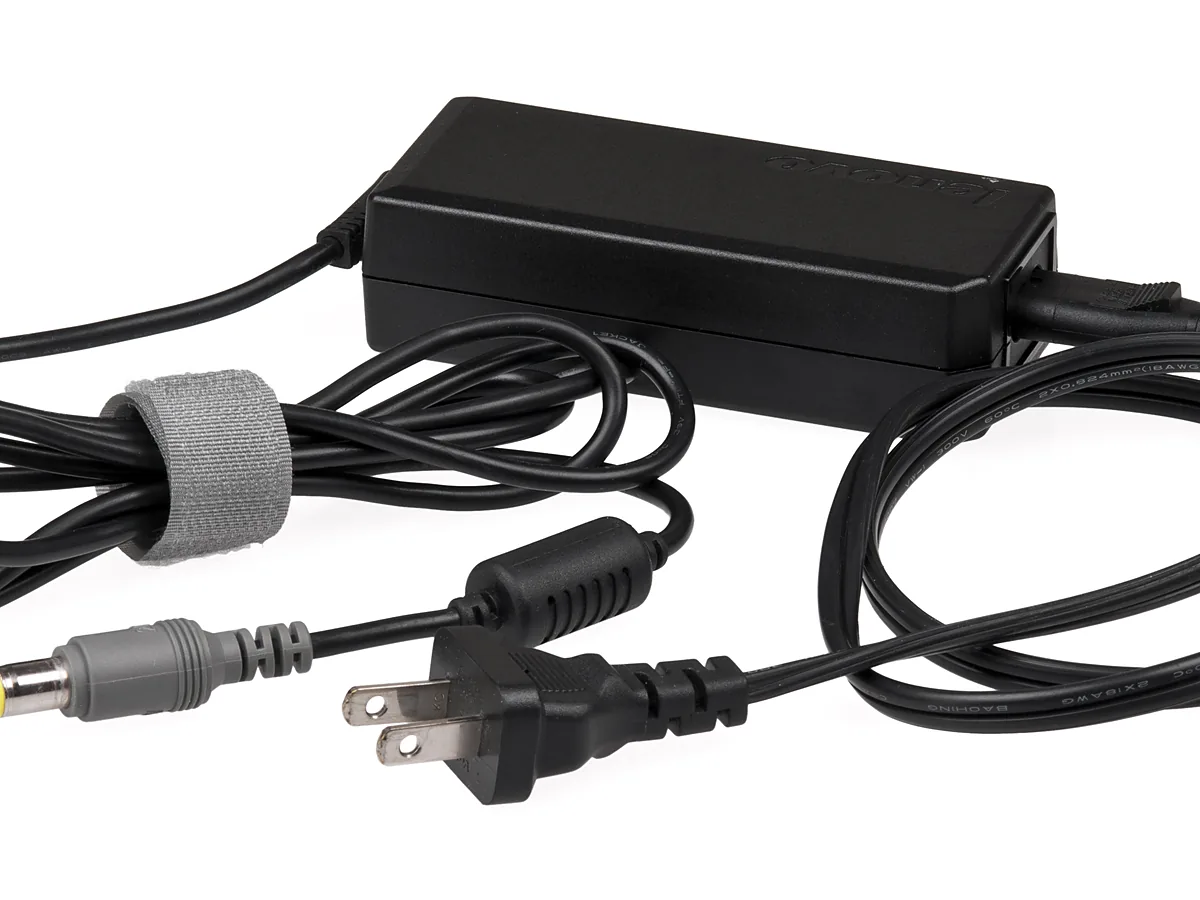
- The adapter. Most have a small light on the brick or at the plug. No light means no power reaching the laptop, and nothing in Settings will change that.
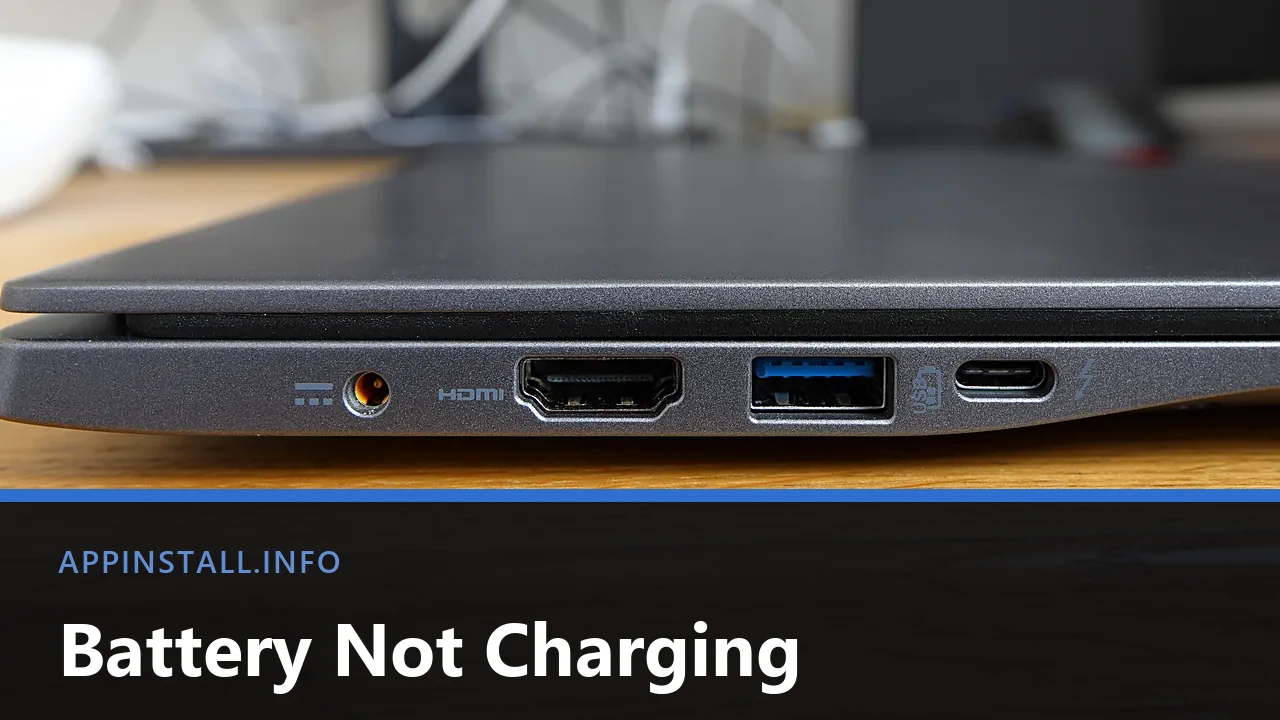
- The port. On a laptop with both a barrel socket and USB-C, only some of the USB-C ports carry power. Look for a small battery or lightning symbol beside the port, or check the model’s specification page.
Wiggle the plug gently while watching the charging icon. A connection that comes and goes as you move it is a failing socket on the laptop or a broken wire near the plug, and that is a repair rather than a setting.
Read the message carefully
Hovering over the battery icon gives one of several messages, and they mean different things.
- “Plugged in, charging” — working. If the percentage is still not rising, skip to the battery report below.
- “Plugged in, not charging” — power is arriving but the battery is refusing it. This is usually a deliberate charge limit, not a fault. The next two sections cover it.
- “Plugged in” with no mention of the battery — Windows cannot see a battery at all. Go straight to the driver section.
- Nothing changes when you plug in — back to the wall, the adapter and the port.
The charge limit that looks like a fault
A laptop that stops at 60, 70 or 80 per cent and refuses to go further is almost always doing exactly what it was told.
Every major manufacturer ships a setting that caps the charge to make the battery last longer, and each one hides it somewhere different: Lenovo calls it Conservation Mode in Vantage, Dell has Primarily AC Use in Power Manager, ASUS has Battery Health Charging in MyASUS, and HP keeps Battery Health Manager in the firmware rather than in Windows. Open your vendor’s utility and look for it before assuming the battery has failed.
Windows 11 has its own version as well. Check Settings → System → Power & battery for a smart or adaptive charging option that pauses the charge near 80 per cent when the machine sits plugged in for long periods.
If the vendor utility is missing entirely after a clean install, that is the same gap behind several other odd behaviours — brightness not working on Windows 11 covers reinstalling it, and the battery settings reappear with it.
Reinstall the battery driver
If Windows reports no battery, or the percentage is frozen, the ACPI battery driver is the usual suspect. This is safe: Windows puts it back on the next boot.
- Right-click Start and open Device Manager.
- Expand Batteries. You should see Microsoft AC Adapter and Microsoft ACPI-Compliant Control Method Battery.
- Right-click the second one and choose Uninstall device. Do not tick any option to delete driver software; there is none to delete here.
- Shut down, unplug the charger for a minute, plug it back in and start up again.
If the Batteries section is missing altogether, the general routine in updating drivers on Windows 11 applies, with the chipset driver from the laptop maker as the one to reinstall first.
Find out how worn the battery actually is
Windows can tell you this precisely, and the tool is built in. Open Terminal and run:
powercfg /batteryreport /output "%USERPROFILE%\battery-report.html"
Open the file it names. The number to read is Full Charge Capacity against Design Capacity. A battery holding 80 per cent of its original capacity is normal after a few years; one holding 40 per cent will drain quickly no matter what the charging behaviour looks like.
The report also lists recent charge cycles and usage history, which shows whether the charge is actually going in over time or only appearing to.
If you decide to replace it, buy by the exact model code rather than the marketing name. Checking your PC specs on Windows 11 shows where the System SKU lives, and that code is what matches a battery correctly.
Charging over USB-C
USB-C charging has a wattage requirement that a cable cannot announce. A 30-watt phone charger connected to a laptop that expects 65 watts may charge only while the machine is asleep, hold the level steady without rising, or do nothing at all under load.
Match or exceed the wattage printed on the original adapter. The cable matters too: one rated for lower current limits the whole chain whatever the adapter supplies.
Troubleshooting
It charges when the laptop is off but not while it is running. The adapter cannot keep up with the load. Either it is underpowered for this machine, or the machine is drawing more than usual because something is working hard in the background.
The percentage jumps around, or drops suddenly from 40 to 5. The battery’s own gauge has lost calibration. Let it discharge until the laptop sleeps on its own, then charge it to full uninterrupted. If the jumps continue afterwards, the cell itself is failing.
It was fine until a Windows update. Reinstall the vendor power-management software first. Windows Update occasionally replaces part of it with a generic driver that does not understand the charge limits.
The battery is swollen, or the case has started to bulge. Stop charging it and stop using the laptop on your lap. A swollen lithium battery is a fire risk, must never be punctured or pressed back into place, and needs replacing by someone equipped to handle it.
A new battery will not charge either. Suspect the charging circuit on the mainboard, especially if the laptop has taken a knock or a spill. At that point it is a workshop job, not a configuration one.
FAQ
Is it bad to leave the laptop plugged in all the time? Modern laptops stop charging at full and run from the adapter, so it does no direct harm. Heat is the real enemy, which is why the vendor charge limits exist.
Should I let it run flat regularly? No. Lithium batteries prefer shallow cycles. A full discharge is useful once in a while only to recalibrate the gauge.
Can I use a charger from a different brand? Over USB-C, yes, if the wattage is right. For a barrel plug, match the voltage exactly and the amperage at or above the original; the wrong voltage can damage the laptop.
Why does it say 100 per cent but die in an hour? Because 100 per cent means full for whatever capacity remains. Read Full Charge Capacity in the battery report for the real figure.
Does closing apps make it charge faster? Slightly, on an underpowered adapter, because less of the incoming power goes to running the machine. On a correctly matched adapter it makes no noticeable difference.
Featured image: Photo: Bobulous / Wikimedia Commons, CC BY-SA 4.0, title text added by AppInstall.info