Touchpad Not Working on Windows 11: How to Fix It
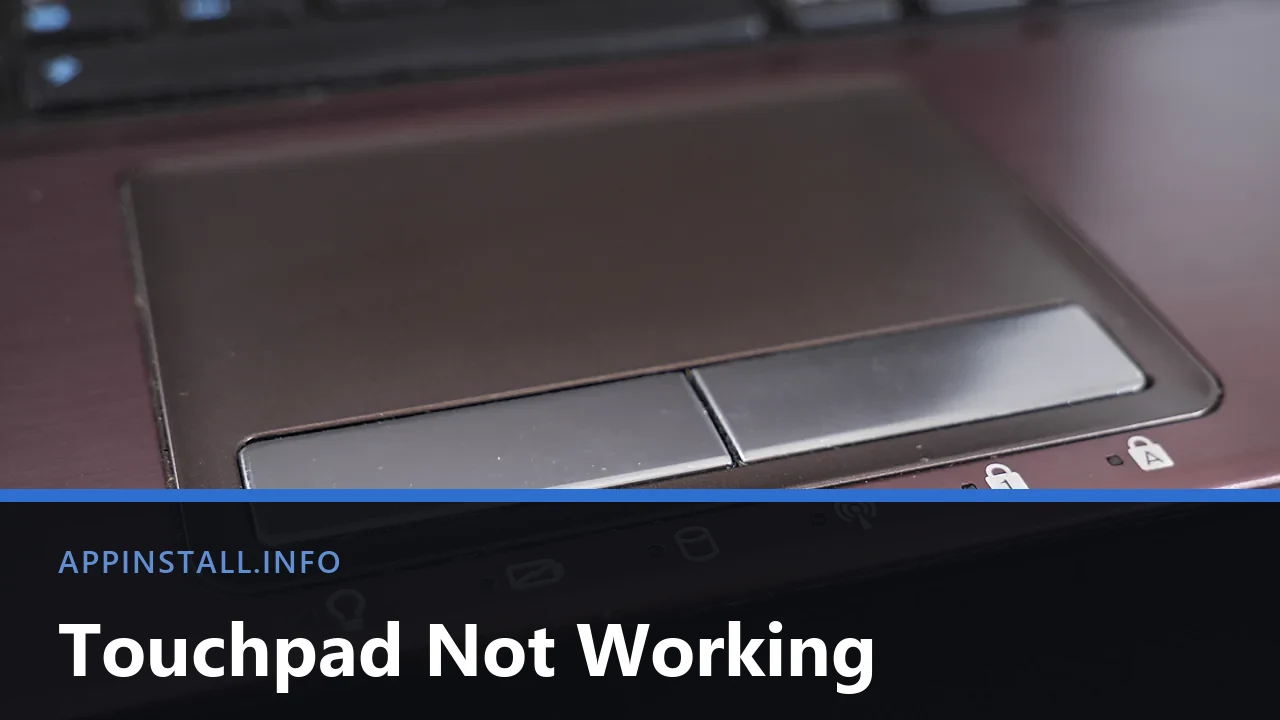
Touchpad not working on Windows 11? Check the Fn key, the corner tap and the Settings toggle, then the mouse rule and the driver, in that order.
Touchpad not working on Windows 11? Check the Fn key, the corner tap and the Settings toggle, then the mouse rule and the driver, in that order.
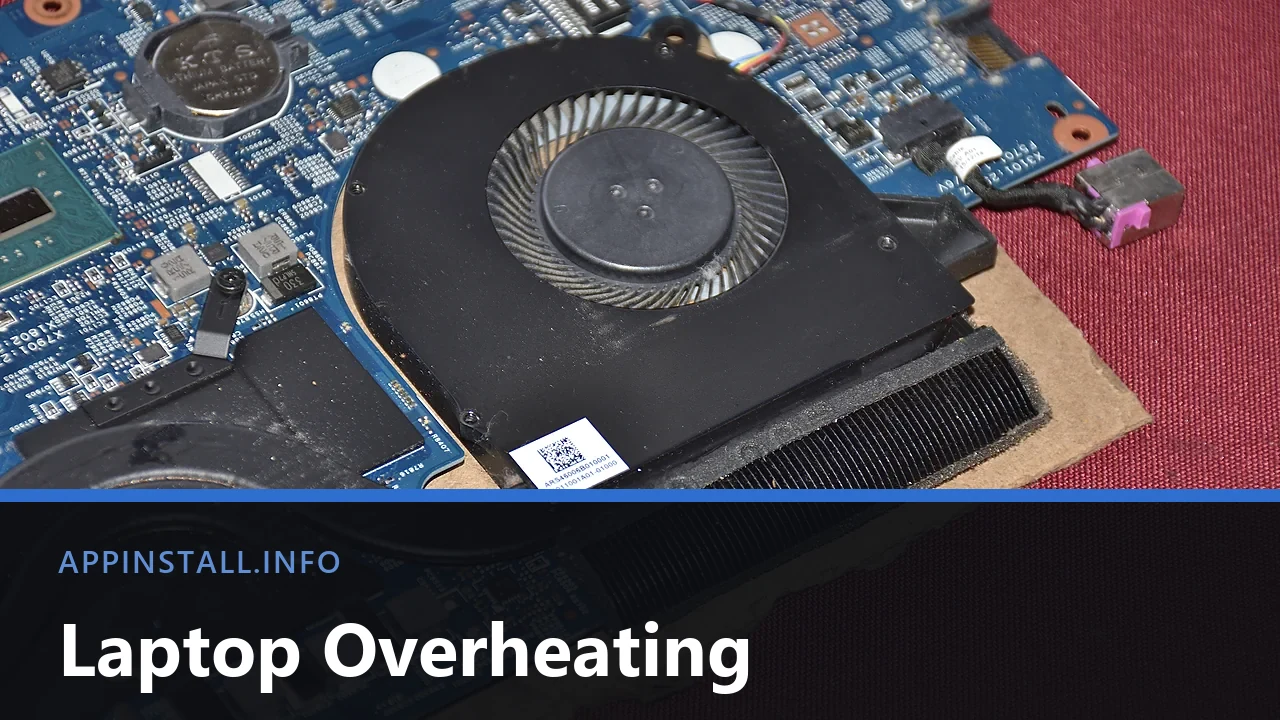
Laptop overheating? Measure the temperature first, then work through blocked vents, a dust-packed radiator, background processes and the fan profile.
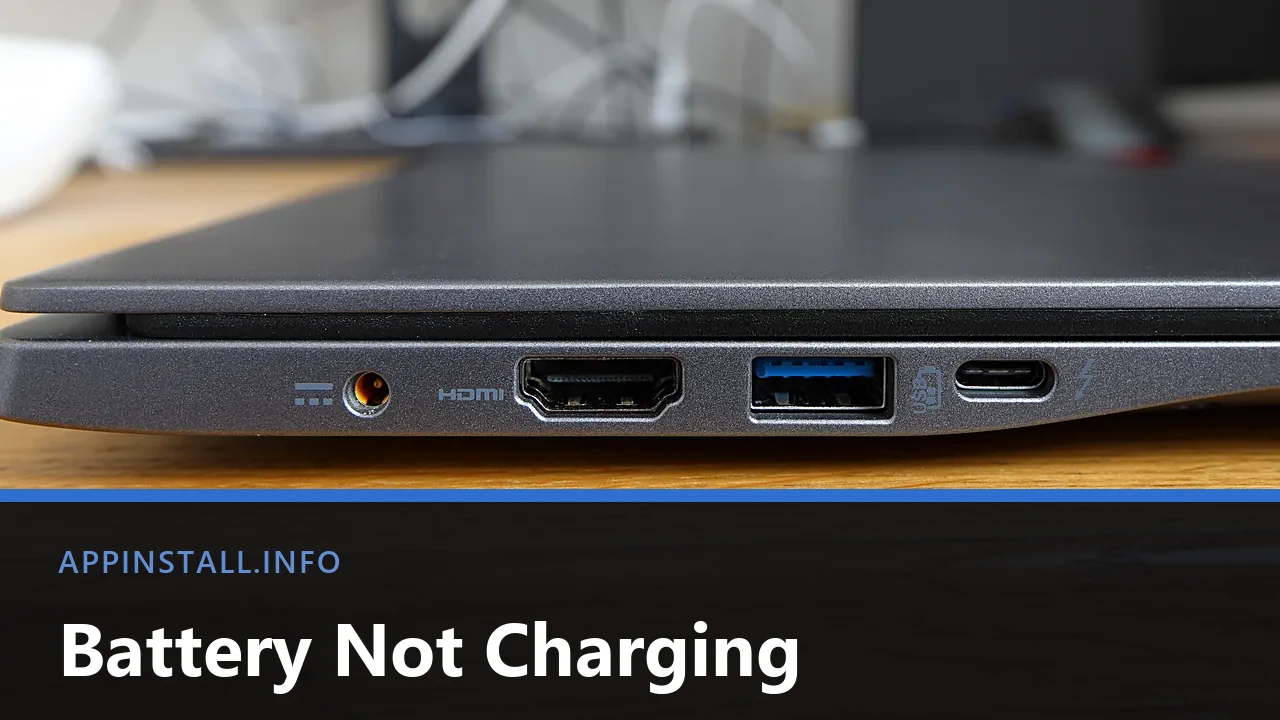
Laptop battery not charging on Windows 11? Check the port and adapter, find the vendor charge limit, reinstall the ACPI driver and read the battery report.
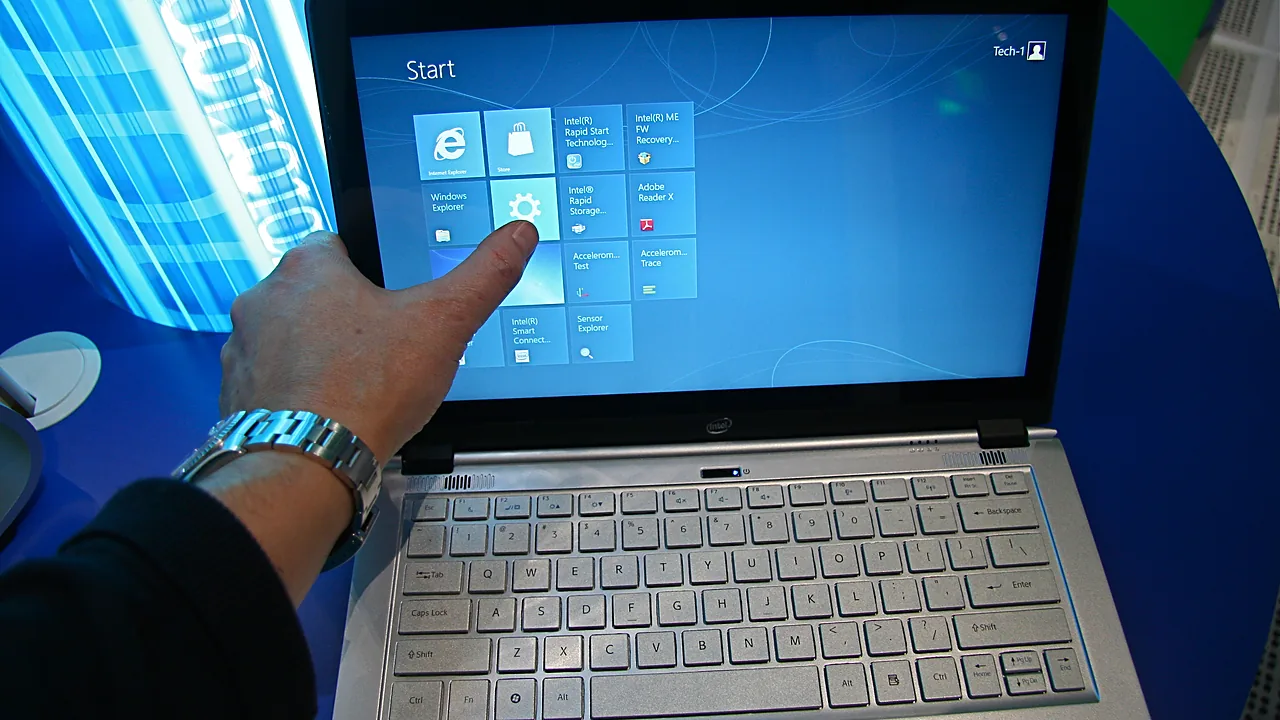
Turn off the touch screen on Windows 11 via Device Manager or PowerShell, re-enable it later, and stop Windows switching it back on after updates.
Brightness slider missing or doing nothing on Windows 11? Fix the monitor device, the display driver, Fn keys, and brightness that changes by itself.