Quick summary
- Most laptops that cook are simply standing on something soft, which closes the vents underneath within minutes.
- A fan at full speed moving no air usually means the radiator fins behind it are packed with dust.
- Compressed air is safe only if you hold the fan still first, since spinning it can generate damaging voltage.
Short answer: Measure the temperature before opening anything: brief peaks near 95 °C under load are normal, and only sustained throttling needs fixing. Then work through blocked vents, a dust-packed radiator and background processes in Task Manager, in that order. Repasting and fan replacement come last, not first.
Last checked: October 2026. Tested against Windows 11 version 26H2.
Measure it before you change anything
“Running hot” is a feeling, and feelings are a poor basis for taking a laptop apart. Get a number first.
Task Manager shows a GPU temperature under Performance, but it does not report the processor. For that, use your manufacturer’s own utility — Lenovo Vantage, MyASUS, Dell Power Manager and their equivalents all display it — or one of the monitoring tools covered in our guide to the best utility software.
What the number means:
- Idle at 45-60 °C is normal. Thin laptops sit at the upper end.
- 85-95 °C under heavy load is also normal, and not a fault. Laptop processors are designed to run close to their limit when working hard.
- Pinned at 95-100 °C with the clock speed dropping is thermal throttling. That is worth fixing.
- Shutting down without warning is the emergency cut-out. Stop using it under load until the cause is found.
The physical causes, in order
Four things account for nearly all of it, and they are listed here by how often they turn out to be the answer.
- Blocked vents. Laptops breathe through slots underneath and along the sides. A bed, a sofa cushion or a lap closes them completely, and the machine will cook within minutes.
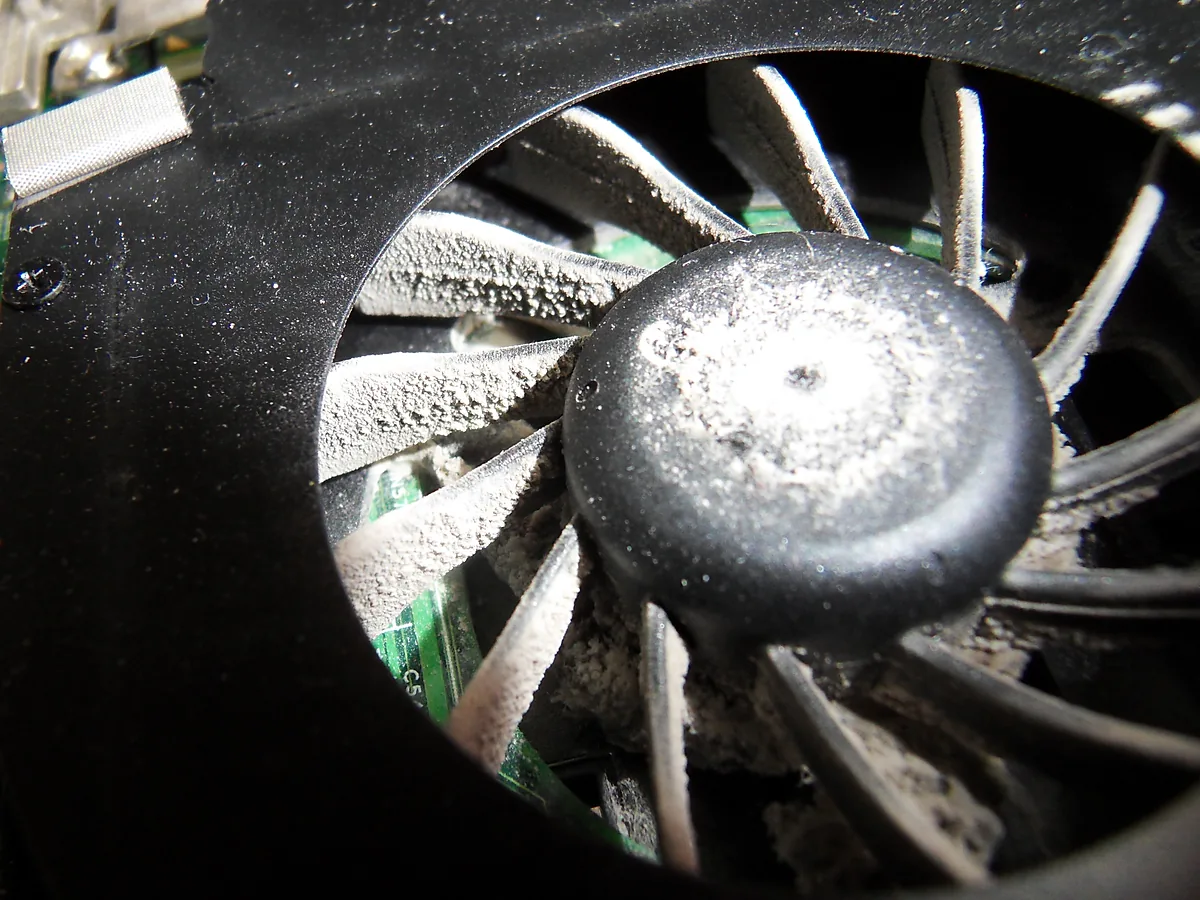
- Dust in the fins. The fan pushes air through a narrow radiator at the edge of the chassis. Dust packs into that radiator as a felt-like mat, and once it is full the fan can spin at maximum while moving almost nothing.
- Dried thermal paste. The compound between the chip and the heat pipe hardens over several years. This is a real cause, but it is a repair job and the least likely of the four on a machine under three or four years old.
- A failing fan. Usually audible first: a rattle, a grinding note, or a fan that stops and starts.
What you can safely do yourself
- Put it on a hard flat surface. This alone fixes a surprising share of cases and costs nothing.
- Raise the back by a couple of centimetres. Anything rigid works; the point is airflow underneath, not a special stand.
- Blow compressed air into the exhaust vent in short bursts, from the outside. Hold the fan still with a cocktail stick through the vent while you do it — spinning a fan with compressed air can generate enough voltage to damage it.
- Do not use a vacuum cleaner. The nozzle builds static, and static and circuit boards are a poor combination.
Opening the case to clean the radiator properly is the step that actually clears a packed fin stack, but it voids some warranties and is easy to get wrong on a thin chassis. If the machine is still covered, let the service centre do it.
The half of the problem that is software
A laptop that is hot while doing nothing is being made to work by something you cannot see.
- Open Task Manager with Ctrl + Shift + Esc and sort the Processes list by CPU. Watch it for a minute rather than taking the first reading.
- Windows Update, antivirus scans and search indexing all run in the background and all generate real heat. They finish; leave them alone.
- Check Settings → System → Power & battery → Power mode. Best performance keeps clock speeds high and the fans busy. Balanced is cooler and quieter, and most people will not notice the difference.
- A browser with many tabs, especially with video playing, is a genuine load and not a trivial one.
The rest of that housekeeping is worth doing on a schedule rather than in a panic — our safe PC maintenance routine sets out what is worth repeating monthly.
Fan modes are a trade, not a fix
Vendor utilities offer performance profiles, and they change the fan curve as much as the clock speed. A quiet profile lets the machine run hotter before the fan responds; a performance profile keeps it cooler and louder. Neither removes heat, and choosing the quiet one on a machine that is already struggling makes throttling more likely.
If that utility is missing after a clean install, the fan profiles disappear with it, along with several other settings — brightness not working on Windows 11 covers getting it back.
Troubleshooting
The fan is loud but the laptop is not hot. Check the fan profile first. If it is on a performance setting, that is the trade working as intended rather than a fault.
It only overheats while gaming or exporting video. That is the design envelope, not a defect. A thin laptop cannot dissipate what a desktop can, and sustained full load will reach the limit.
It got worse after an update. Check Task Manager before blaming the hardware. A driver or an indexing job restarted by the update is a more likely cause than a sudden change in the cooling.
The underside is too hot to touch but the temperatures look fine. Some chassis conduct heat deliberately through the base. Uncomfortable is not the same as damaging, though it is a good reason to stop using it on your lap.
A cooling pad made no difference. Most pull air across the bottom panel rather than through the radiator. They help a little on machines that draw air from below, and not at all on machines that do not.
I want to replace the fan myself. Order by the exact model code rather than the marketing name; checking your PC specs on Windows 11 shows where the System SKU is, and that is the code the part has to match.
FAQ
What temperature is too high? Sustained 95-100 °C with the clock speed dropping. Brief peaks at those numbers under load are normal.
Does overheating damage the laptop? Modern chips throttle and then shut down before they are harmed. The lasting damage is to the battery, which ages faster when it sits next to sustained heat.
How often should the vents be cleaned? Once a year in an ordinary room; more often with pets, carpet or smoke in the house.
Is a cooling pad worth buying? Only if the machine draws air from underneath. Raising the back costs nothing and often does as much.
Should I repaste a laptop that is three years old? Not as a first step. Clear the vents and the radiator first; repasting is for a machine that still runs hot once the airflow is genuinely clear.
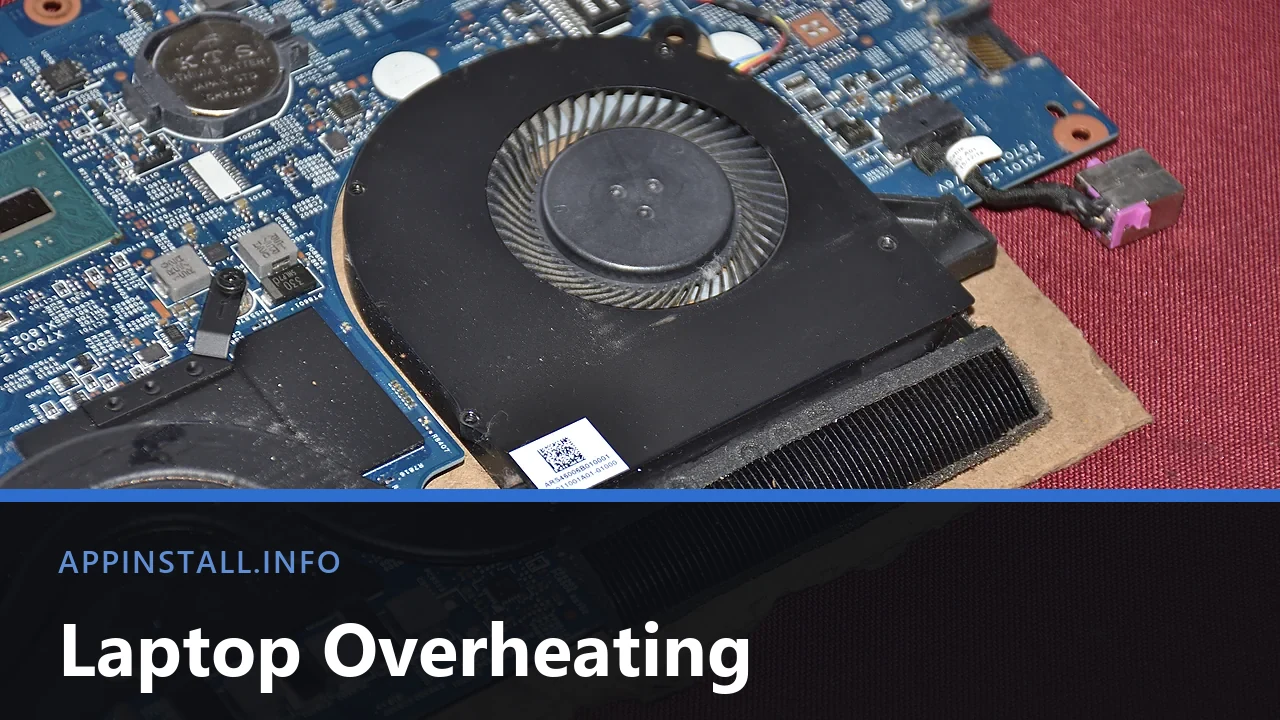
Featured image: Photo: Saud / Wikimedia Commons, CC BY-SA 4.0, title text added by AppInstall.info