How to Scan a Document to Your Computer in Windows 11
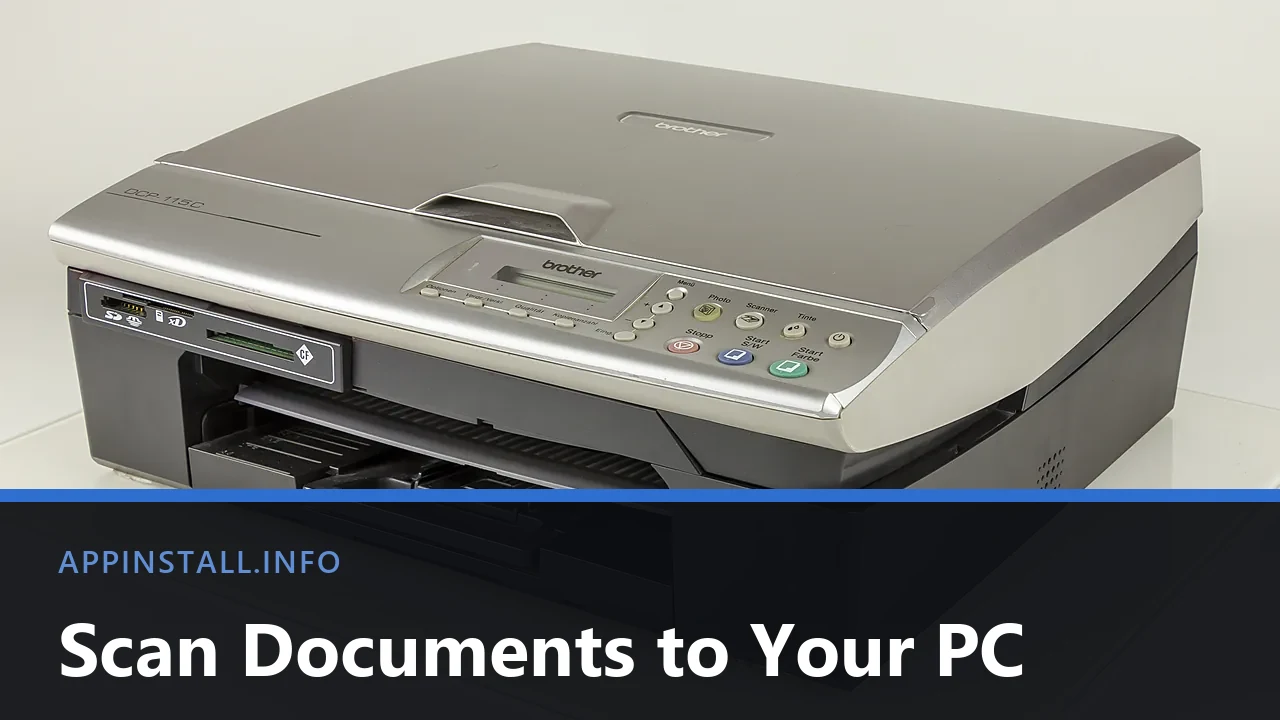
Scan a document to your computer in Windows 11 using Windows Scan or Windows Fax and Scan, pick the right resolution, and fix a scanner Windows cannot see.
Scan a document to your computer in Windows 11 using Windows Scan or Windows Fax and Scan, pick the right resolution, and fix a scanner Windows cannot see.

Printer feeding paper but printing blank pages? Start with the printer’s own self-test page, then check ink, the print head, and the Windows driver.
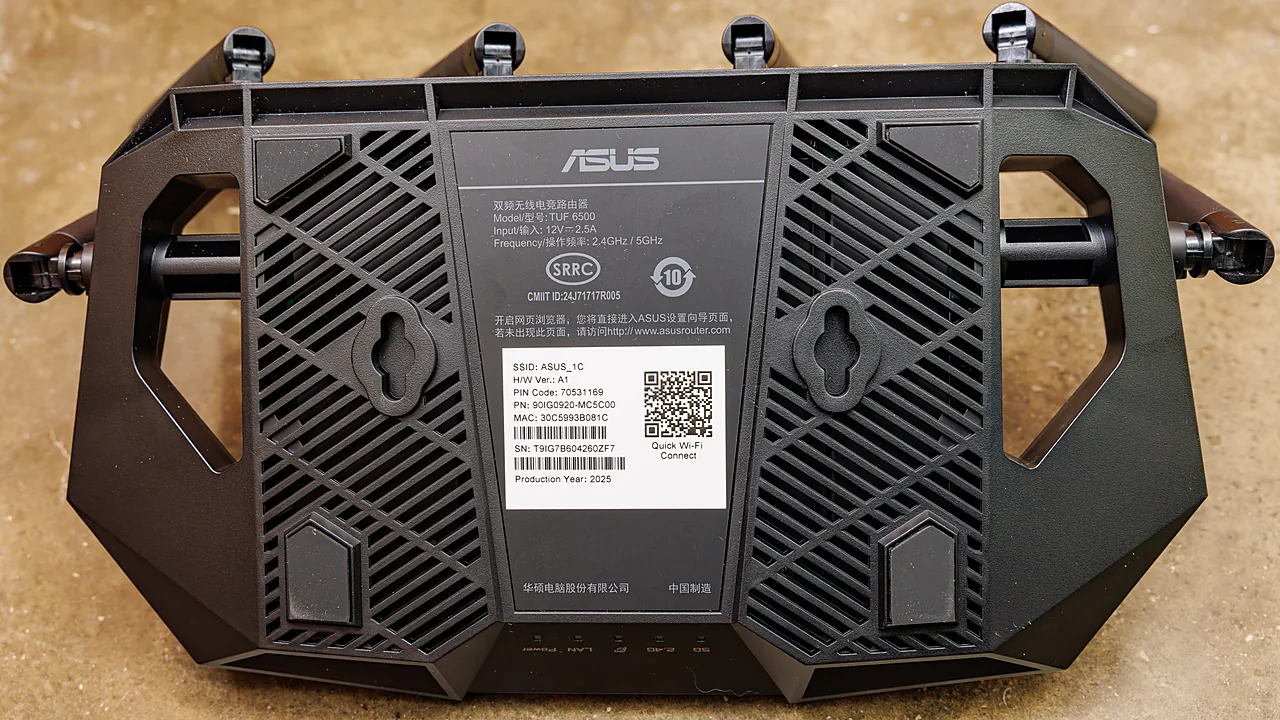
Fix a printer stuck offline on Windows 11: restart the Print Spooler, uncheck Use Printer Offline, fix the network, and clear a jammed print queue.
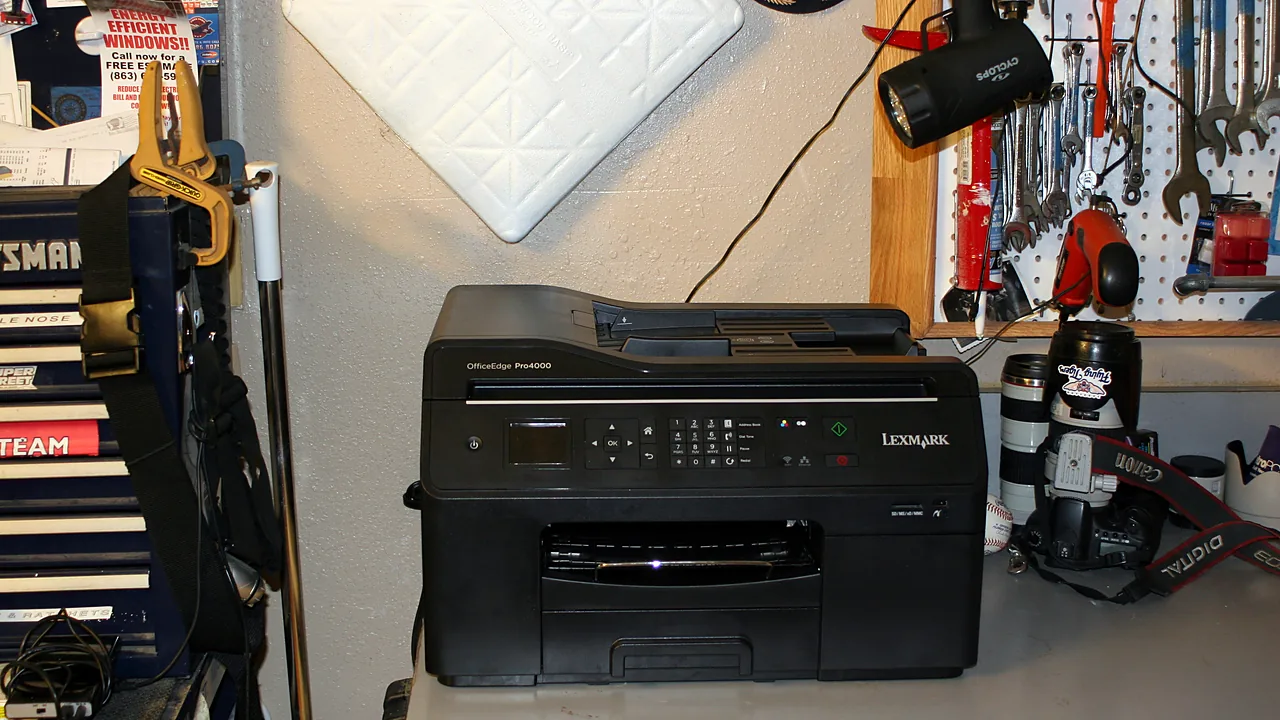
Install a printer on Windows 11 over Wi-Fi or USB, add it when it is not detected, and fix driver and offline-printer problems step by step.
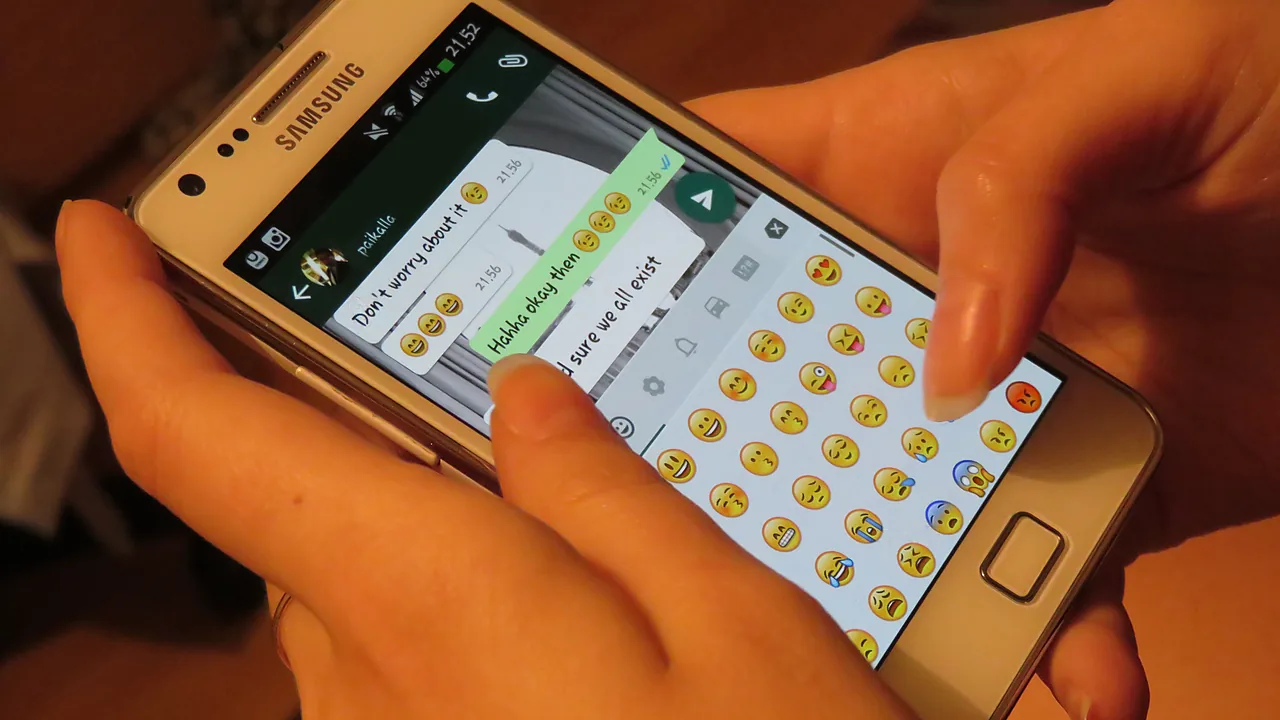
Install WhatsApp on your Windows PC from the Microsoft Store, link it to your phone with a QR code, and fix the common scan and notification problems.

AnyDesk vs TeamViewer compared for free personal use: device limits, commercial-use detection, speed, and which remote desktop tool fits you.
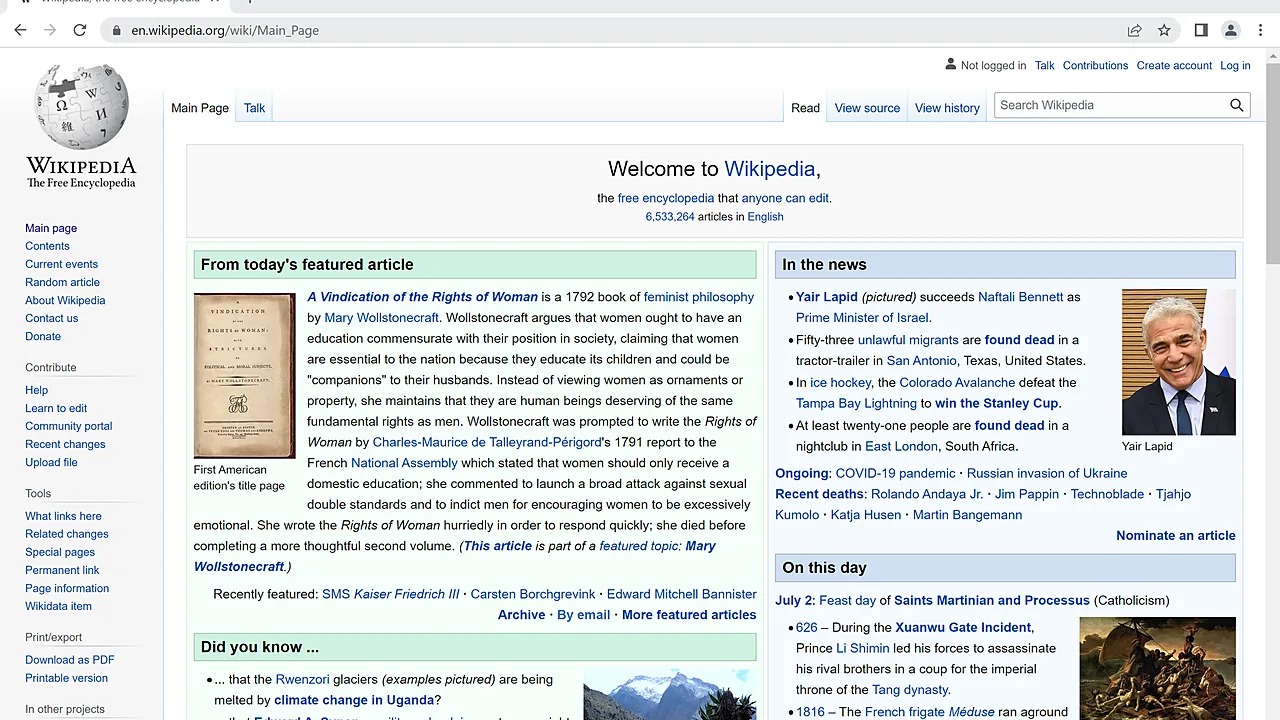
Cleanly uninstall and reinstall Google Chrome on Windows, including the leftover profile that carries bugs over – and keep your bookmarks and passwords.

Appinstall.info — Creating a compelling presentation starts long before you step in front of an audience. It begins with strong …
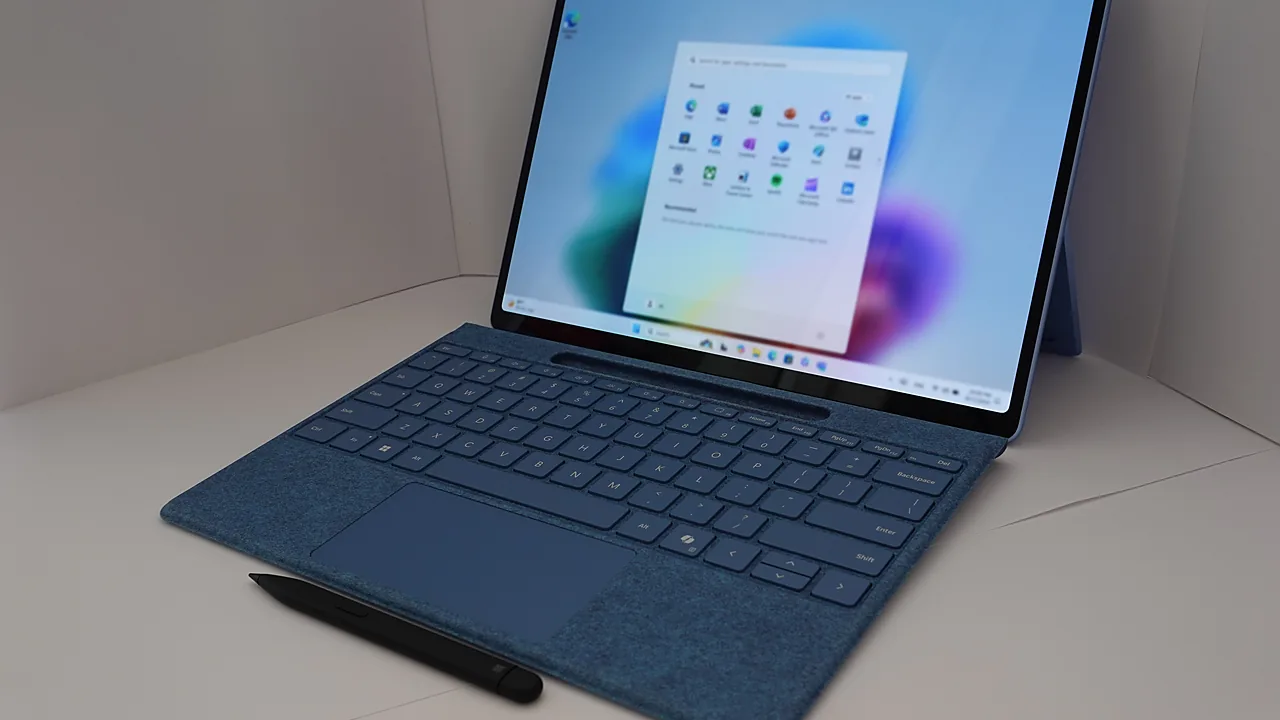
Windows 11 has been the talk of the town since its announcement earlier this year. The new operating system promises …
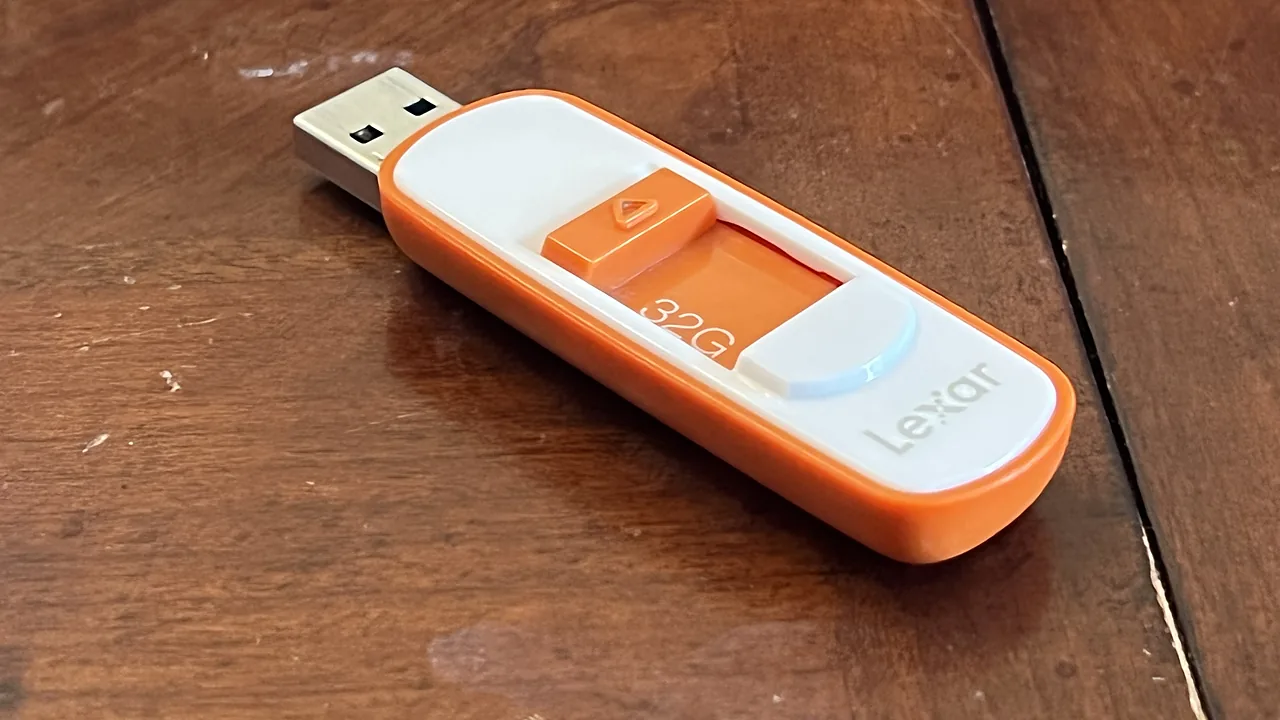
Install WinRAR 7 safely, extract and create archives, use passwords and recovery records, and know when Windows 11’s built-in RAR support is enough.