How to Check Your PC Specs and Hardware on Windows 11
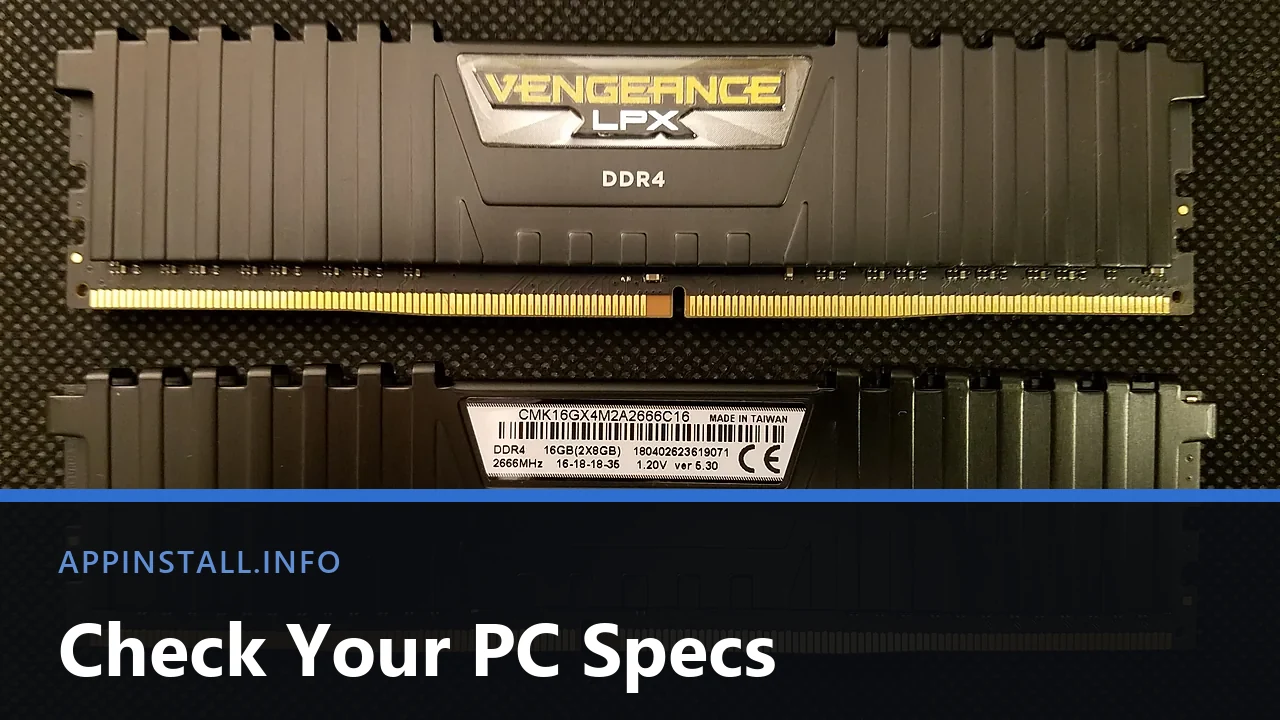
Check your PC specs on Windows 11 in Settings, then read Task Manager, dxdiag and msinfo32 for the graphics card, the disk type and free memory slots.
Check your PC specs on Windows 11 in Settings, then read Task Manager, dxdiag and msinfo32 for the graphics card, the disk type and free memory slots.

Download the official Windows 11 ISO (64-bit, version 26H2) from Microsoft, verify the file hash, and mount or write it to a USB drive safely.
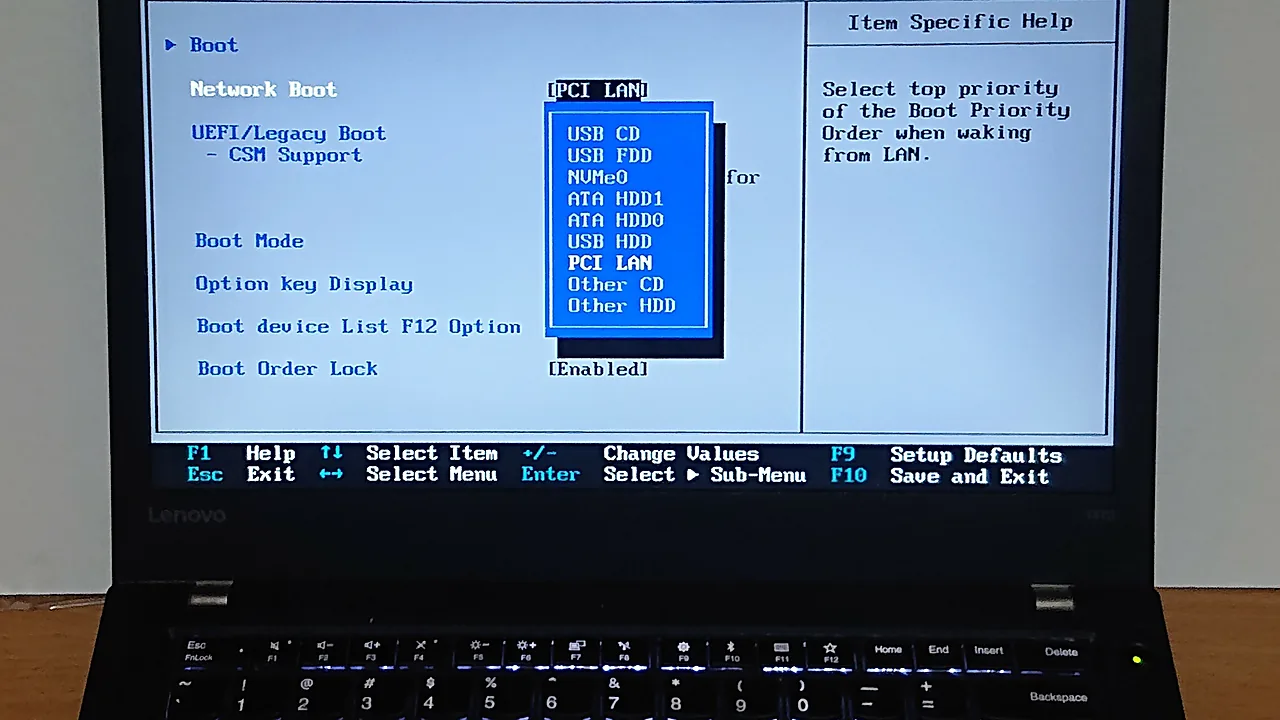
Enable Secure Boot for Windows 11 without breaking the boot: check BIOS mode first, convert MBR to GPT if needed, and fix a greyed-out setting.
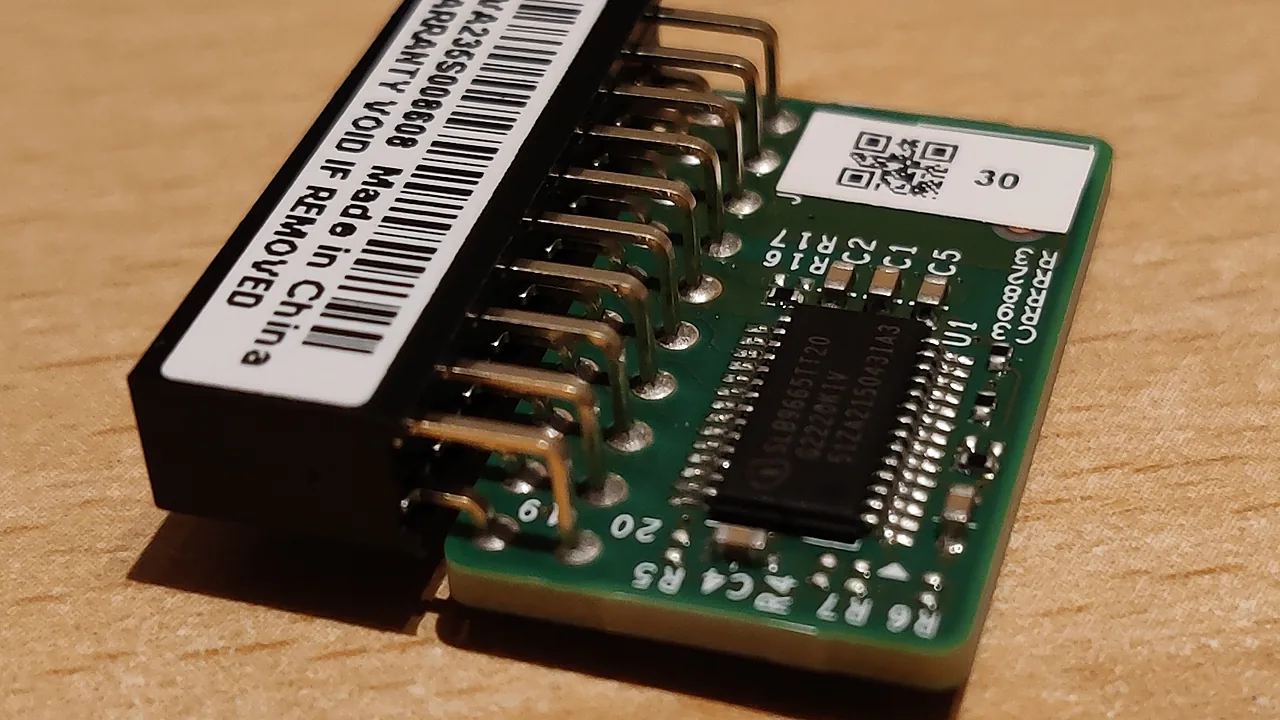
Windows 11 setup blocked by TPM? Check your TPM 2.0 status in Windows, switch it on in UEFI firmware, and fix the checks that still fail afterwards.

Install fonts on Windows 11 the easy way: download from a safe source, right-click Install, add them for all users, and fix fonts that won’t show up.
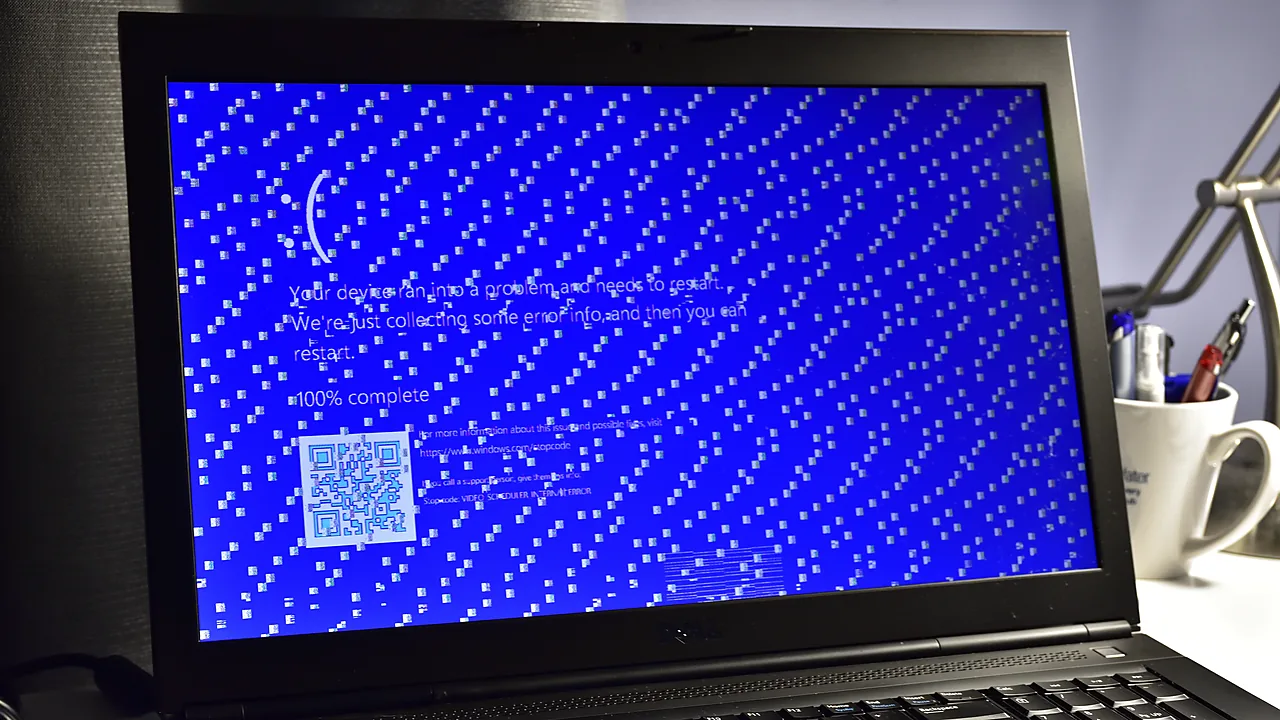
Fix the ‘This app can’t run on your PC’ error in Windows: architecture mismatch, blocked downloads, permissions, and SmartScreen – step by step.
Appinstall.info – Choosing an operating system (OS) is a critical decision for computer users, whether you’re setting up a new …