Wireless Mouse Not Working on Windows 11: How to Fix It
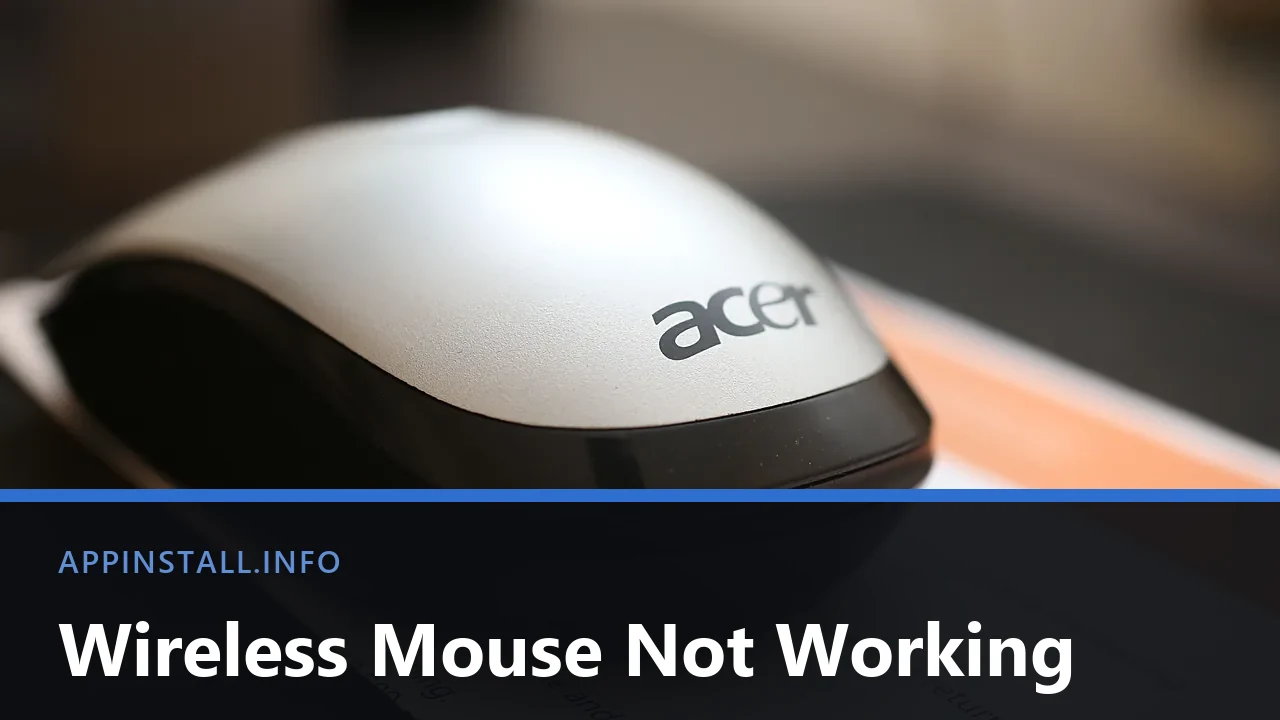
Wireless mouse not working? Change the batteries, find the switch underneath, then fix it as a USB receiver or a Bluetooth mouse, because the two differ.
Wireless mouse not working? Change the batteries, find the switch underneath, then fix it as a USB receiver or a Bluetooth mouse, because the two differ.
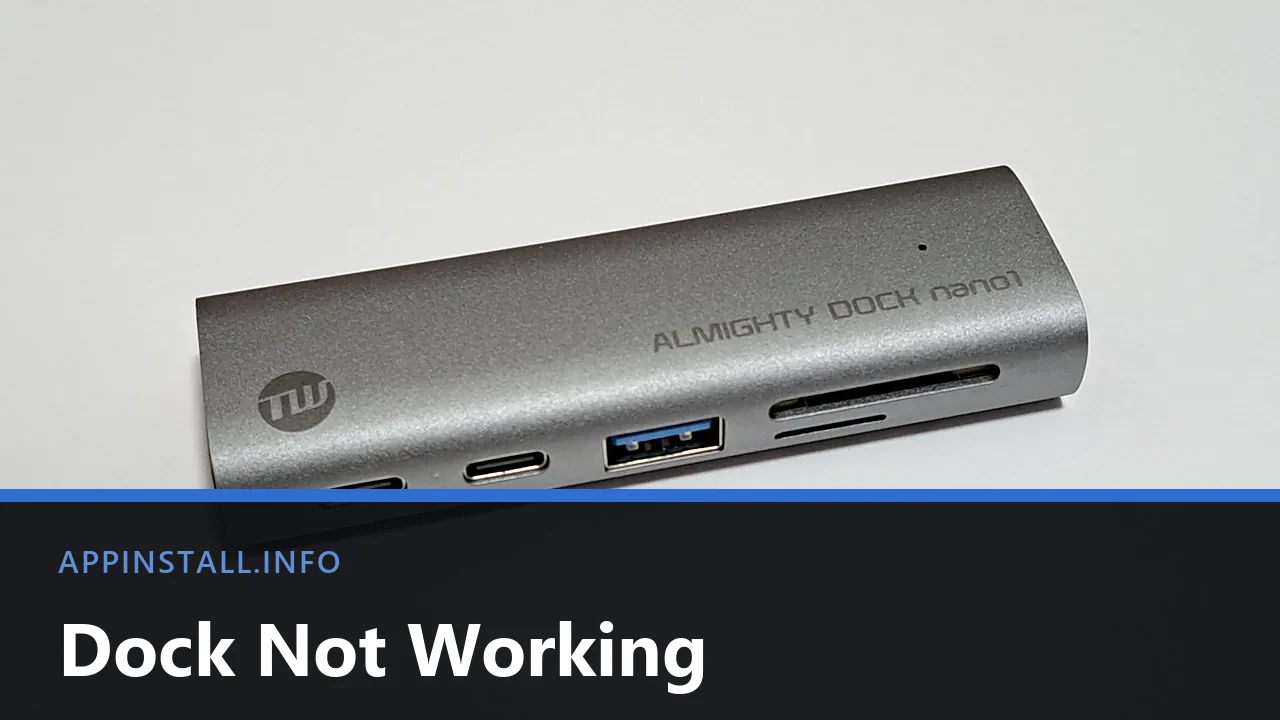
USB-C dock not working? Everything failing at once points to one fault. Check the port symbol, the dock’s own power, and whether it needs its own driver.
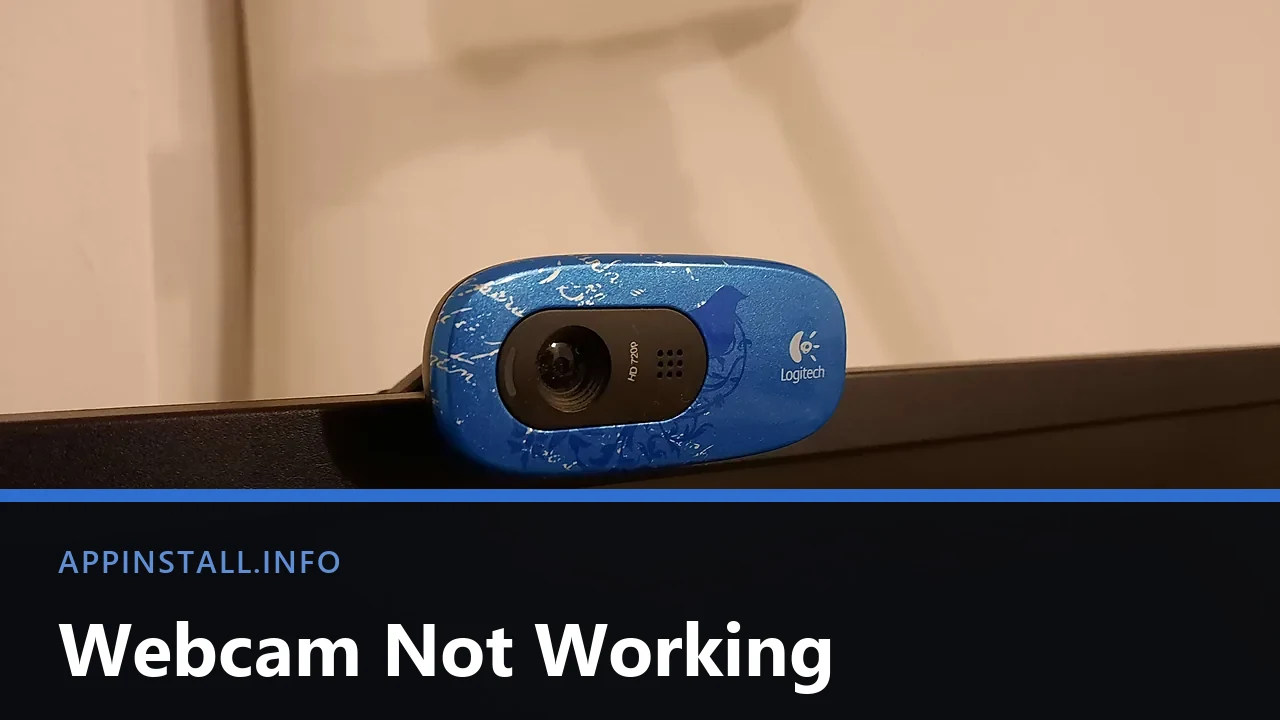
Webcam not working on Windows 11? Test it in the Camera app, check the shutter, then the three stacked camera permissions and the app still holding it.
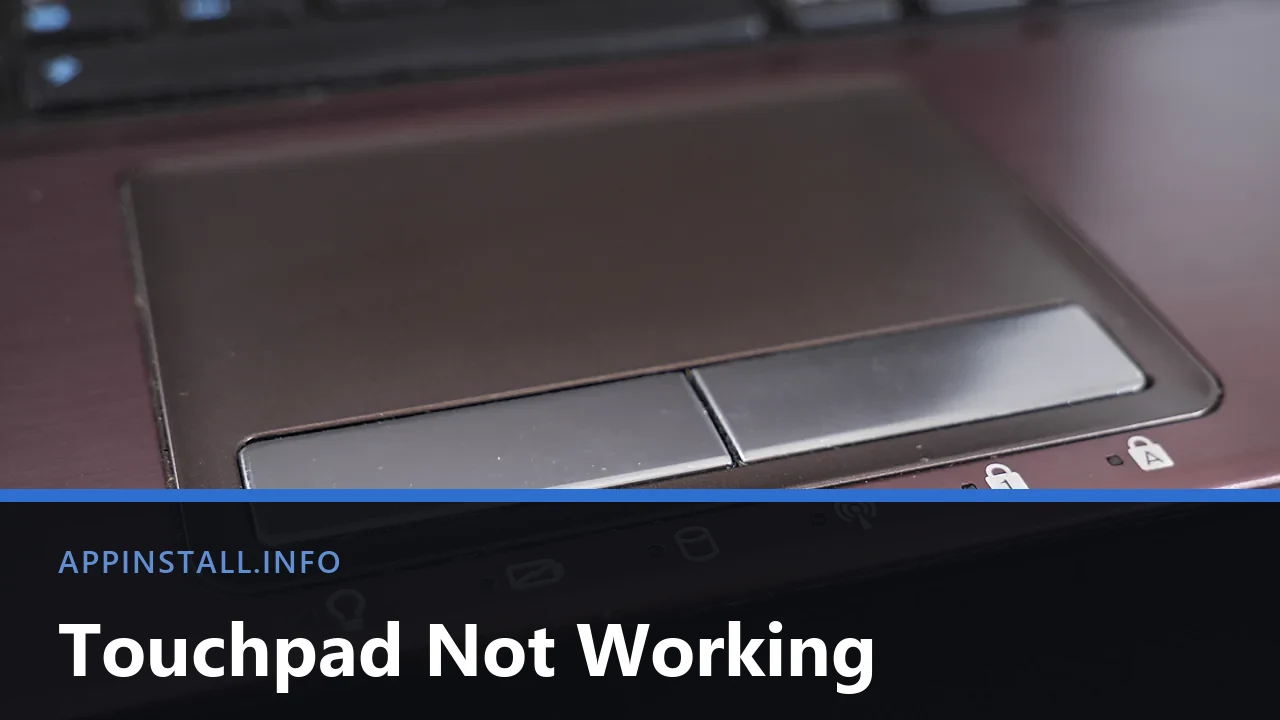
Touchpad not working on Windows 11? Check the Fn key, the corner tap and the Settings toggle, then the mouse rule and the driver, in that order.
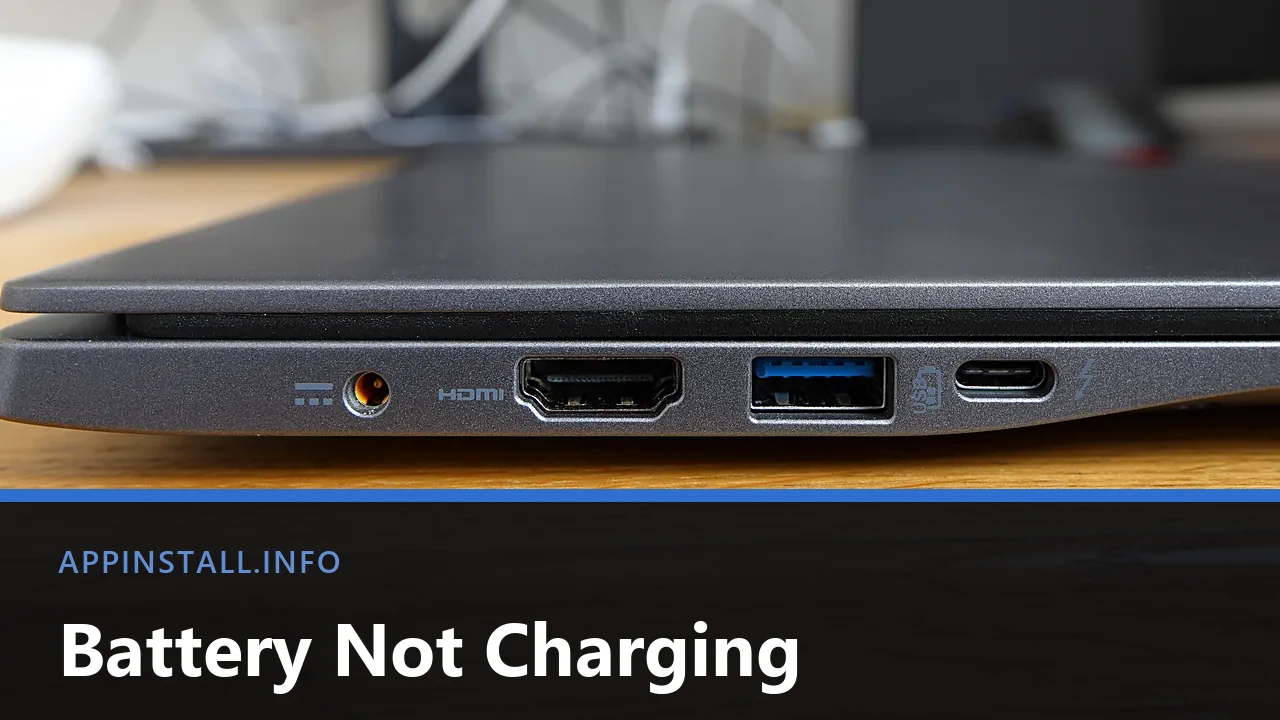
Laptop battery not charging on Windows 11? Check the port and adapter, find the vendor charge limit, reinstall the ACPI driver and read the battery report.
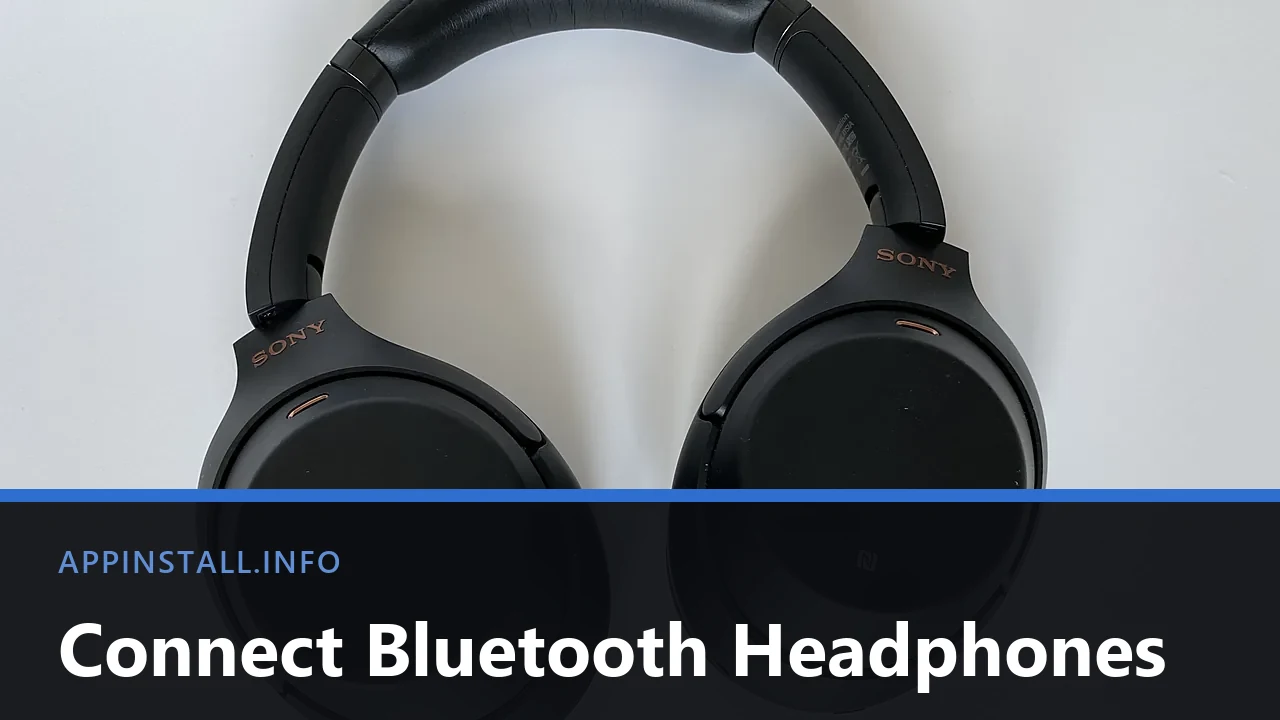
Pair Bluetooth headphones with Windows 11, switch the output away from the speakers, and stop the Hands-Free mode wrecking your audio quality mid-call.
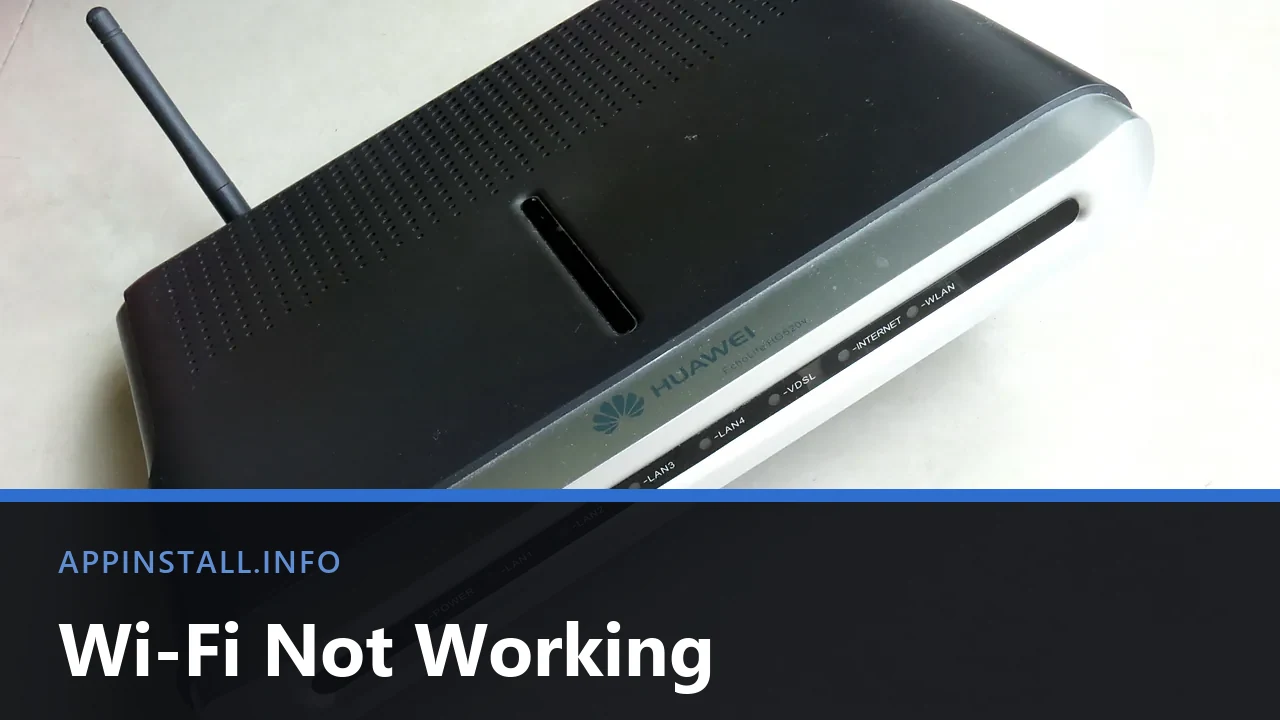
Wi-Fi not working on Windows 11? Split the fault with a phone test, bring back a missing adapter, reset the network stack and stop it dropping after sleep.
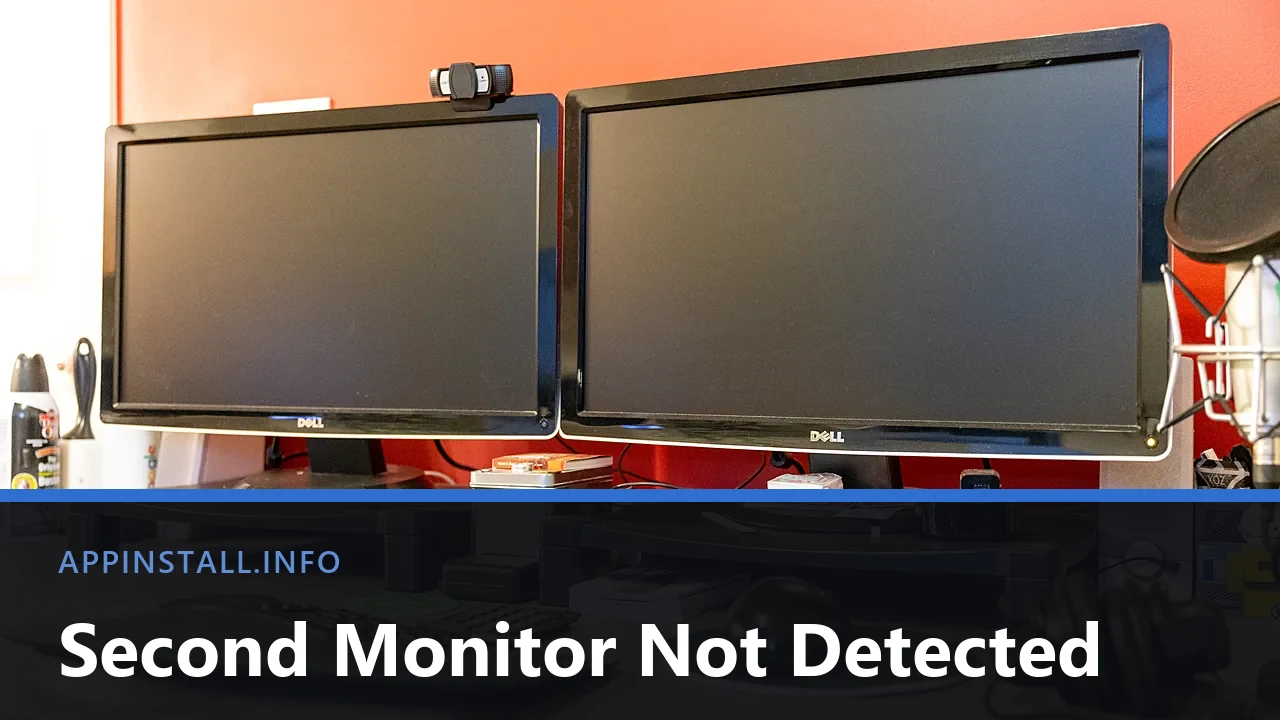
Second monitor not detected on Windows 11? Check the input and cable, use Win + P and Detect, and find the port that is actually wired for video.
Keyboard typing the wrong symbols on Windows 11? It is almost always the layout. Fix it with Win + Space, then clear the dead keys and Num Lock traps.
No sound in Windows 11? Check the output device and per-app volume first, then the audio service, Device Manager, and the Bluetooth or USB path.