Skip to content
App Install
  • Home
  • Software
  • Technology
  • Operating Systems
App Install
App Install

App Install

  • Home
  • Software
  • Technology
  • Operating Systems

Allell

SEO Beginner

How to Update Intel Graphics Drivers on Windows
October 10, 2026September 22, 2026 by Allell
Intel Arc B580 graphics card in front of its retail box

Update Intel graphics drivers safely with Intel Driver & Support Assistant, or install manually. Plus fixes for failed installs and black screens.

How to Open RAR Files on Windows (Free)

September 21, 2026 by Allell
SanDisk Memory Stick PRO 256MB storage card on a white background

Open RAR files on Windows for free: Windows 11 does it built-in, and 7-Zip handles the rest. Plus fixes for corrupt and multi-part RAR archives.
How to Auto-Update Windows Software With Winget

September 18, 2026 by Allell
A red round wall clock on a light textured wall

Keep every app on your Windows PC current with one winget command, and schedule it to run automatically with Task Scheduler. No download-page hunting.
Fix ‘This App Can’t Run on Your PC’ in Windows

September 17, 2026 by Allell
A Dell laptop displaying a Windows blue screen of death (BSOD) error that says the device ran into a problem

Fix the ‘This app can’t run on your PC’ error in Windows: architecture mismatch, blocked downloads, permissions, and SmartScreen – step by step.
How to Uninstall and Reinstall Google Chrome

September 22, 2026September 16, 2026 by Allell
Google Chrome on Windows 11 showing the English Wikipedia main page

Cleanly uninstall and reinstall Google Chrome on Windows, including the leftover profile that carries bugs over – and keep your bookmarks and passwords.
7-Zip vs WinRAR: Which Should You Install?

September 15, 2026 by Allell
7-Zip file manager window on Windows showing the C: drive with size and file-system columns

7-Zip vs WinRAR compared: cost, compression, formats, and speed. Which file archiver to install on Windows – and when you need neither of them.
How to Install NVIDIA Drivers on Windows Cleanly

October 11, 2026September 14, 2026 by Allell
Black PNY Nvidia GeForce RTX 5060 Ti dual-fan graphics card lying on a white surface

Install or update NVIDIA drivers the clean way: GeForce Experience is gone (NVIDIA App replaced it), plus fixes for black screens and failed installs.

How to Uninstall a Program That Won’t Uninstall

September 22, 2026September 12, 2026 by Allell
Close-up of a white delete key on a computer keyboard

Force-remove stubborn Windows programs: end the process, run Microsoft’s uninstall troubleshooter, use vendor removal tools, and clean leftovers.
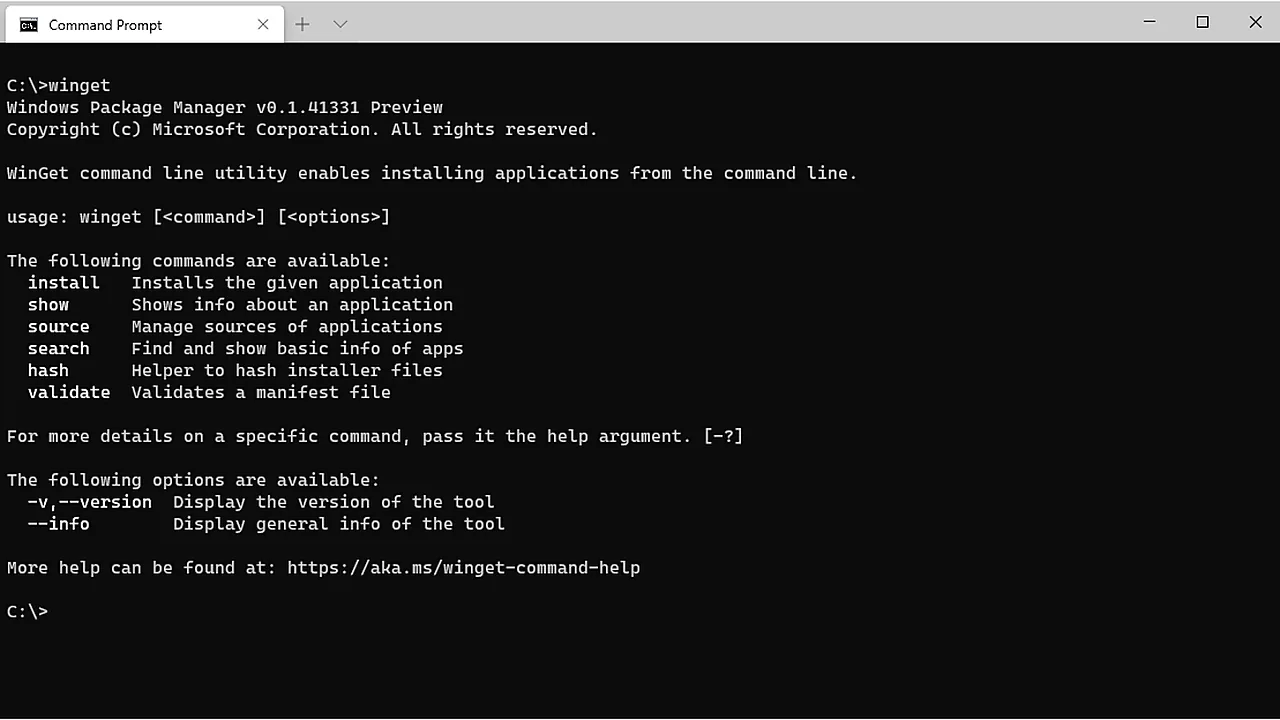
How to Install Software Fast on Windows With Winget

September 22, 2026September 12, 2026 by Allell
winget command help output in a Windows Command Prompt window, listing install, show, source, search commands

Winget is built into Windows 10 and 11: install, upgrade, and remove software from one command line, with no download portals or bundled extras.
Best Utility Software: The Complete Guide for Your PC

October 20, 2026November 16, 2025 by Allell
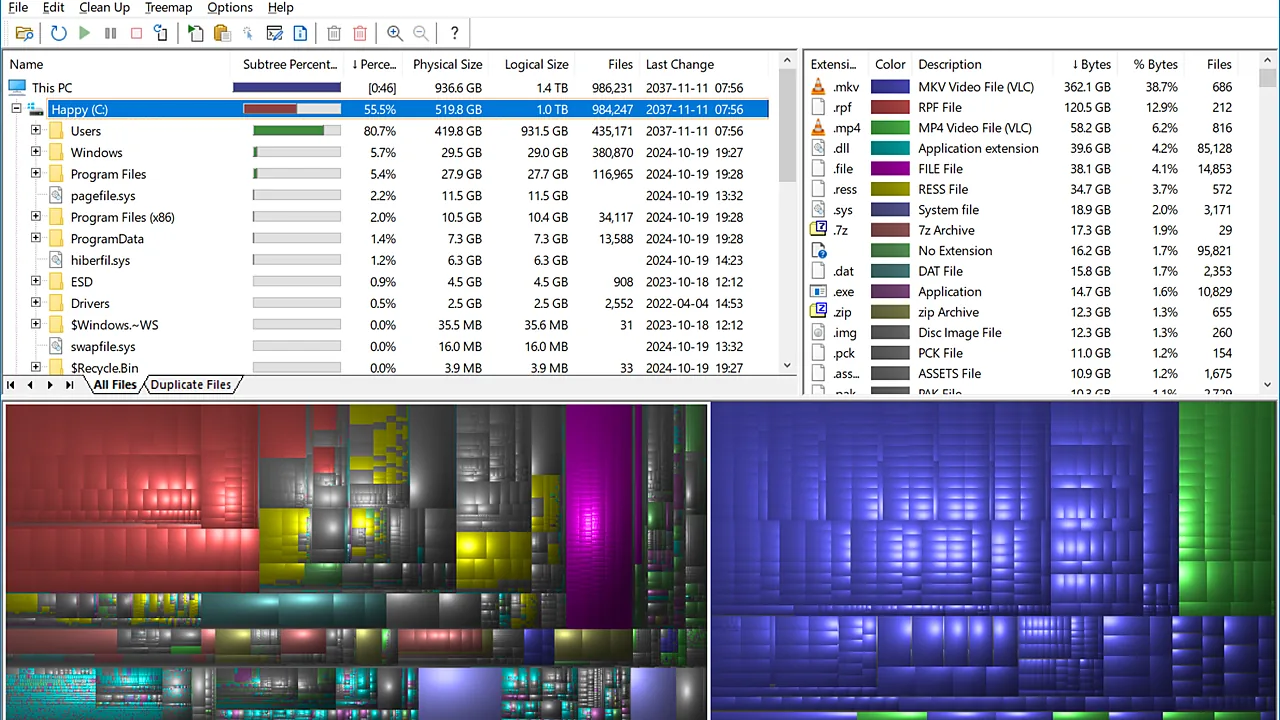
WinDirStat on Windows showing a colour-coded treemap of disk usage beside a file list and an extension breakdown.

Quick summary Download only from the vendor’s own site; bundled toolbars and ad-heavy installers are the usual warning sign. Skip …

Read more

Newer posts
← Previous Page1 … Page4 Page5
  • A Dell laptop showing the Windows blue screen with a sad face, the message that the device ran into a problem and needs to restart, and the title Catch The Stop Code across the lower part of the image.
    Blue Screen on Windows 11: How to Fix It
  • Top-down photo of a black Xbox wireless controller resting on a granite surface, with the title The Game Can't See It across the lower part of the image.
    Controller Not Working on PC: How to Fix It
  • Close-up of a black handheld USB microphone on a white background, with the title No One Can Hear You across the lower part of the image.
    Microphone Not Working on Windows 11: How to Fix It
  • Three USB-A cables in pink, black and green lying side by side on a white surface, with the title Cable Charges, No Data across the lower part of the image.
    Phone Charges but Won’t Show Up on Your PC
  • About Us
  • Contact
  • Privacy Policy
  • Terms of Use
Appinstall Copyright © 2026.