Skip to content
App Install
  • Home
  • Software
  • Technology
  • Operating Systems
App Install
App Install

App Install

  • Home
  • Software
  • Technology
  • Operating Systems

troubleshooting

How to Fix a Printer That Prints Blank Pages
October 11, 2026 by Allell
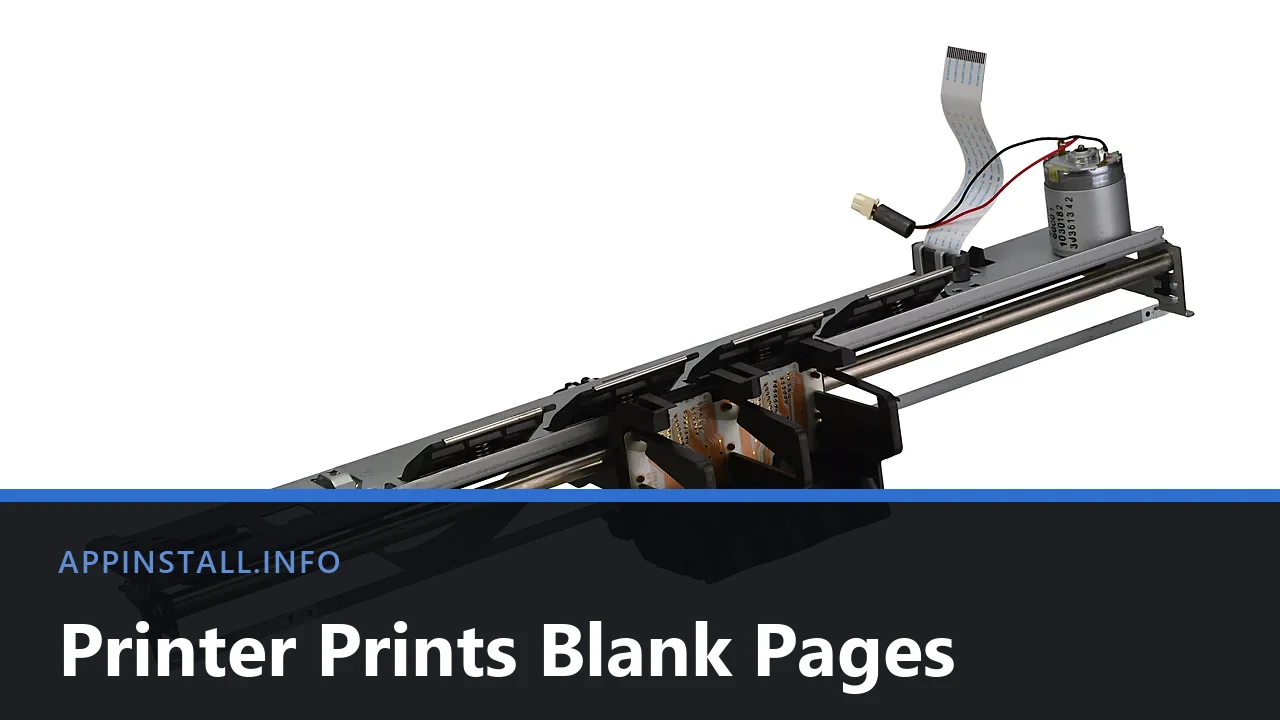
Inkjet printer carriage and print head assembly removed from the printer, with the title Printer Prints Blank Pages across the lower band.

Printer feeding paper but printing blank pages? Start with the printer’s own self-test page, then check ink, the print head, and the Windows driver.
How to Free Up Disk Space on Windows 11

September 29, 2026 by Allell
A grey Samsung solid state drive (SSD) showing the Samsung logo

Free up disk space on Windows 11 with built-in tools: Storage Sense, Disk Cleanup, temporary files, and cleanup recommendations – no paid cleaner needed.
How to Fix a Printer That’s Offline on Windows

October 11, 2026September 28, 2026 by Allell
Underside of an ASUS TUF Wi-Fi router showing its network label with SSID and PIN

Fix a printer stuck offline on Windows 11: restart the Print Spooler, uncheck Use Printer Offline, fix the network, and clear a jammed print queue.
How to Install a Printer on Windows 11

September 25, 2026 by Allell
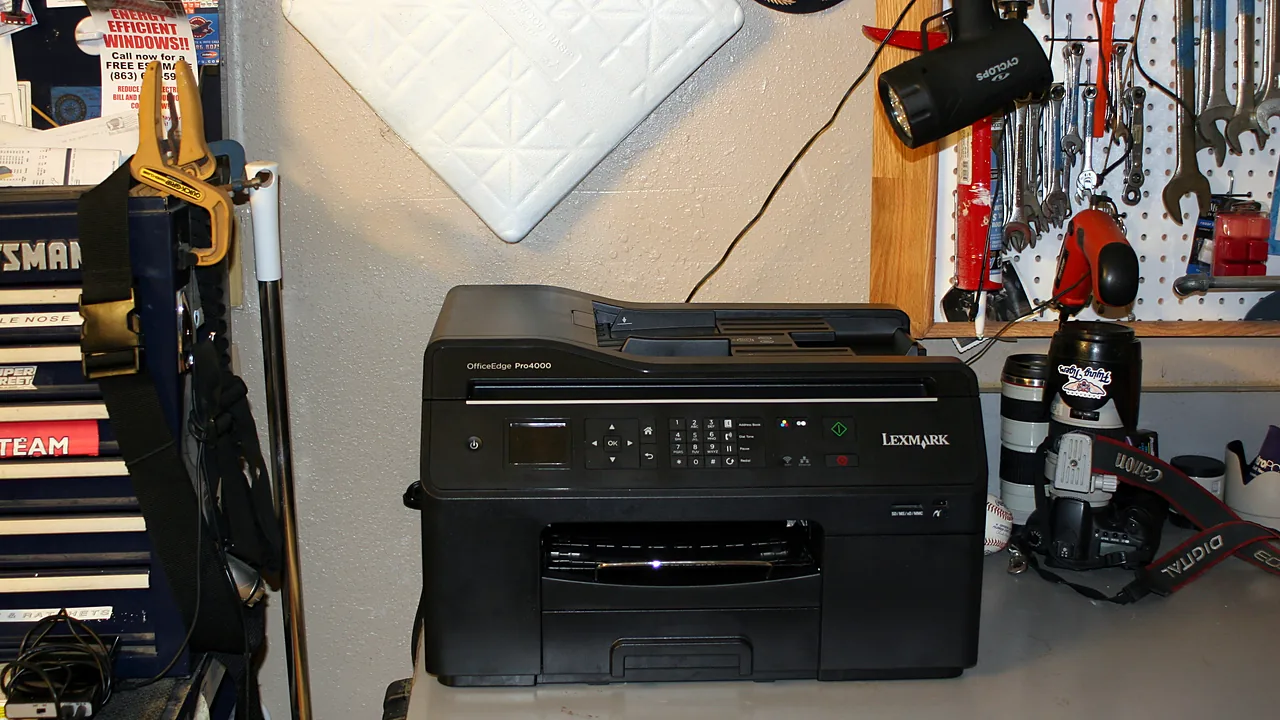
A black Lexmark OfficeEdge Pro4000 multifunction printer on a workshop bench

Install a printer on Windows 11 over Wi-Fi or USB, add it when it is not detected, and fix driver and offline-printer problems step by step.
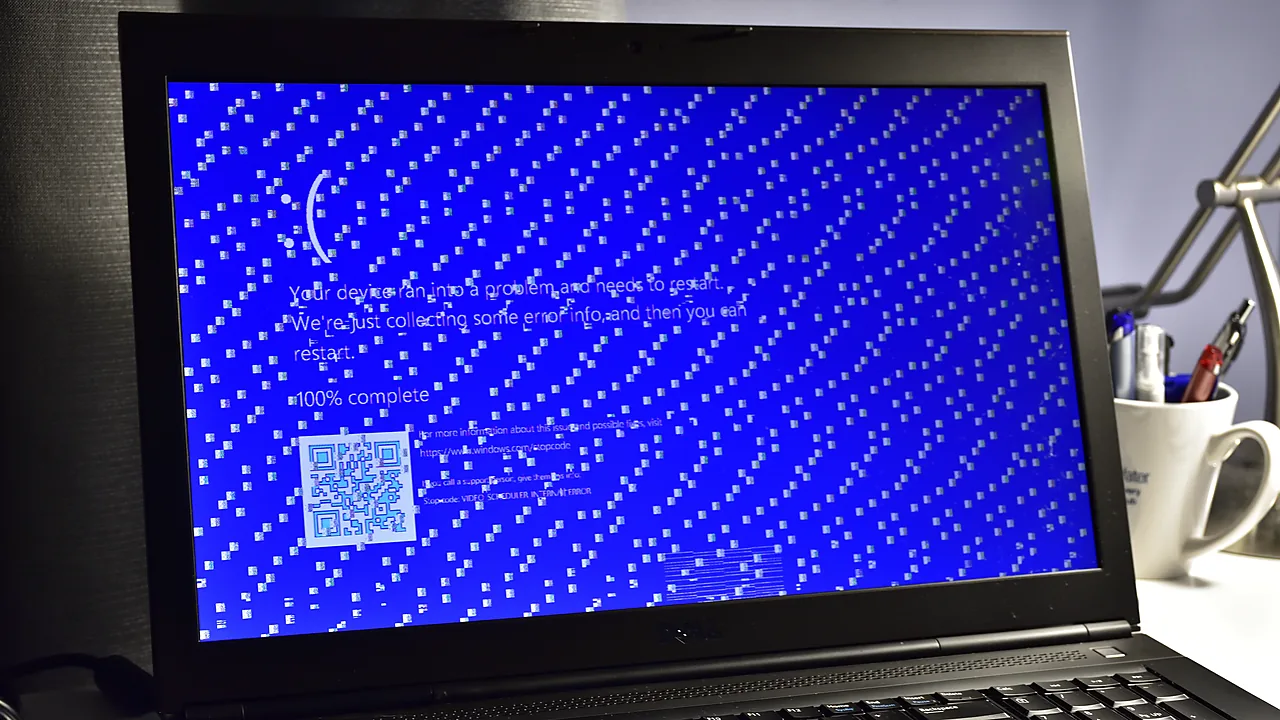
Fix ‘This App Can’t Run on Your PC’ in Windows

September 17, 2026 by Allell
A Dell laptop displaying a Windows blue screen of death (BSOD) error that says the device ran into a problem

Fix the ‘This app can’t run on your PC’ error in Windows: architecture mismatch, blocked downloads, permissions, and SmartScreen – step by step.
How to Uninstall and Reinstall Google Chrome

September 22, 2026September 16, 2026 by Allell
Google Chrome on Windows 11 showing the English Wikipedia main page

Cleanly uninstall and reinstall Google Chrome on Windows, including the leftover profile that carries bugs over – and keep your bookmarks and passwords.

How to Uninstall a Program That Won’t Uninstall

September 22, 2026September 12, 2026 by Allell
Close-up of a white delete key on a computer keyboard

Force-remove stubborn Windows programs: end the process, run Microsoft’s uninstall troubleshooter, use vendor removal tools, and clean leftovers.

Newer posts
← Previous Page1 Page2
  • A Dell laptop showing the Windows blue screen with a sad face, the message that the device ran into a problem and needs to restart, and the title Catch The Stop Code across the lower part of the image.
    Blue Screen on Windows 11: How to Fix It
  • Top-down photo of a black Xbox wireless controller resting on a granite surface, with the title The Game Can't See It across the lower part of the image.
    Controller Not Working on PC: How to Fix It
  • Close-up of a black handheld USB microphone on a white background, with the title No One Can Hear You across the lower part of the image.
    Microphone Not Working on Windows 11: How to Fix It
  • Three USB-A cables in pink, black and green lying side by side on a white surface, with the title Cable Charges, No Data across the lower part of the image.
    Phone Charges but Won’t Show Up on Your PC
  • About Us
  • Contact
  • Privacy Policy
  • Terms of Use
Appinstall Copyright © 2026.