Why Your Keyboard Types the Wrong Characters
Keyboard typing the wrong symbols on Windows 11? It is almost always the layout. Fix it with Win + Space, then clear the dead keys and Num Lock traps.
Keyboard typing the wrong symbols on Windows 11? It is almost always the layout. Fix it with Win + Space, then clear the dead keys and Num Lock traps.
No sound in Windows 11? Check the output device and per-app volume first, then the audio service, Device Manager, and the Bluetooth or USB path.
USB device not recognized in Windows? Swap the port, cable and PC first, then fix the controller, the descriptor error, and USB selective suspend.
Printer feeding paper but printing blank pages? Start with the printer’s own self-test page, then check ink, the print head, and the Windows driver.
Free up disk space on Windows 11 with built-in tools: Storage Sense, Disk Cleanup, temporary files, and cleanup recommendations – no paid cleaner needed.
Fix a printer stuck offline on Windows 11: restart the Print Spooler, uncheck Use Printer Offline, fix the network, and clear a jammed print queue.
Install a printer on Windows 11 over Wi-Fi or USB, add it when it is not detected, and fix driver and offline-printer problems step by step.
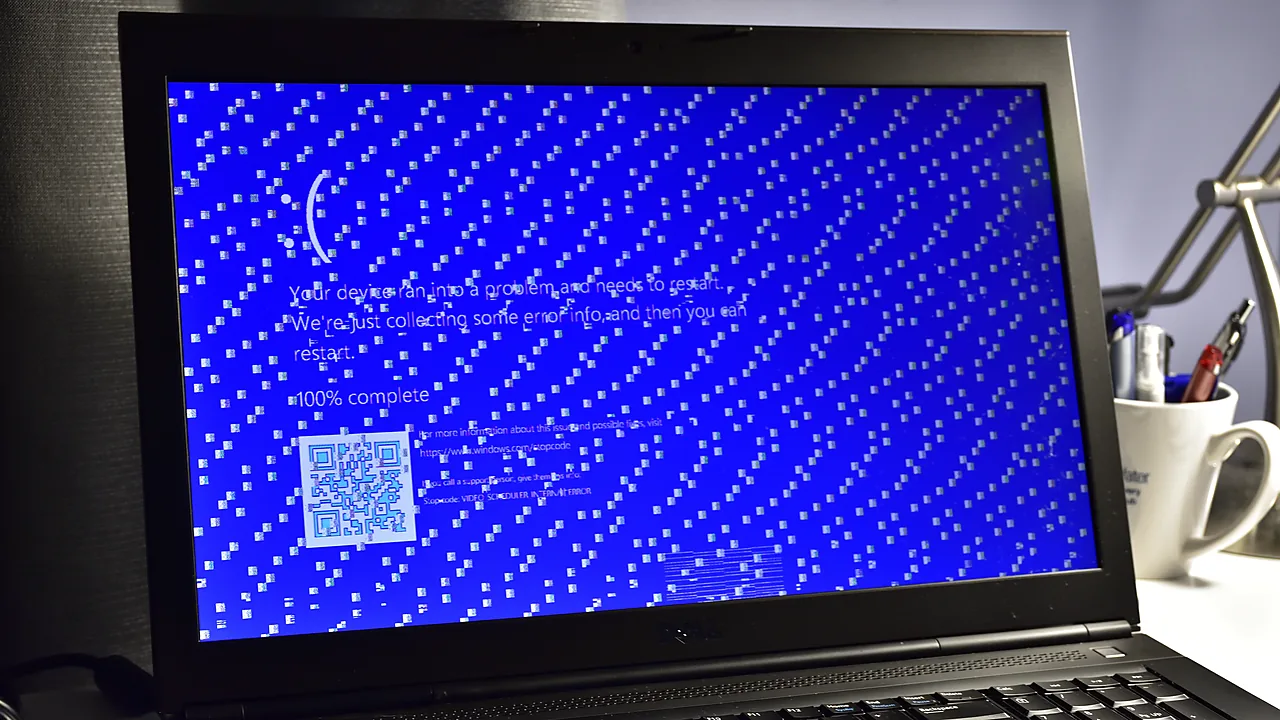
Fix the ‘This app can’t run on your PC’ error in Windows: architecture mismatch, blocked downloads, permissions, and SmartScreen – step by step.
Cleanly uninstall and reinstall Google Chrome on Windows, including the leftover profile that carries bugs over – and keep your bookmarks and passwords.
Force-remove stubborn Windows programs: end the process, run Microsoft’s uninstall troubleshooter, use vendor removal tools, and clean leftovers.