Fix a Second Monitor Not Detected on Windows 11
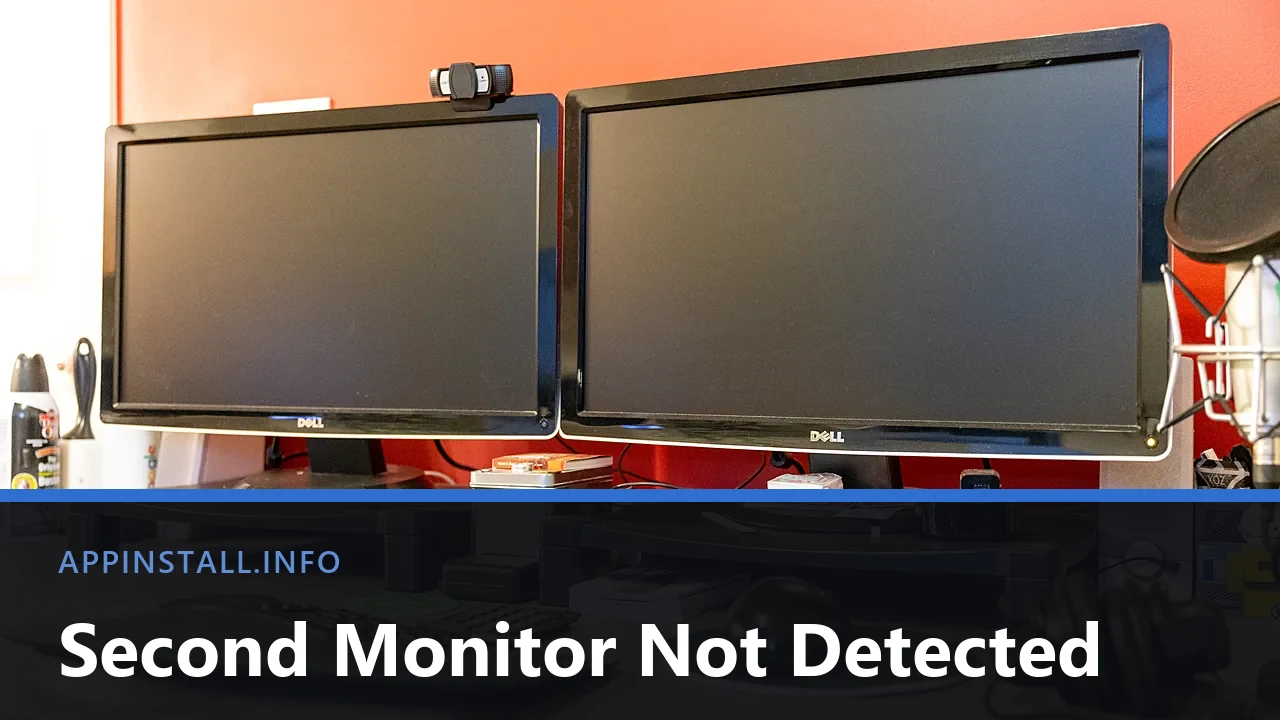
Second monitor not detected on Windows 11? Check the input and cable, use Win + P and Detect, and find the port that is actually wired for video.
Second monitor not detected on Windows 11? Check the input and cable, use Win + P and Detect, and find the port that is actually wired for video.
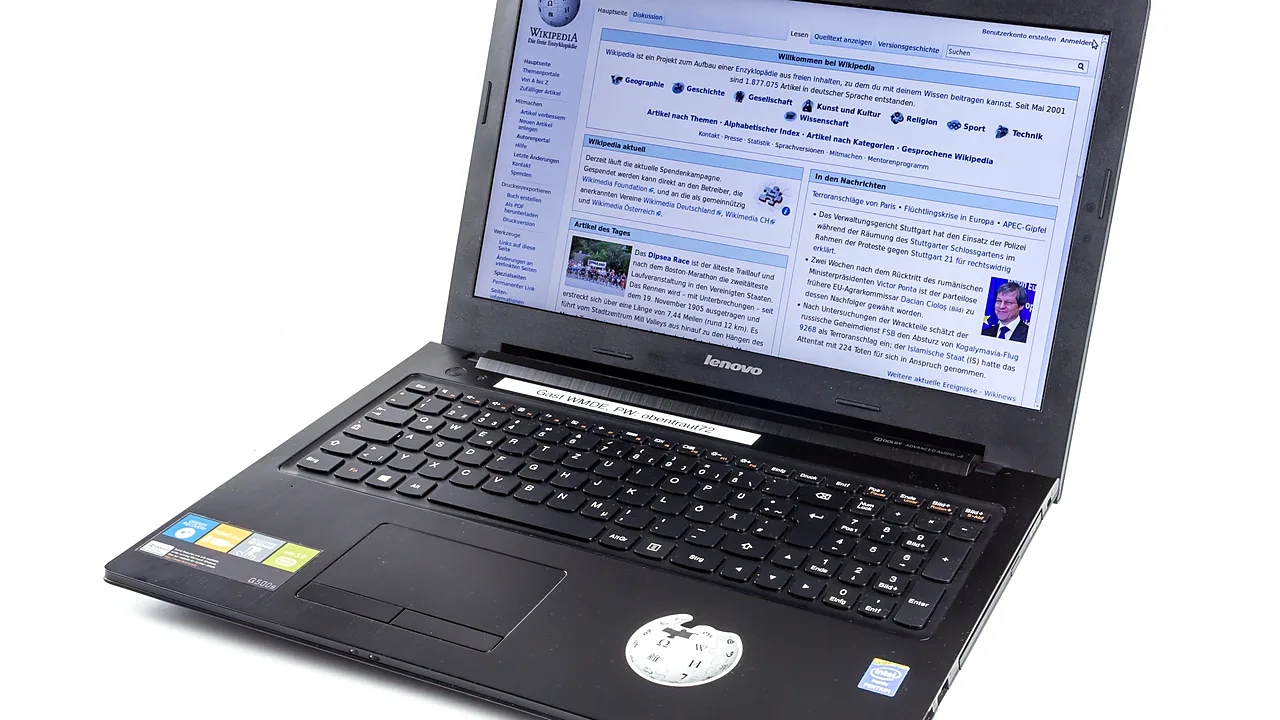
Brightness slider missing or doing nothing on Windows 11? Fix the monitor device, the display driver, Fn keys, and brightness that changes by itself.
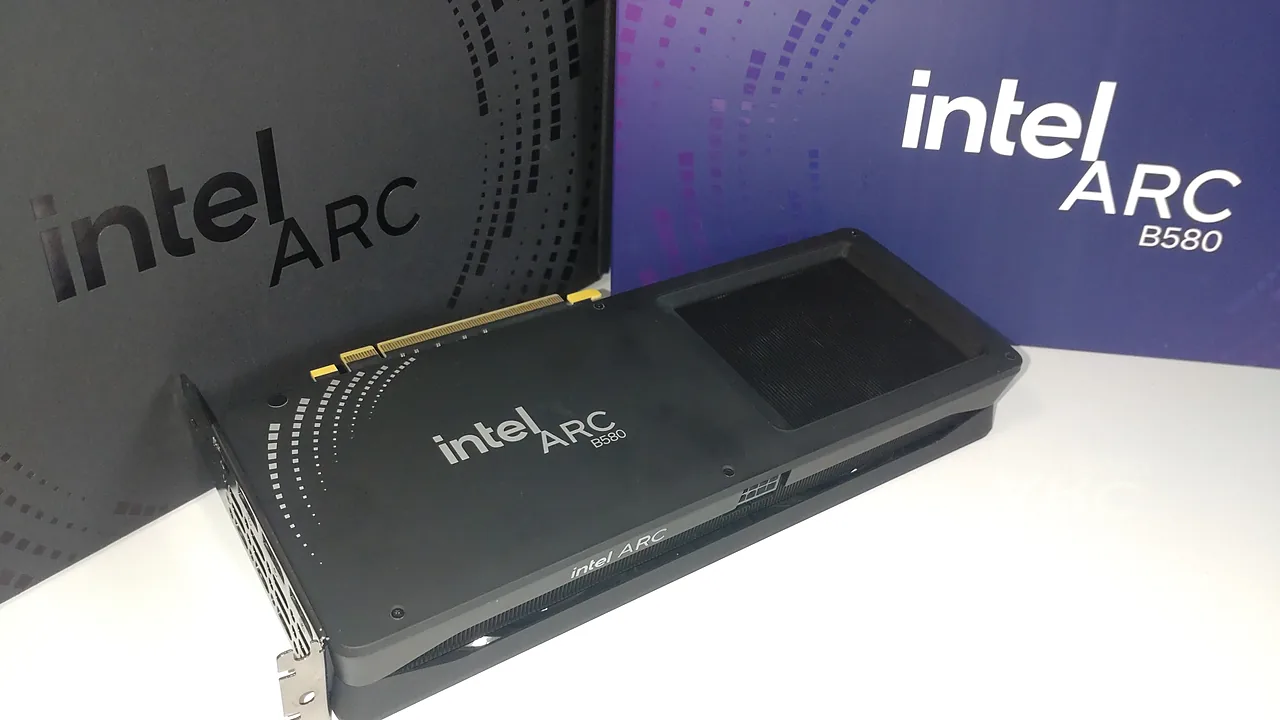
Update Intel graphics drivers safely with Intel Driver & Support Assistant, or install manually. Plus fixes for failed installs and black screens.
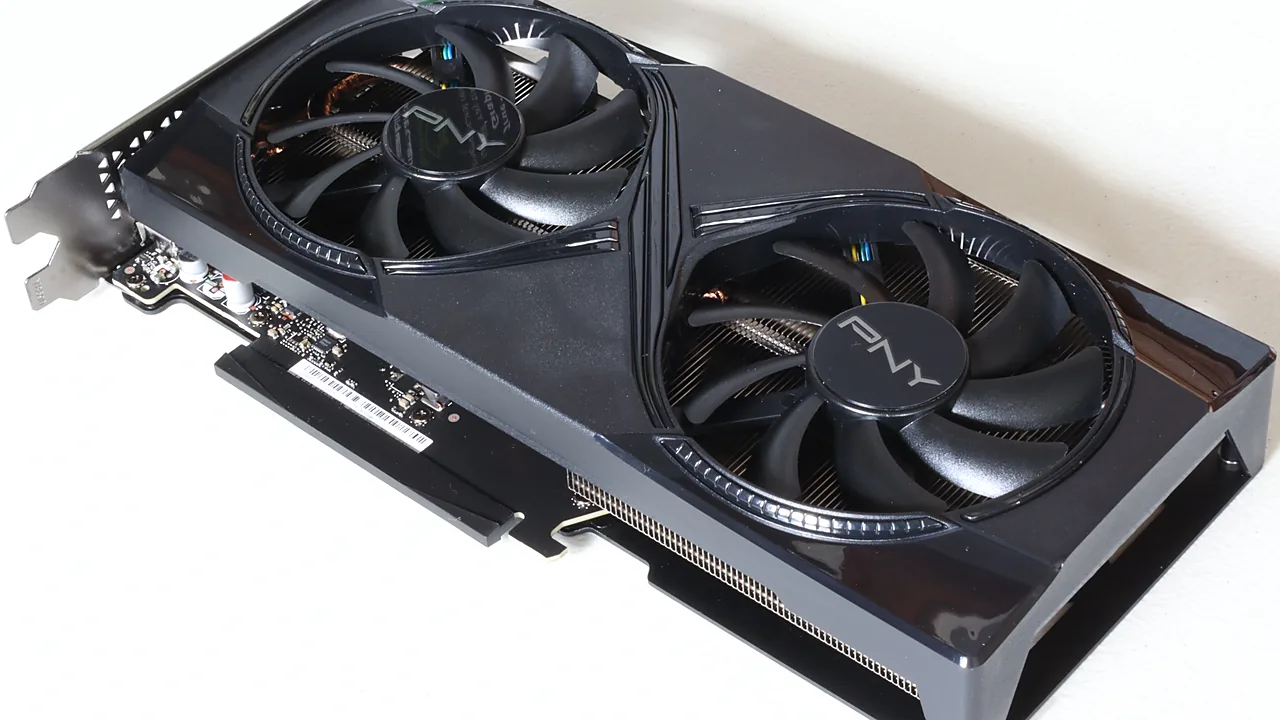
Install or update NVIDIA drivers the clean way: GeForce Experience is gone (NVIDIA App replaced it), plus fixes for black screens and failed installs.