Webcam Not Working on Windows 11: How to Fix It
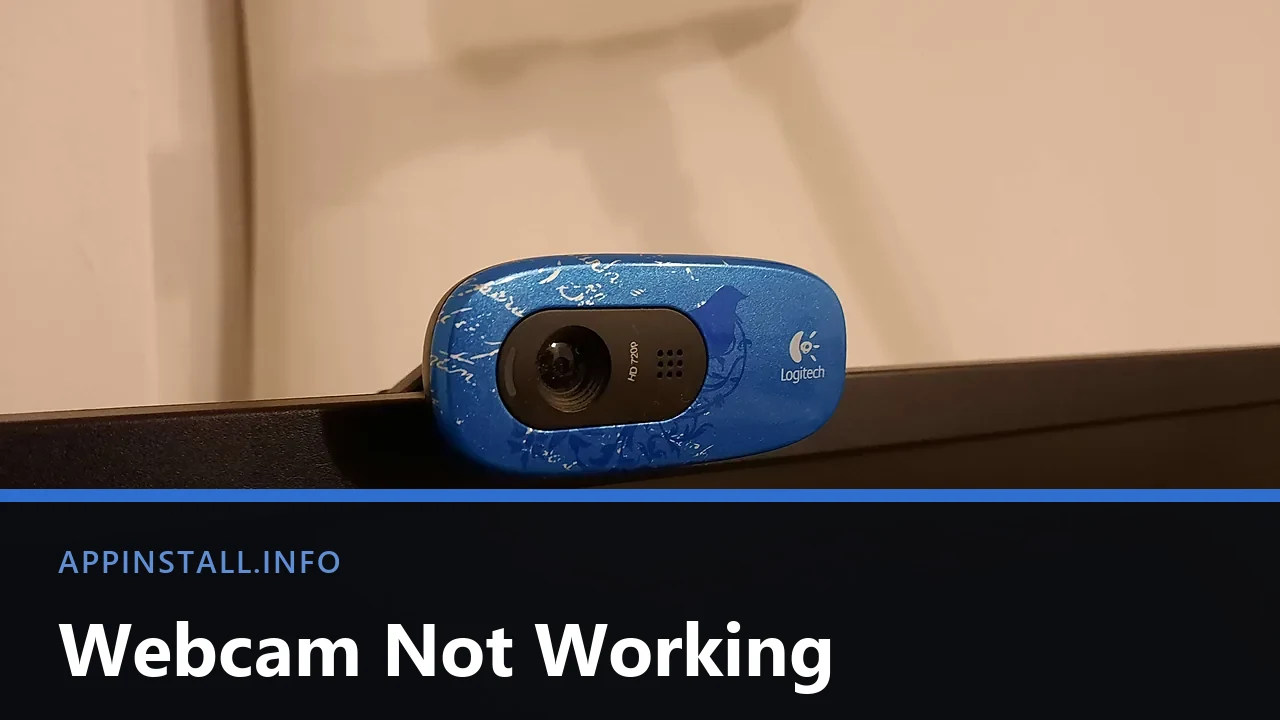
Webcam not working on Windows 11? Test it in the Camera app, check the shutter, then the three stacked camera permissions and the app still holding it.
Webcam not working on Windows 11? Test it in the Camera app, check the shutter, then the three stacked camera permissions and the app still holding it.
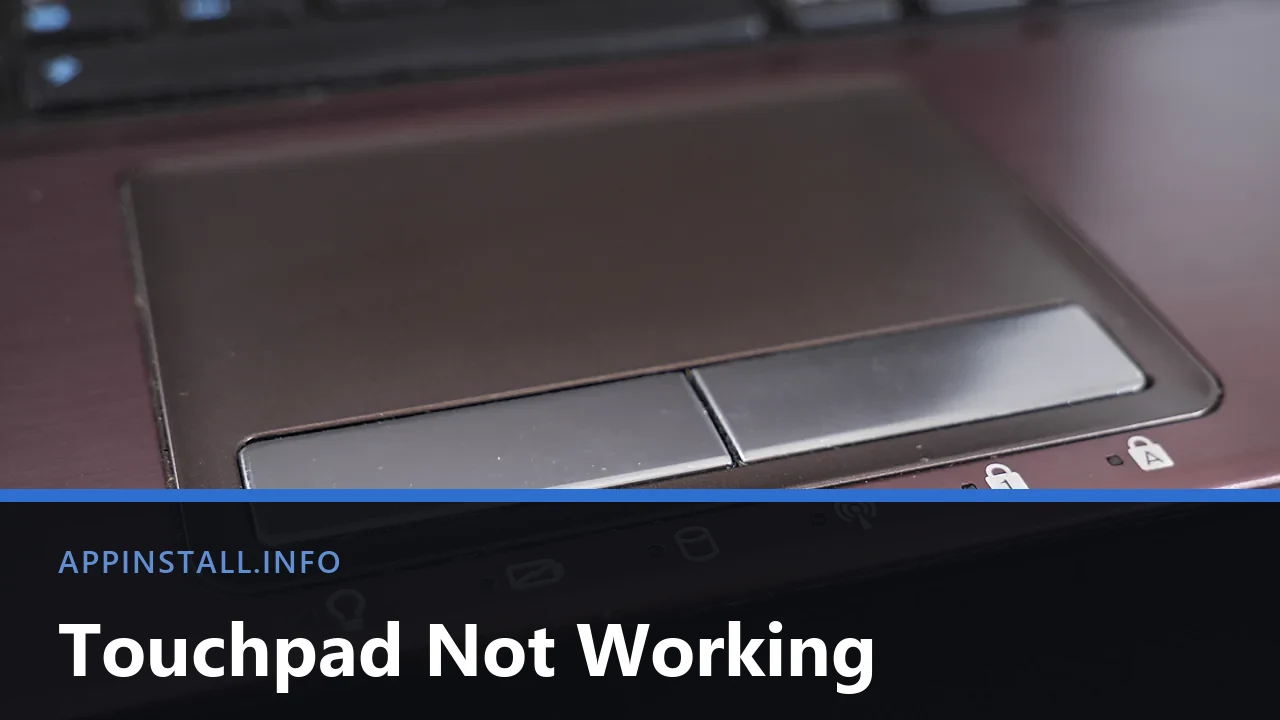
Touchpad not working on Windows 11? Check the Fn key, the corner tap and the Settings toggle, then the mouse rule and the driver, in that order.
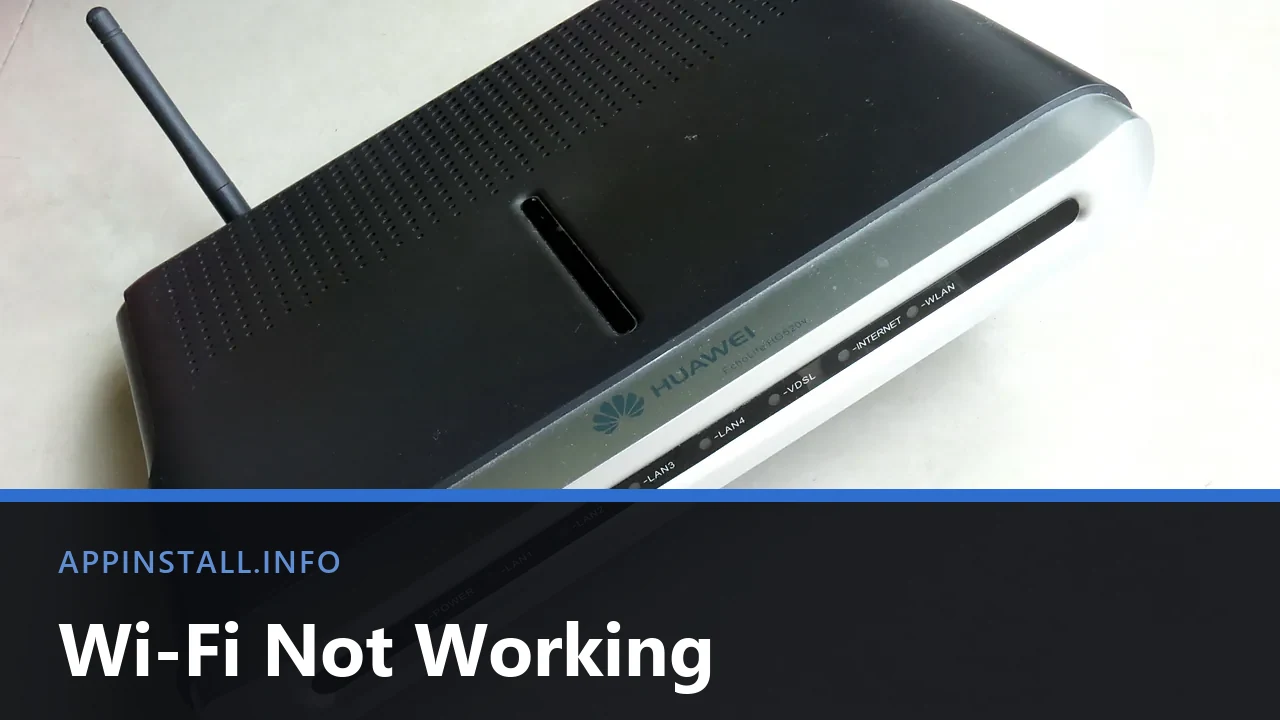
Wi-Fi not working on Windows 11? Split the fault with a phone test, bring back a missing adapter, reset the network stack and stop it dropping after sleep.
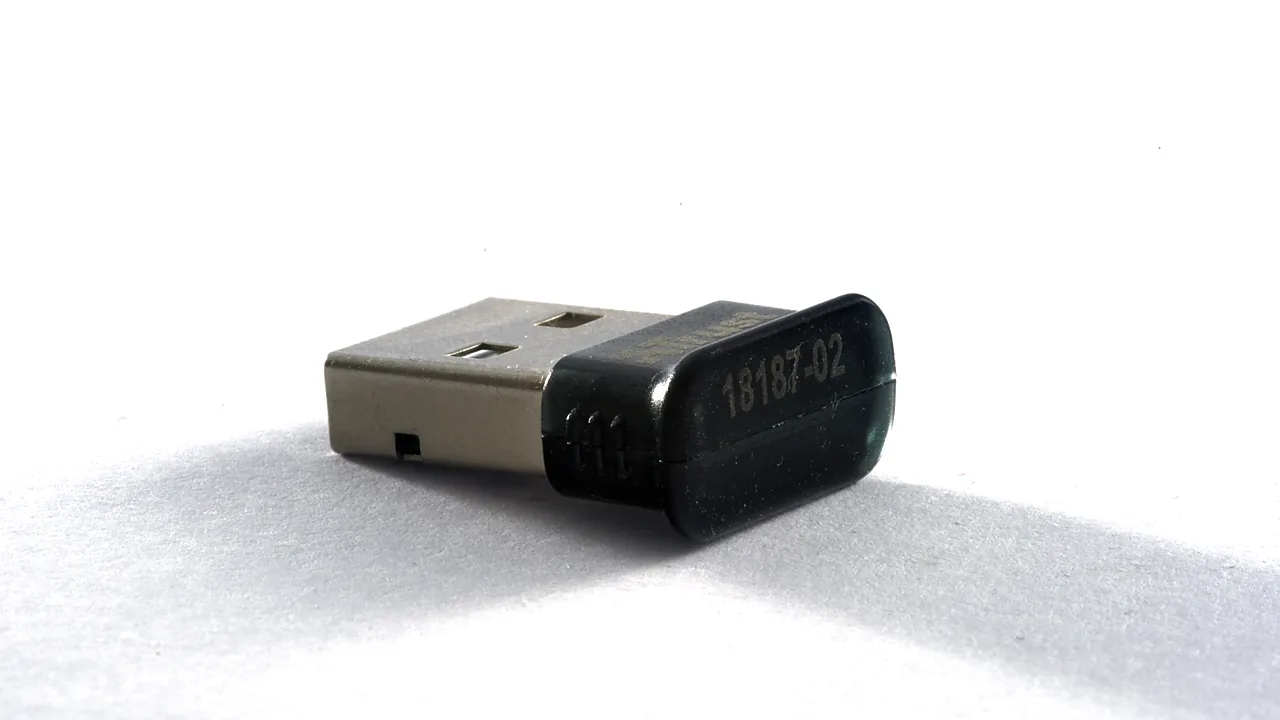
Bluetooth missing from Windows 11 Settings? Check the hardware, restart the Bluetooth Support Service, reinstall the driver, and stop it dropping out.