How to Create a Bootable USB With Ventoy
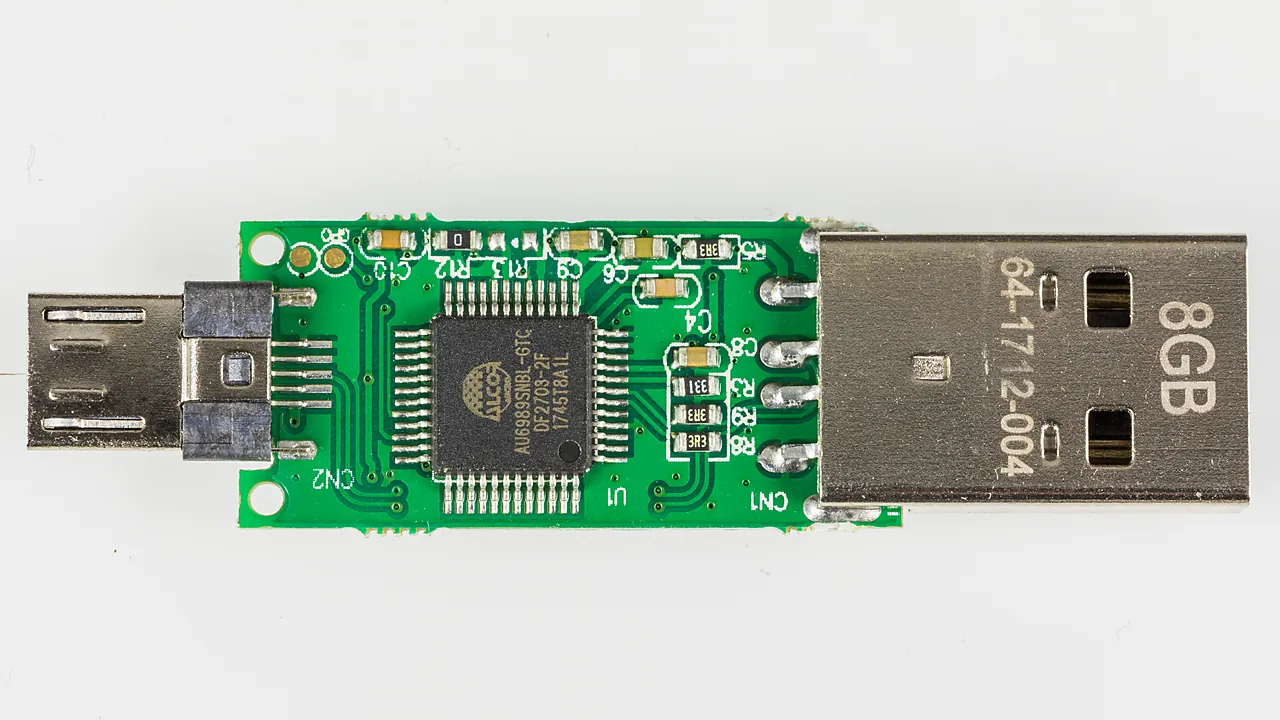
Create one bootable USB that holds several installers with Ventoy 1.1.17: install it, copy your ISOs, boot it, and clear the Secure Boot prompt.
Create one bootable USB that holds several installers with Ventoy 1.1.17: install it, copy your ISOs, boot it, and clear the Secure Boot prompt.
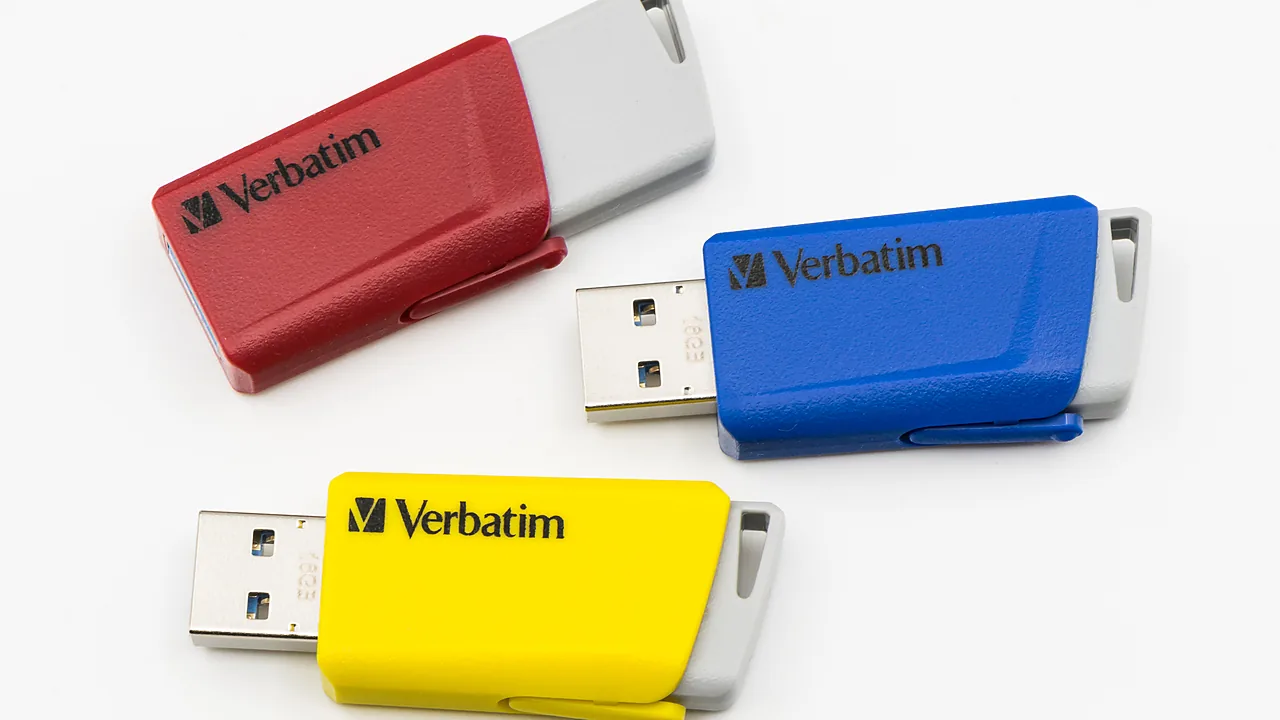
Download the official Windows 11 ISO (64-bit, version 26H2) from Microsoft, verify the file hash, and mount or write it to a USB drive safely.