Skip to content
App Install
  • Home
  • Software
  • Technology
  • Operating Systems
App Install
App Install

App Install

  • Home
  • Software
  • Technology
  • Operating Systems

7-Zip

How to Password-Protect a Zip File on Windows
September 27, 2026 by Allell
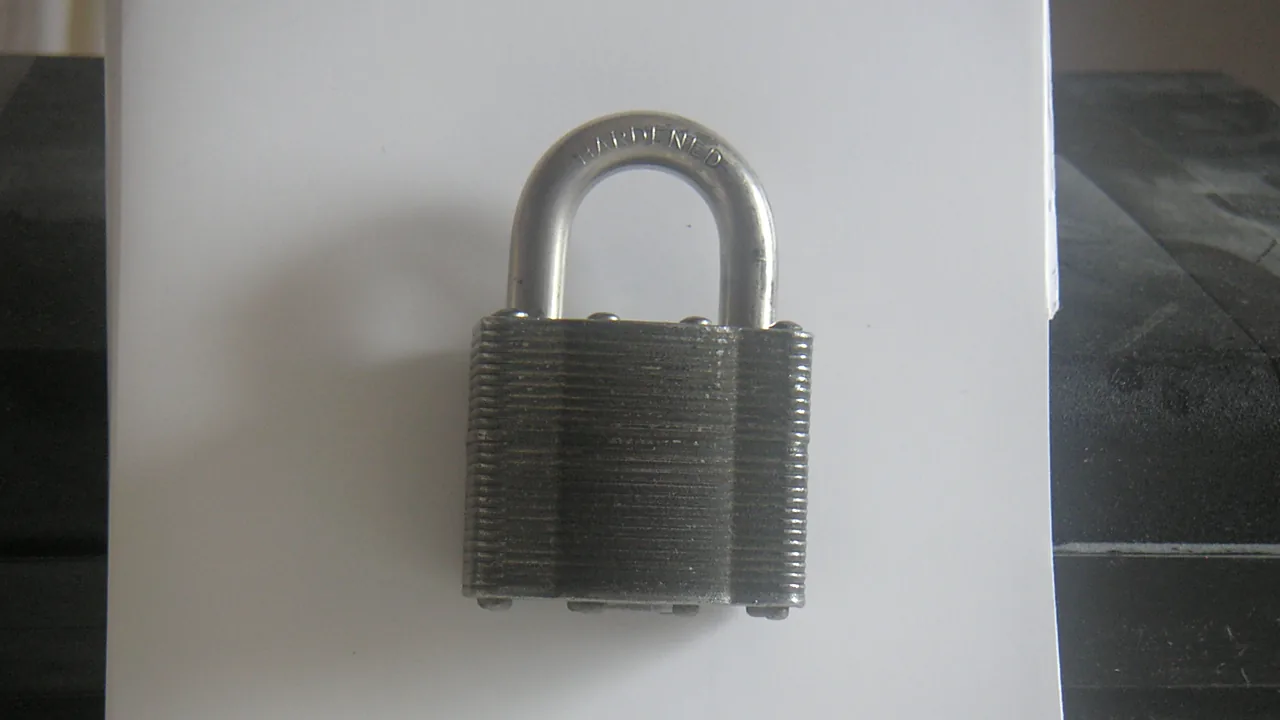
A laminated steel padlock, closed, on a white surface

Windows can’t password-protect a zip on its own. Use free 7-Zip with AES-256 to encrypt a zip or 7z file, and avoid the weak ZipCrypto option.
How to Open RAR Files on Windows (Free)

September 21, 2026 by Allell
SanDisk Memory Stick PRO 256MB storage card on a white background

Open RAR files on Windows for free: Windows 11 does it built-in, and 7-Zip handles the rest. Plus fixes for corrupt and multi-part RAR archives.
7-Zip vs WinRAR: Which Should You Install?

September 15, 2026 by Allell
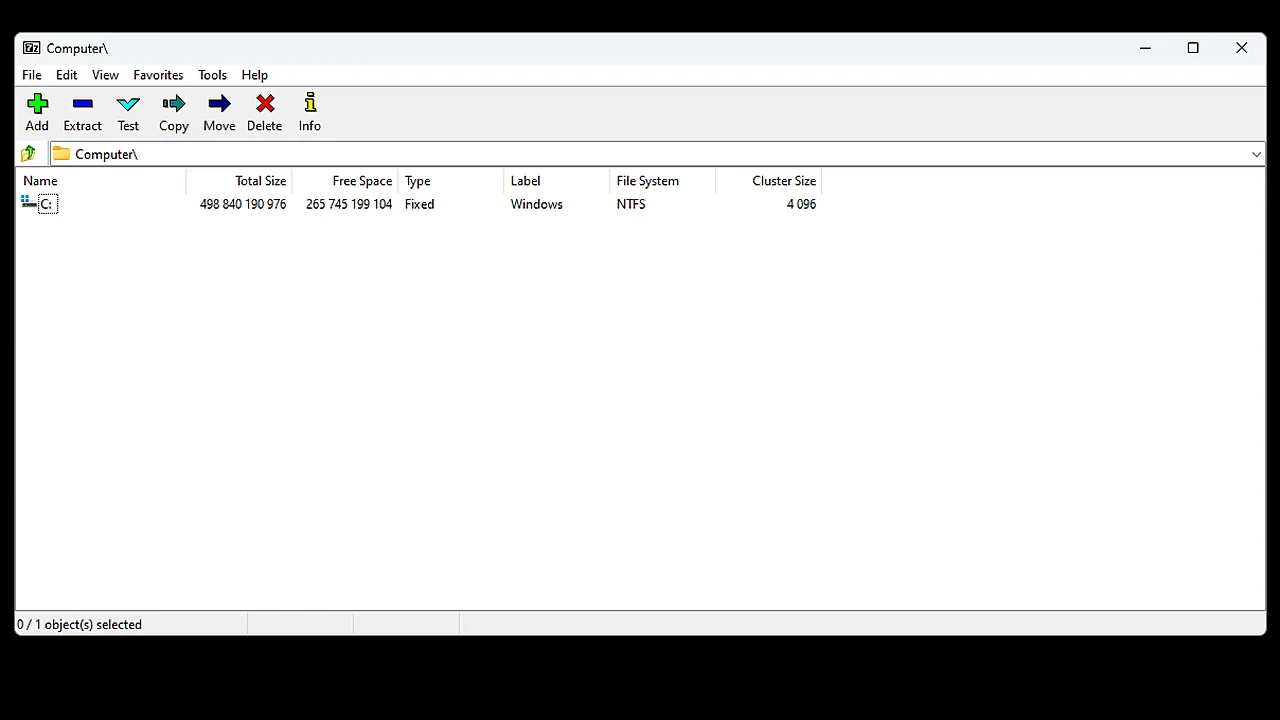
7-Zip file manager window on Windows showing the C: drive with size and file-system columns

7-Zip vs WinRAR compared: cost, compression, formats, and speed. Which file archiver to install on Windows – and when you need neither of them.

  • A white and black Acer wireless mouse resting on a sheet of paper, photographed close up, with the title Wireless Mouse Not Working across the lower part of the image.
    Wireless Mouse Not Working on Windows 11: How to Fix It
  • A silver USB-C dock with two USB-C ports, a blue USB-A port and SD card slots, photographed on a plain background, with the title Dock Not Working across the lower part of the image.
    USB-C Dock or Hub Not Working on Windows 11
  • A Samsung PRO Plus 256 GB SD card resting on the palm rest of a laptop beside the keyboard and touchpad, with the title SD Card Not Reading across the lower part of the image.
    SD Card Not Reading on Windows 11: How to Fix It
  • A blue LaCie portable hard drive with its USB cable wrapped around the casing, on a white background, with the title Drive Not Showing Up across the lower part of the image.
    External Hard Drive Not Showing Up on Windows 11
  • About Us
  • Contact
  • Privacy Policy
  • Terms of Use
Appinstall Copyright © 2026.