Skip to content
App Install
  • Home
  • Software
  • Technology
  • Operating Systems
App Install
App Install

App Install

  • Home
  • Software
  • Technology
  • Operating Systems

WhatsApp

How to Download and Install WhatsApp on PC
September 24, 2026 by Allell
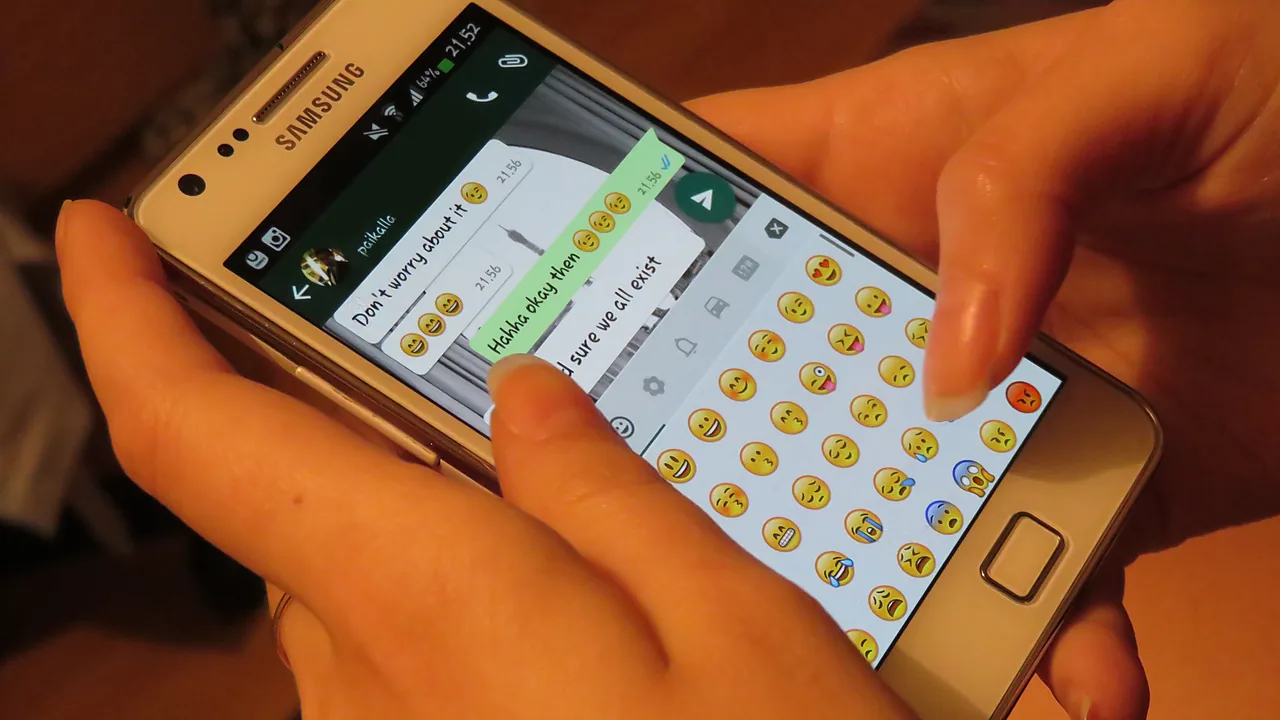
Hands holding a Samsung phone showing a WhatsApp chat with the emoji keyboard open

Install WhatsApp on your Windows PC from the Microsoft Store, link it to your phone with a QR code, and fix the common scan and notification problems.

  • A Dell laptop showing the Windows blue screen with a sad face, the message that the device ran into a problem and needs to restart, and the title Catch The Stop Code across the lower part of the image.
    Blue Screen on Windows 11: How to Fix It
  • Top-down photo of a black Xbox wireless controller resting on a granite surface, with the title The Game Can't See It across the lower part of the image.
    Controller Not Working on PC: How to Fix It
  • Close-up of a black handheld USB microphone on a white background, with the title No One Can Hear You across the lower part of the image.
    Microphone Not Working on Windows 11: How to Fix It
  • Three USB-A cables in pink, black and green lying side by side on a white surface, with the title Cable Charges, No Data across the lower part of the image.
    Phone Charges but Won’t Show Up on Your PC
  • About Us
  • Contact
  • Privacy Policy
  • Terms of Use
Appinstall Copyright © 2026.