Skip to content
App Install
  • Home
  • Software
  • Technology
  • Operating Systems
App Install
App Install

App Install

  • Home
  • Software
  • Technology
  • Operating Systems

Ventoy

How to Create a Bootable USB With Ventoy
October 5, 2026 by Allell
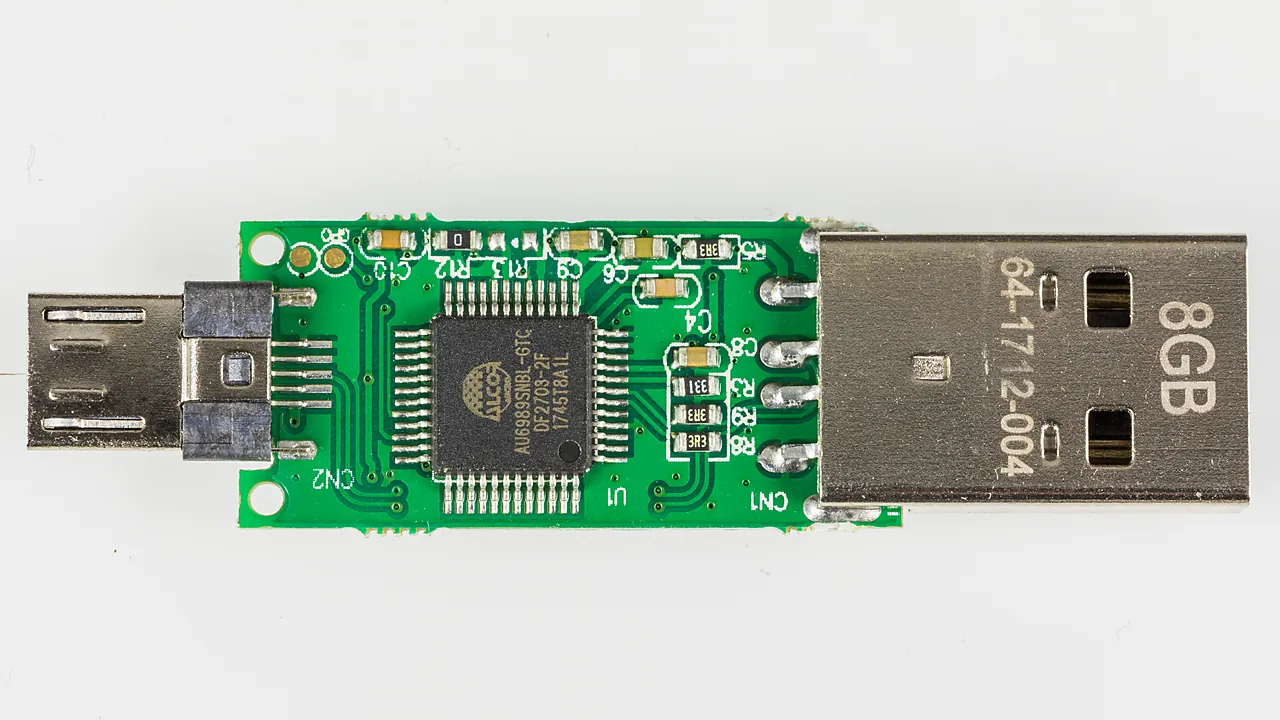
An 8 GB USB flash drive with its casing removed, exposing the controller chip and USB-A plug

Create one bootable USB that holds several installers with Ventoy 1.1.17: install it, copy your ISOs, boot it, and clear the Secure Boot prompt.

  • An 8 GB USB flash drive with its casing removed, exposing the controller chip and USB-A plug
    How to Create a Bootable USB With Ventoy
  • Three Verbatim Store n Click USB flash drives in red, blue and yellow
    How to Download the Windows 11 ISO (64-bit)
  • ThinkPad UEFI setup screen showing the Boot menu with UEFI/Legacy Boot and CSM Support
    How to Enable Secure Boot for Windows 11
  • Discrete TPM 2.0 module with an Infineon SLB9665 chip and a 20-pin header
    How to Check and Enable TPM 2.0 on Windows 11
  • About Us
  • Contact
  • Privacy Policy
  • Terms of Use
Appinstall Copyright © 2026.