Skip to content
App Install
  • Home
  • Software
  • Technology
  • Operating Systems
App Install
App Install

App Install

  • Home
  • Software
  • Technology
  • Operating Systems

Secure Boot

How to Enable Secure Boot for Windows 11
October 3, 2026 by Allell
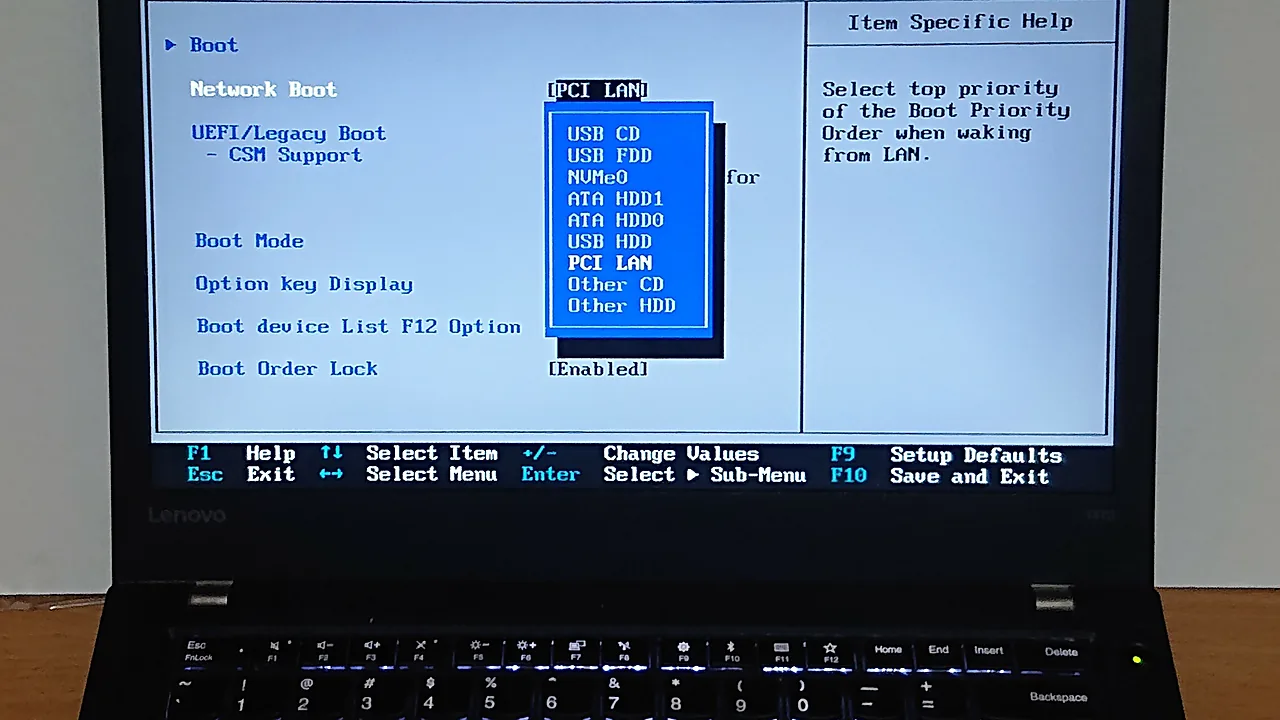
ThinkPad UEFI setup screen showing the Boot menu with UEFI/Legacy Boot and CSM Support

Enable Secure Boot for Windows 11 without breaking the boot: check BIOS mode first, convert MBR to GPT if needed, and fix a greyed-out setting.

  • ThinkPad UEFI setup screen showing the Boot menu with UEFI/Legacy Boot and CSM Support
    How to Enable Secure Boot for Windows 11
  • Discrete TPM 2.0 module with an Infineon SLB9665 chip and a 20-pin header
    How to Check and Enable TPM 2.0 on Windows 11
  • Rows of bronze Chinese movable-type printing blocks on red felt
    How to Install Fonts on Windows 11
  • A grey Samsung solid state drive (SSD) showing the Samsung logo
    How to Free Up Disk Space on Windows 11
  • About Us
  • Contact
  • Privacy Policy
  • Terms of Use
Appinstall Copyright © 2026.