Skip to content
App Install
  • Home
  • Software
  • Technology
  • Operating Systems
App Install
App Install

App Install

  • Home
  • Software
  • Technology
  • Operating Systems

Peripherals

USB-C Dock or Hub Not Working on Windows 11
October 26, 2026 by Allell
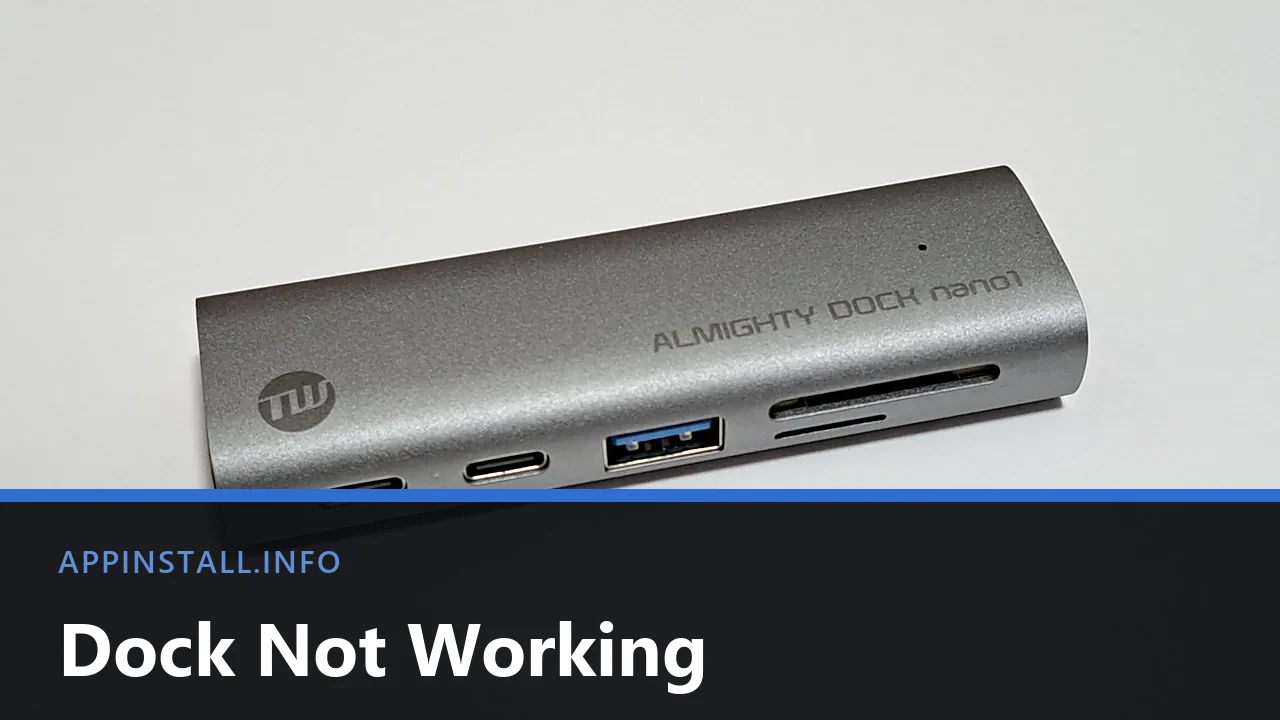
A silver USB-C dock with two USB-C ports, a blue USB-A port and SD card slots, photographed on a plain background, with the title Dock Not Working across the lower part of the image.

USB-C dock not working? Everything failing at once points to one fault. Check the port symbol, the dock’s own power, and whether it needs its own driver.

  • A silver USB-C dock with two USB-C ports, a blue USB-A port and SD card slots, photographed on a plain background, with the title Dock Not Working across the lower part of the image.
    USB-C Dock or Hub Not Working on Windows 11
  • A Samsung PRO Plus 256 GB SD card resting on the palm rest of a laptop beside the keyboard and touchpad, with the title SD Card Not Reading across the lower part of the image.
    SD Card Not Reading on Windows 11: How to Fix It
  • A blue LaCie portable hard drive with its USB cable wrapped around the casing, on a white background, with the title Drive Not Showing Up across the lower part of the image.
    External Hard Drive Not Showing Up on Windows 11
  • A blue Logitech webcam clipped to the top edge of a monitor, lens and microphone grille visible, with the title Webcam Not Working across the lower part of the image.
    Webcam Not Working on Windows 11: How to Fix It
  • About Us
  • Contact
  • Privacy Policy
  • Terms of Use
Appinstall Copyright © 2026.