Skip to content
App Install
  • Home
  • Software
  • Technology
  • Operating Systems
App Install
App Install

App Install

  • Home
  • Software
  • Technology
  • Operating Systems

package manager

How to Install Software Fast on Windows With Winget
September 22, 2026September 12, 2026 by Allell
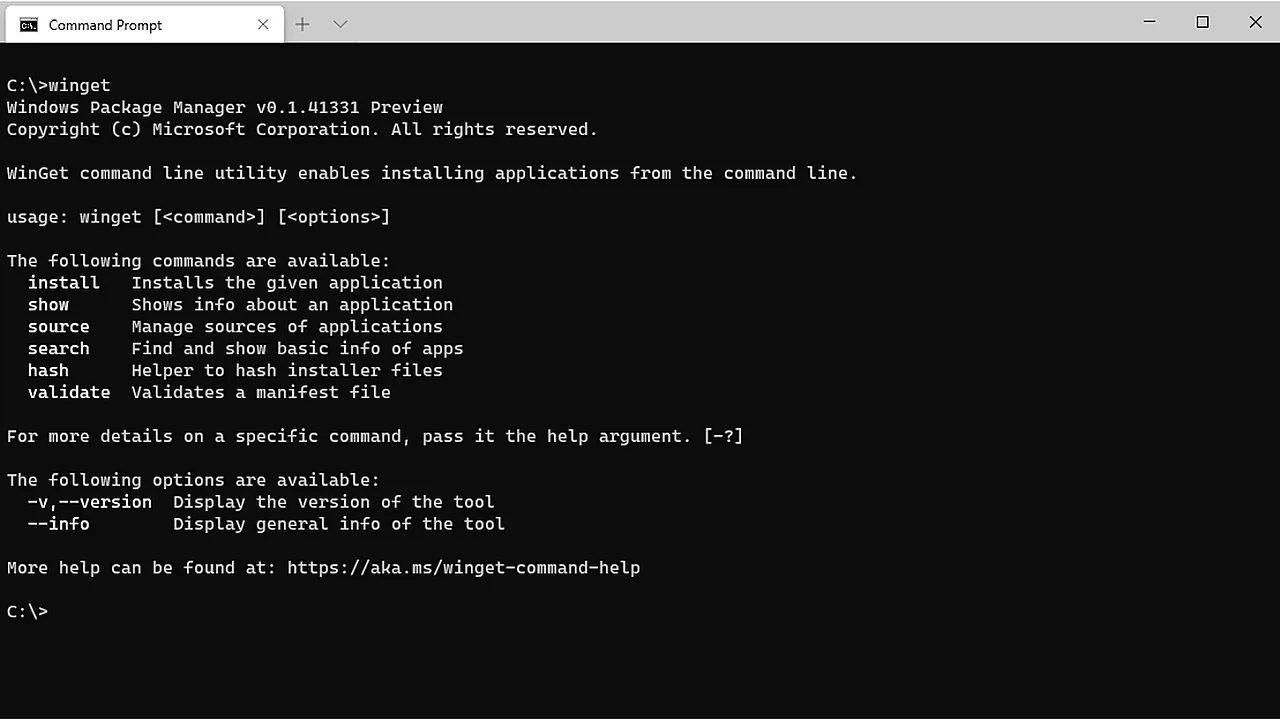
winget command help output in a Windows Command Prompt window, listing install, show, source, search commands

Winget is built into Windows 10 and 11: install, upgrade, and remove software from one command line, with no download portals or bundled extras.

  • A white and black Acer wireless mouse resting on a sheet of paper, photographed close up, with the title Wireless Mouse Not Working across the lower part of the image.
    Wireless Mouse Not Working on Windows 11: How to Fix It
  • A silver USB-C dock with two USB-C ports, a blue USB-A port and SD card slots, photographed on a plain background, with the title Dock Not Working across the lower part of the image.
    USB-C Dock or Hub Not Working on Windows 11
  • A Samsung PRO Plus 256 GB SD card resting on the palm rest of a laptop beside the keyboard and touchpad, with the title SD Card Not Reading across the lower part of the image.
    SD Card Not Reading on Windows 11: How to Fix It
  • A blue LaCie portable hard drive with its USB cable wrapped around the casing, on a white background, with the title Drive Not Showing Up across the lower part of the image.
    External Hard Drive Not Showing Up on Windows 11
  • About Us
  • Contact
  • Privacy Policy
  • Terms of Use
Appinstall Copyright © 2026.