Skip to content
App Install
  • Home
  • Software
  • Technology
  • Operating Systems
App Install
App Install

App Install

  • Home
  • Software
  • Technology
  • Operating Systems

Webcam

Webcam Not Working on Windows 11: How to Fix It
October 23, 2026 by Allell
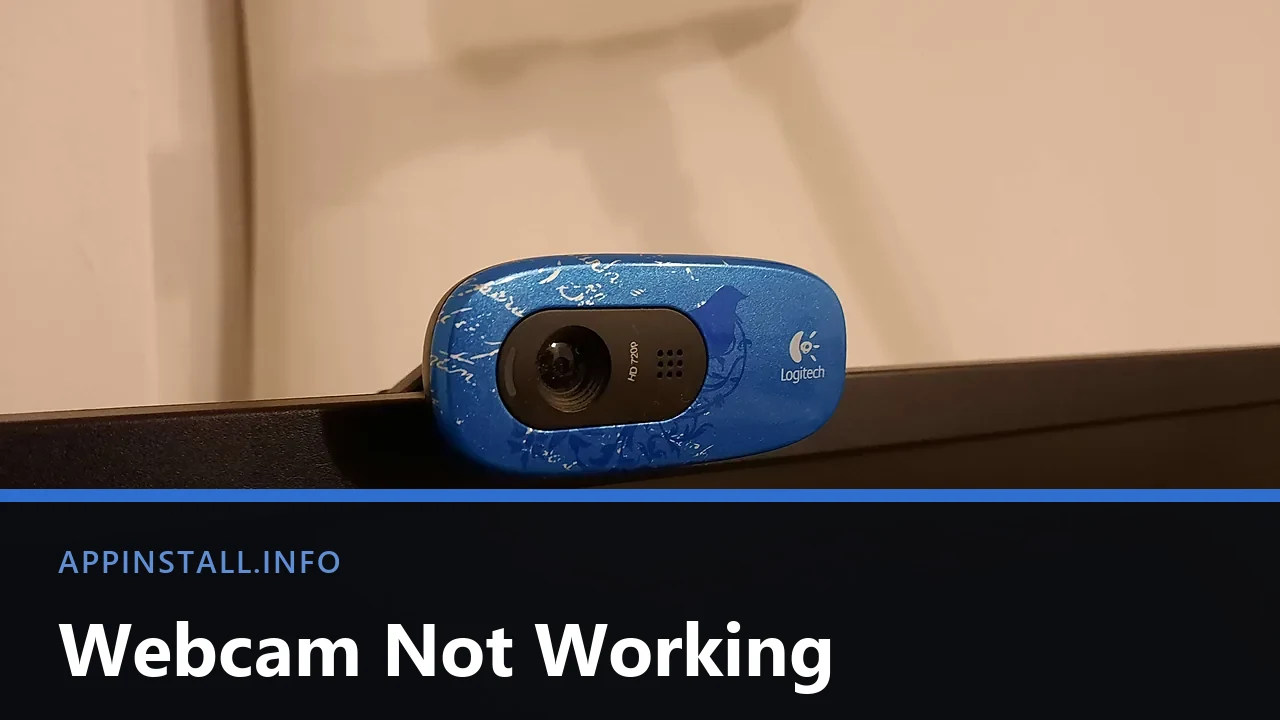
A blue Logitech webcam clipped to the top edge of a monitor, lens and microphone grille visible, with the title Webcam Not Working across the lower part of the image.

Webcam not working on Windows 11? Test it in the Camera app, check the shutter, then the three stacked camera permissions and the app still holding it.

  • A blue Logitech webcam clipped to the top edge of a monitor, lens and microphone grille visible, with the title Webcam Not Working across the lower part of the image.
    Webcam Not Working on Windows 11: How to Fix It
  • Close-up of a laptop touchpad and its two physical buttons, with the keyboard edge above, and the title Touchpad Not Working across the lower part of the image.
    Touchpad Not Working on Windows 11: How to Fix It
  • A laptop motherboard with its blower fan and copper heat-pipe radiator still attached, with the title Laptop Overheating across the lower part of the image.
    Laptop Overheating on Windows 11: Causes and Fixes
  • The left edge of an Acer Swift 3 laptop showing its barrel power socket, HDMI, USB-A and a USB-C port marked with a lightning bolt, with the title Battery Not Charging across the lower part of the image.
    Laptop Battery Not Charging on Windows 11: How to Fix It
  • About Us
  • Contact
  • Privacy Policy
  • Terms of Use
Appinstall Copyright © 2026.