Skip to content
App Install
  • Home
  • Software
  • Technology
  • Operating Systems
App Install
App Install

App Install

  • Home
  • Software
  • Technology
  • Operating Systems

Task Manager

How to Check Your PC Specs and Hardware on Windows 11
October 17, 2026 by Allell
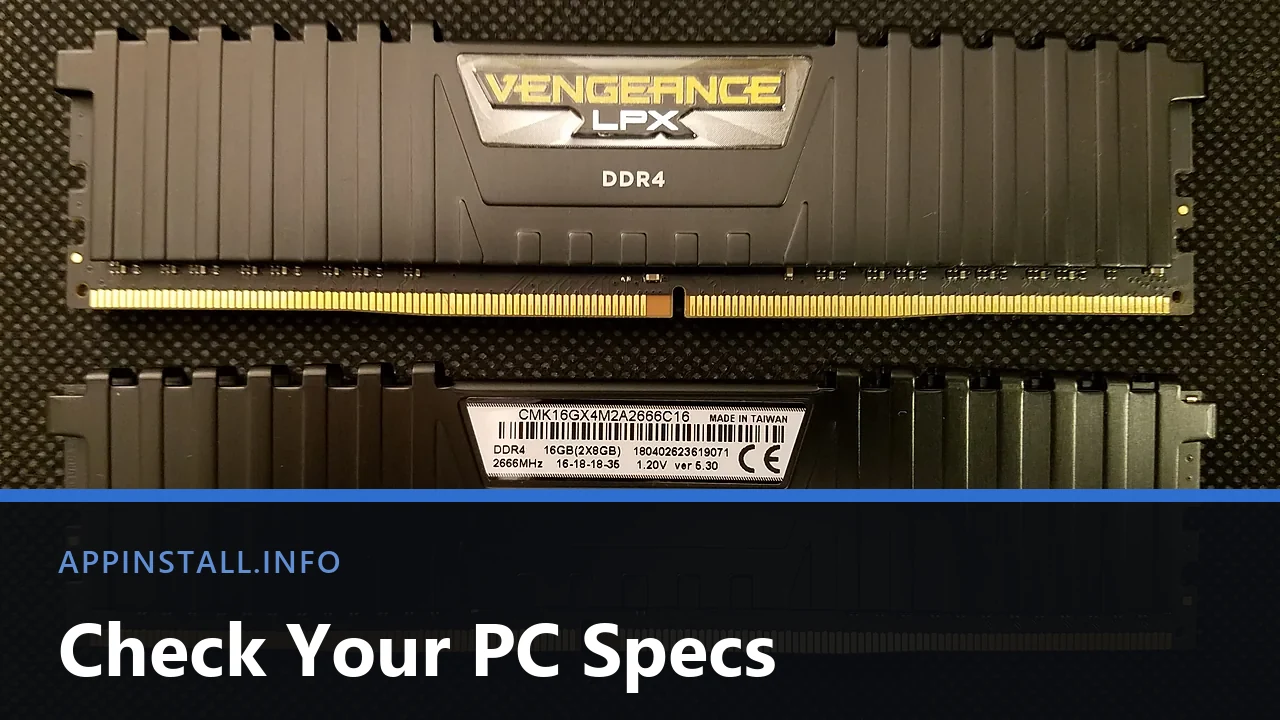
Two Corsair Vengeance LPX DDR4 memory modules side by side, one showing its 16GB 2666MHz specification label, with the title Check Your PC Specs across the lower part of the image.

Check your PC specs on Windows 11 in Settings, then read Task Manager, dxdiag and msinfo32 for the graphics card, the disk type and free memory slots.

  • Two Corsair Vengeance LPX DDR4 memory modules side by side, one showing its 16GB 2666MHz specification label, with the title Check Your PC Specs across the lower part of the image.
    How to Check Your PC Specs and Hardware on Windows 11
  • Two dark Dell monitors side by side on a home-office desk, with the title Second Monitor Not Detected across the lower part of the image.
    Fix a Second Monitor Not Detected on Windows 11
  • A Brother DCP-115C all-in-one printer photographed on a white surface, with the title Scan Documents to Your PC across the lower part of the image.
    How to Scan a Document to Your Computer in Windows 11
  • Close-up of the T, Y, U, I, O and G, H, J, K keys on a black keyboard, with the title Keyboard Types Wrong Characters across the lower part of the image.
    Why Your Keyboard Types the Wrong Characters
  • About Us
  • Contact
  • Privacy Policy
  • Terms of Use
Appinstall Copyright © 2026.