Skip to content
App Install
  • Home
  • Software
  • Technology
  • Operating Systems
App Install
App Install

App Install

  • Home
  • Software
  • Technology
  • Operating Systems

Mouse

Wireless Mouse Not Working on Windows 11: How to Fix It
October 27, 2026 by Allell
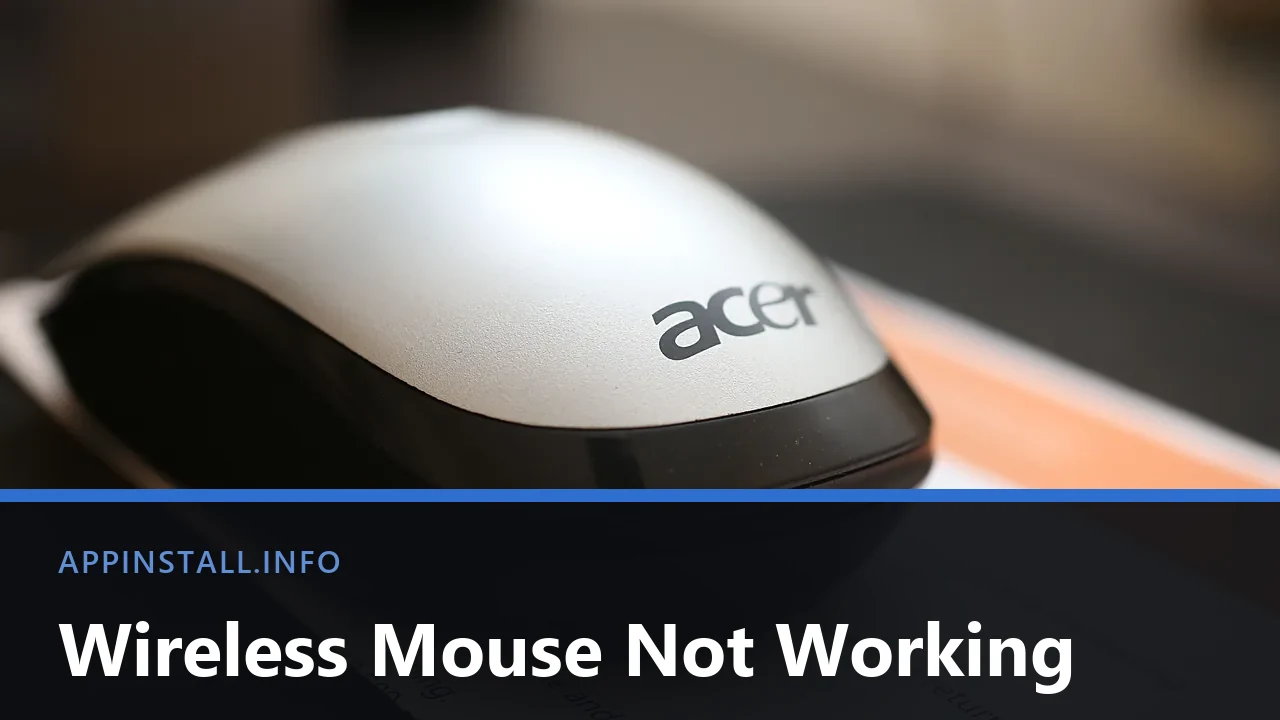
A white and black Acer wireless mouse resting on a sheet of paper, photographed close up, with the title Wireless Mouse Not Working across the lower part of the image.

Wireless mouse not working? Change the batteries, find the switch underneath, then fix it as a USB receiver or a Bluetooth mouse, because the two differ.

  • A white and black Acer wireless mouse resting on a sheet of paper, photographed close up, with the title Wireless Mouse Not Working across the lower part of the image.
    Wireless Mouse Not Working on Windows 11: How to Fix It
  • A silver USB-C dock with two USB-C ports, a blue USB-A port and SD card slots, photographed on a plain background, with the title Dock Not Working across the lower part of the image.
    USB-C Dock or Hub Not Working on Windows 11
  • A Samsung PRO Plus 256 GB SD card resting on the palm rest of a laptop beside the keyboard and touchpad, with the title SD Card Not Reading across the lower part of the image.
    SD Card Not Reading on Windows 11: How to Fix It
  • A blue LaCie portable hard drive with its USB cable wrapped around the casing, on a white background, with the title Drive Not Showing Up across the lower part of the image.
    External Hard Drive Not Showing Up on Windows 11
  • About Us
  • Contact
  • Privacy Policy
  • Terms of Use
Appinstall Copyright © 2026.