Skip to content
App Install
  • Home
  • Software
  • Technology
  • Operating Systems
App Install
App Install

App Install

  • Home
  • Software
  • Technology
  • Operating Systems

Camera

Webcam Not Working on Windows 11: How to Fix It
October 29, 2026October 23, 2026 by Allell
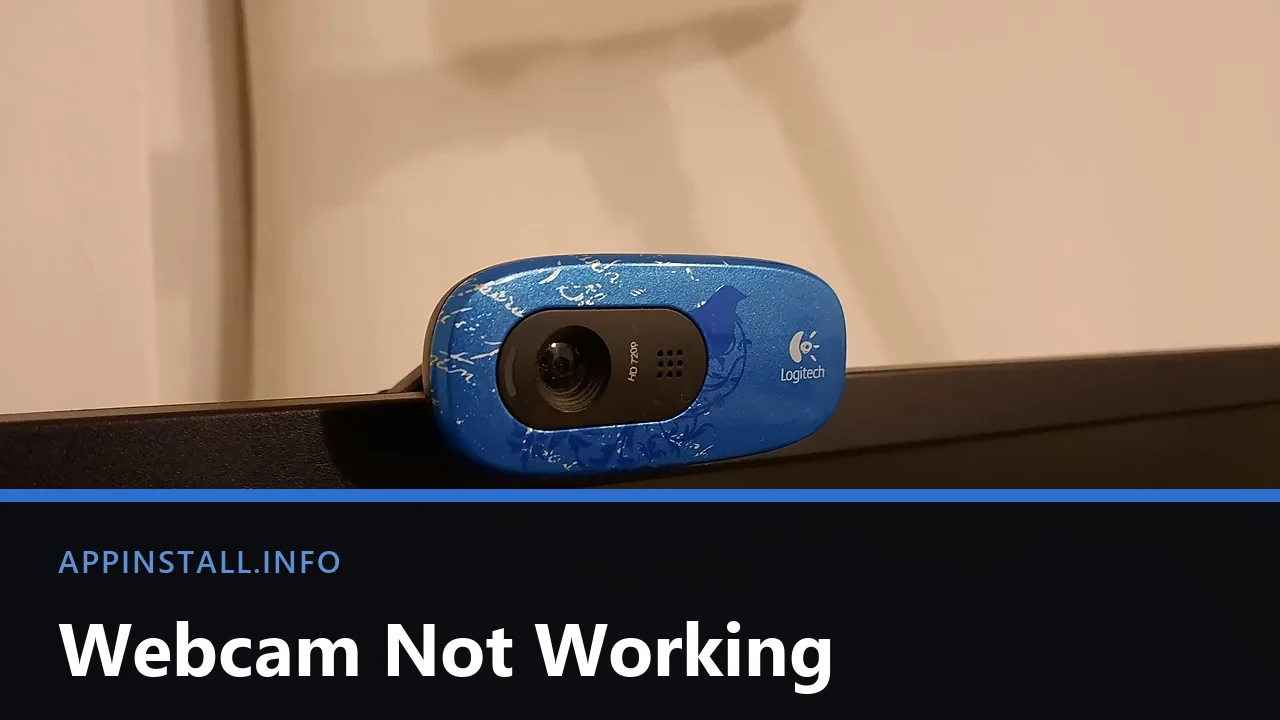
A blue Logitech webcam clipped to the top edge of a monitor, lens and microphone grille visible, with the title Webcam Not Working across the lower part of the image.

Webcam not working on Windows 11? Test it in the Camera app, check the shutter, then the three stacked camera permissions and the app still holding it.

  • A Dell laptop showing the Windows blue screen with a sad face, the message that the device ran into a problem and needs to restart, and the title Catch The Stop Code across the lower part of the image.
    Blue Screen on Windows 11: How to Fix It
  • Top-down photo of a black Xbox wireless controller resting on a granite surface, with the title The Game Can't See It across the lower part of the image.
    Controller Not Working on PC: How to Fix It
  • Close-up of a black handheld USB microphone on a white background, with the title No One Can Hear You across the lower part of the image.
    Microphone Not Working on Windows 11: How to Fix It
  • Three USB-A cables in pink, black and green lying side by side on a white surface, with the title Cable Charges, No Data across the lower part of the image.
    Phone Charges but Won’t Show Up on Your PC
  • About Us
  • Contact
  • Privacy Policy
  • Terms of Use
Appinstall Copyright © 2026.