Skip to content
App Install
  • Home
  • Software
  • Technology
  • Operating Systems
App Install
App Install

App Install

  • Home
  • Software
  • Technology
  • Operating Systems

Remote Access

AnyDesk vs TeamViewer: Which Should You Use?

September 23, 2026 by Allell
A woman smiling at a laptop during a video call in a wooden cabin

AnyDesk vs TeamViewer compared for free personal use: device limits, commercial-use detection, speed, and which remote desktop tool fits you.
Remote Utilities: Download, Setup, and Free License

September 13, 2026August 11, 2022 by Allellpro
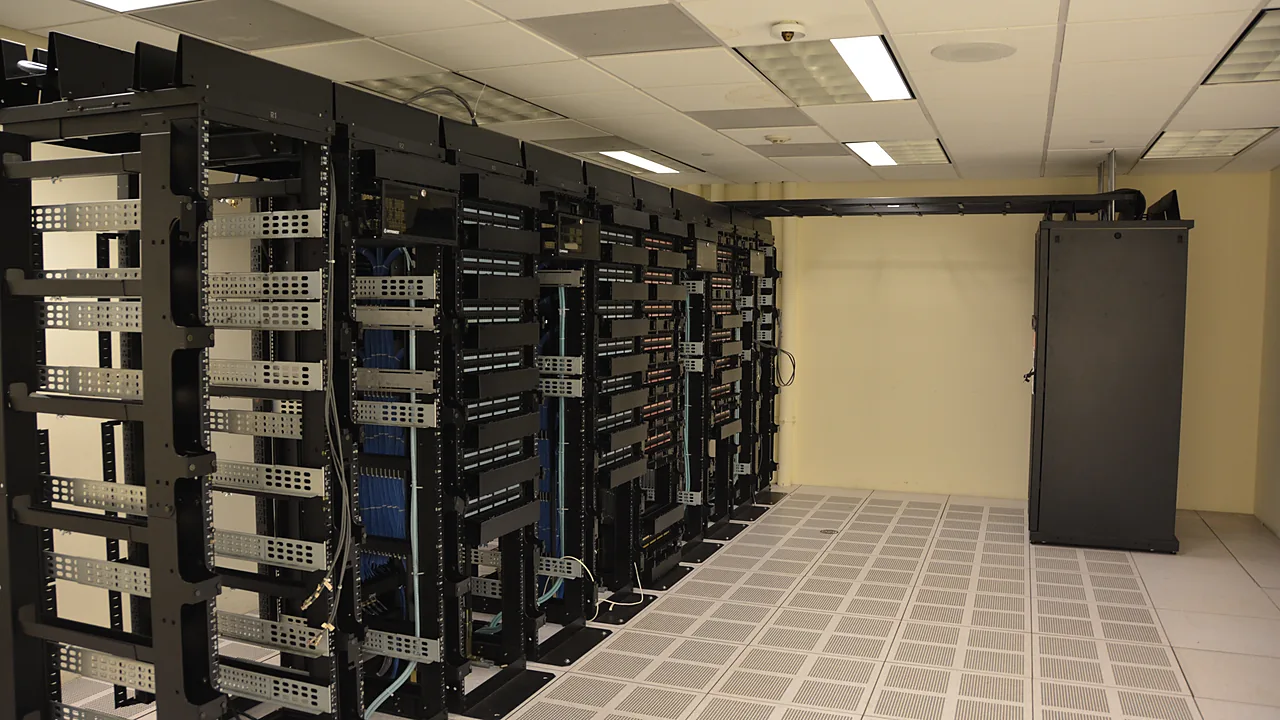
Rows of open server racks with network cabling in a data center room

How to set up Remote Utilities: Viewer, Host, and Agent explained, the free 10-computer license, and fixes for antivirus and connection issues.
Chrome Remote Desktop: Setup and Troubleshooting

September 13, 2026August 11, 2022 by Allellpro
Closed Acer Chromebook showing the Chrome logo, seen from above

Set up Chrome Remote Desktop from remotedesktop.google.com, fix hosts that show offline, reset your PIN, and know the tool’s real limits.
Microsoft Remote Desktop in 2026: What to Use Now

September 12, 2026August 8, 2022 by Allellpro
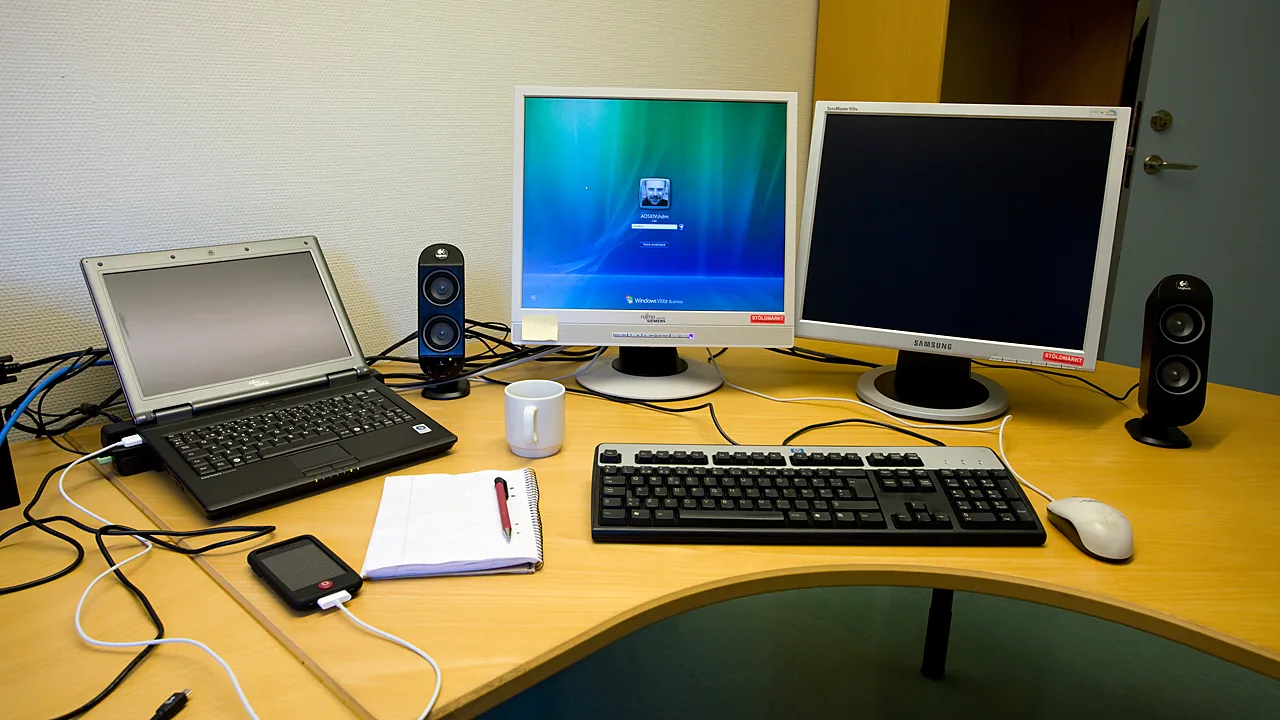
Office desk with a laptop, keyboard, and two monitors, one showing a Windows login screen

The Remote Desktop app is discontinued. What still works in 2026: built-in mstsc, the Windows App, and how to enable and fix remote connections.

  • A Dell laptop showing the Windows blue screen with a sad face, the message that the device ran into a problem and needs to restart, and the title Catch The Stop Code across the lower part of the image.
    Blue Screen on Windows 11: How to Fix It
  • Top-down photo of a black Xbox wireless controller resting on a granite surface, with the title The Game Can't See It across the lower part of the image.
    Controller Not Working on PC: How to Fix It
  • Close-up of a black handheld USB microphone on a white background, with the title No One Can Hear You across the lower part of the image.
    Microphone Not Working on Windows 11: How to Fix It
  • Three USB-A cables in pink, black and green lying side by side on a white surface, with the title Cable Charges, No Data across the lower part of the image.
    Phone Charges but Won’t Show Up on Your PC
  • About Us
  • Contact
  • Privacy Policy
  • Terms of Use
Appinstall Copyright © 2026.