Kodi turns almost any device into a media center for your own files — movies, series, music, photos — with library art, resume points, and remote control apps. It is free, open source, and available for practically everything with a screen. Two things decide whether your Kodi experience is good: installing the right version from the right place, and staying away from the “loaded” builds that get the software a bad name.
Last checked: September 2026. Current stable: Kodi 21.3 “Omega”; Kodi 22 “Piers” is in beta.
Which version?
Install 21.3, the maintained stable branch. Kodi 22 reached beta over the summer of 2026 — tempting, but betas are for testers; on the machine your family actually watches TV with, stability wins. When 22 goes final, Kodi updates cleanly in place and keeps your library.
Downloads per platform — kodi.tv only
- Windows: installer from kodi.tv/download, or the Microsoft Store build (same app, auto-updates).
- macOS: the .dmg from kodi.tv — pick the Apple Silicon build on M-series Macs.
- Android / Android TV: Google Play, or the APK from kodi.tv for boxes without Play.
- Linux: your distribution’s repo or Flatpak; kodi.tv lists the commands.
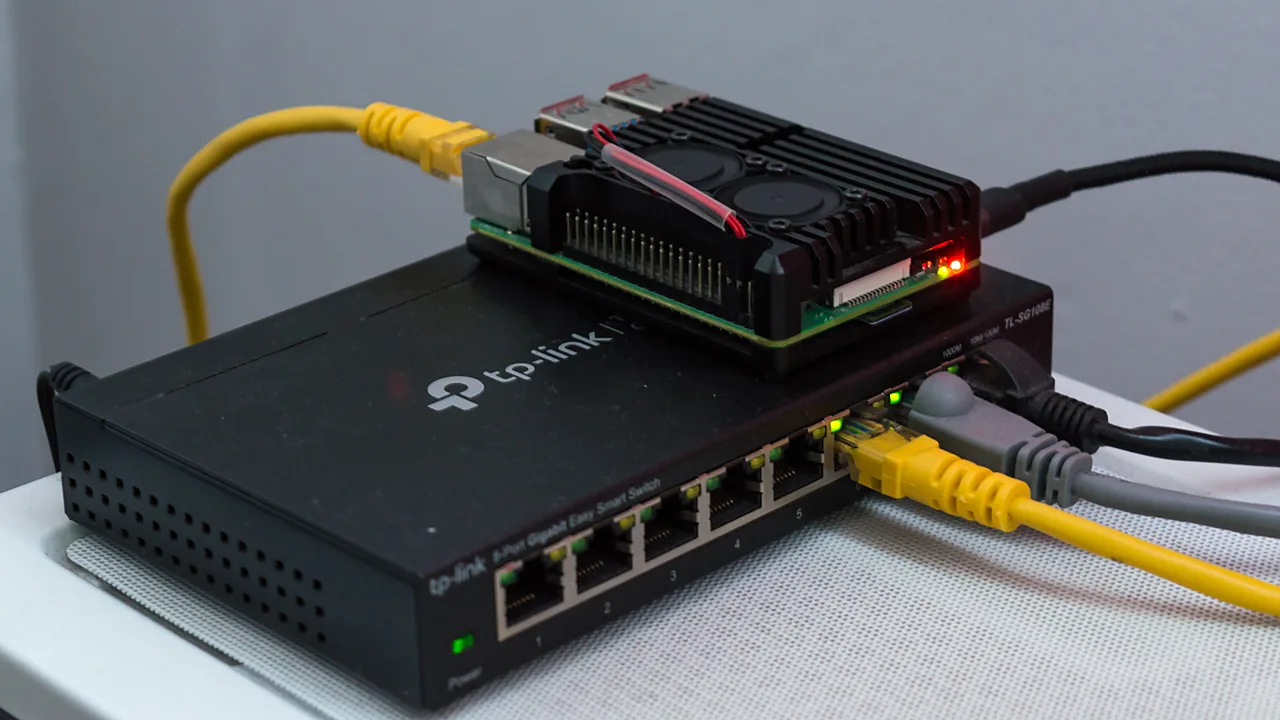
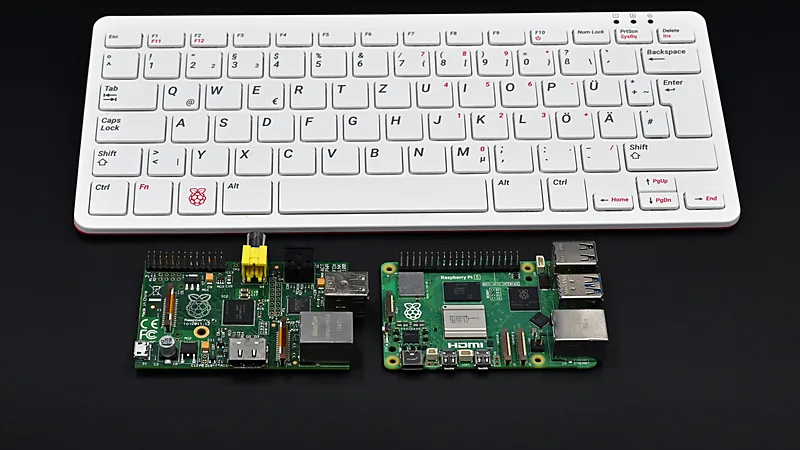
- Raspberry Pi: the pleasant surprise — a Pi 4 or Pi 5 runs Kodi beautifully via LibreELEC, a minimal OS that boots straight into Kodi. Flash it to an SD card, plug the Pi into the TV over HDMI, and you have a silent media center for the price of a pizza night.
First setup that pays off
- Add your media under Settings → Media → Library, pointing at folders (local disks, USB drives, or network shares via SMB/NFS).
- Name files sensibly (
Movie Title (Year).mkv; series asShow/Season 01/S01E01.mkv) — the scraper then fetches posters, plots, and cast automatically. - Install the Kore remote app (official, by the Kodi team) on your phone; it beats any TV remote.
- For subtitles, add a subtitle service from the official add-on repository that ships with Kodi.
Troubleshooting
- Crashes or a black screen at launch (Windows). Update the GPU driver first — Kodi leans on hardware acceleration. Still bad? Rename the userdata folder (
%APPDATA%\Kodi) to force a fresh start and re-add sources. - Stutter on high-bitrate files. Usually the network, not Kodi: wired beats Wi-Fi for 4K remuxes. On borderline hardware, allow adjusting refresh rate (Settings → Player → Videos) to cut judder.
- Library missed items. Check the naming pattern above; then Library → Update. Files the scraper can’t parse simply don’t appear — they aren’t lost, just unmatched.
- Buffering on network shares. Prefer NFS or wired SMB to Wi-Fi; if you must, increase Kodi’s cache via the official advancedsettings.xml documentation on the Kodi wiki rather than a random pasted config.
About “fully loaded” builds — a plain warning
Kodi itself is legal everywhere and contains nothing but a player. The pre-configured “builds” and third-party add-on repositories promising free everything are piracy layers strapped on top: they break constantly, some carry cryptominers, and they are the sole reason Kodi has a shady reputation. Install clean from kodi.tv, use the official repository, point it at media you own — that setup is fast, legal, and never mysteriously “stops working.”
FAQ
Is Kodi legal? Yes. Kodi itself is legal, open-source media-player software; only certain third-party add-ons raise legal issues.
Can it run on a Raspberry Pi? Yes. LibreELEC turns a Raspberry Pi 4 or Pi 5 into a dedicated, silent Kodi box.
Related on AppInstall.info: install apps cleanly with winget, and see the best utility software for your PC.
Featured image: Raspberry Pi — a favorite Kodi machine — Photo: RAIL P (FLUFFTECH.NET) / Wikimedia Commons, CC0